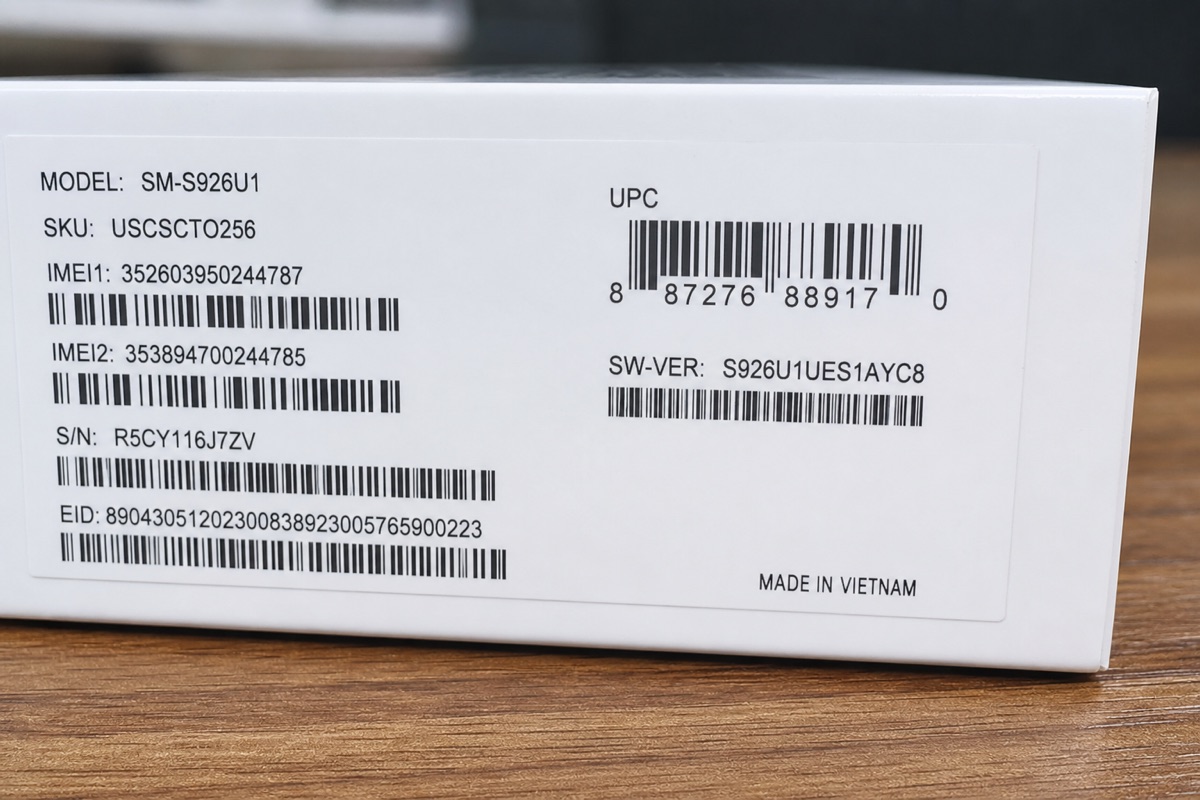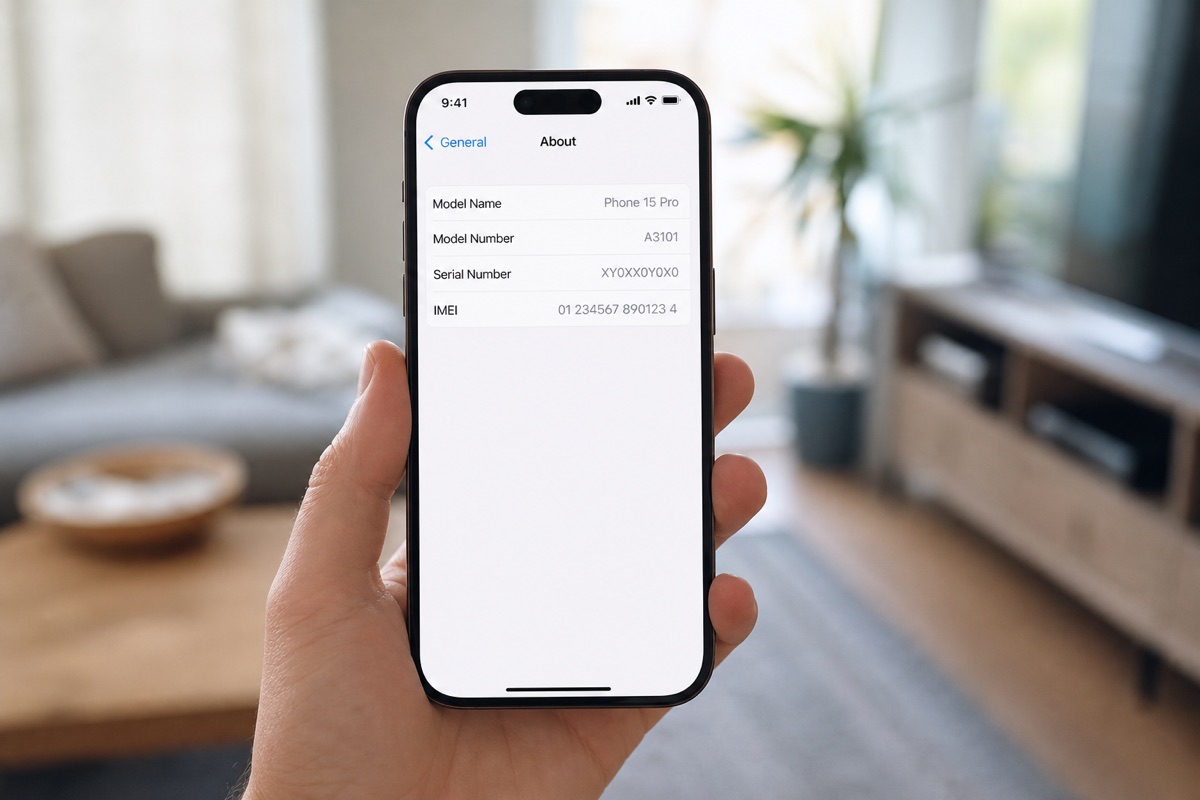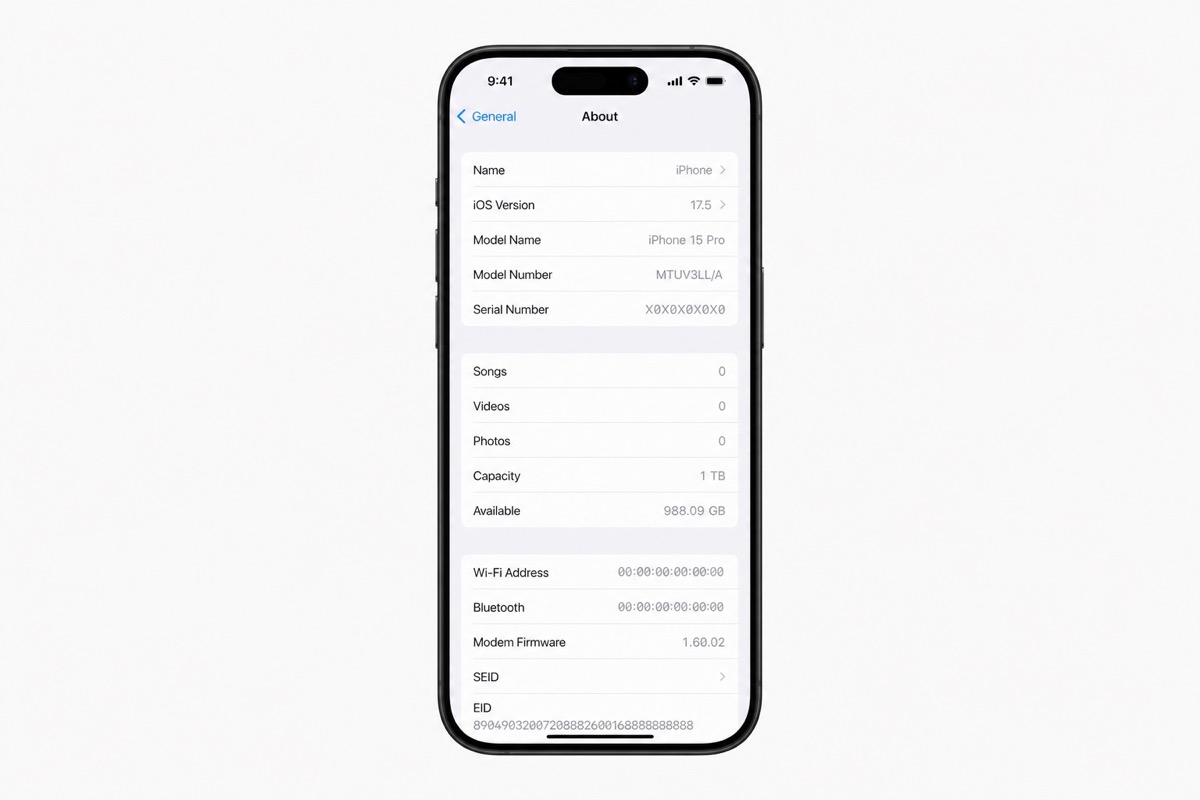
What Is an IMEI? Its Origins, Uses, and Whether It Can Be Faked
Understand what an IMEI can—and cannot—tell you before using it to check a phone's identity, warranty, or history.
Read article →Clear device-checking guides
Official lookup sources, activation-status guidance, and practical IMEI/Serial workflows for individuals, retailers, and businesses.
Understand what an IMEI can—and cannot—tell you before using it to check a phone's identity, warranty, or history.
Read article →Serial numbers identify products with or without cellular service, but no single printed or displayed identifier should be trusted without cross-checking it.
Read article →A quick map to official warranty channels — useful before you buy or accept a trade-in.
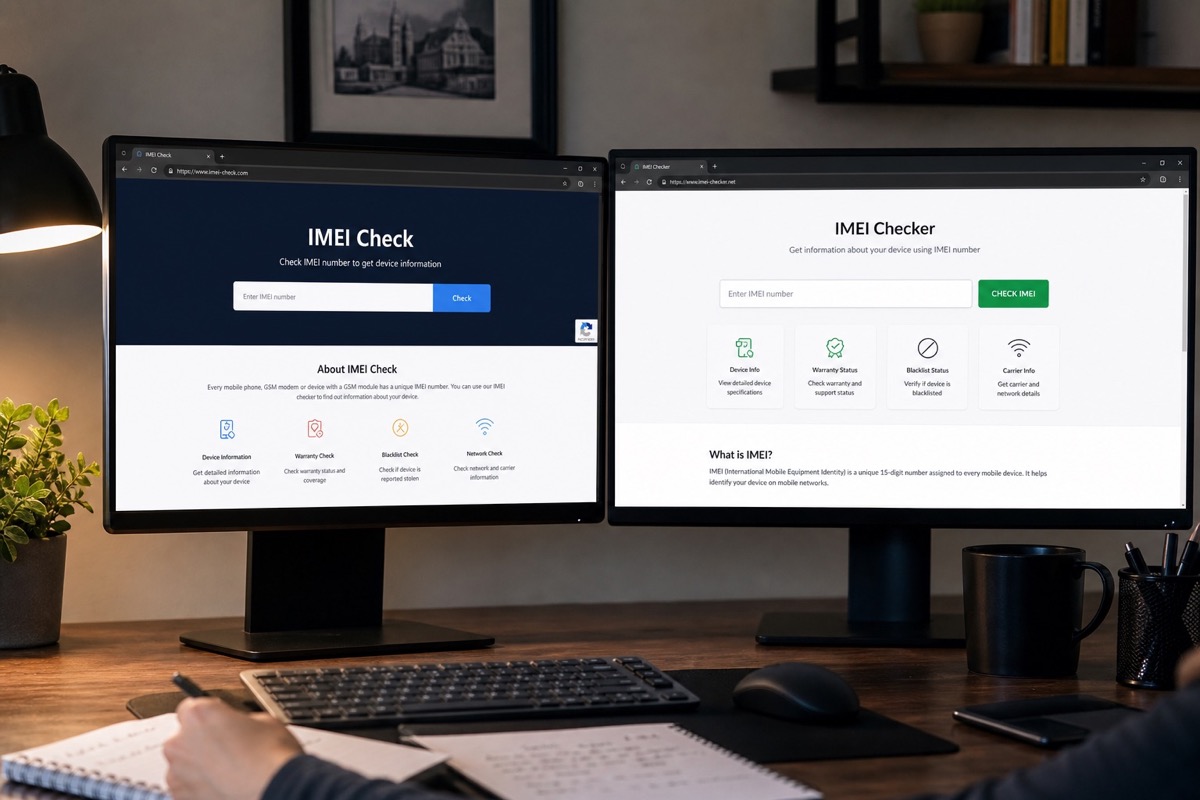
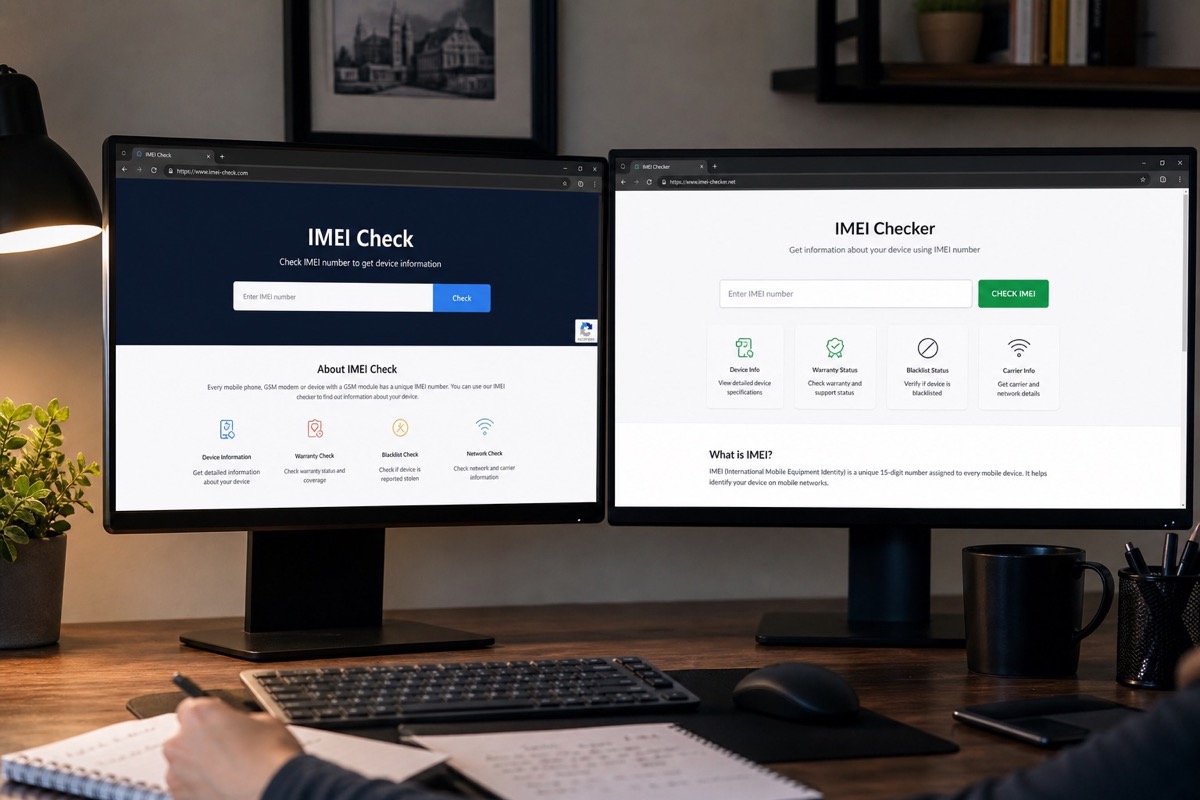
Read article →A practical IMEI check guide for buyers and stores — separate identifier lookup from warranty checks, and know result limits.
Read article →A short explanation of Apple device activation, the activation date, and how to read the result on Check Coverage.
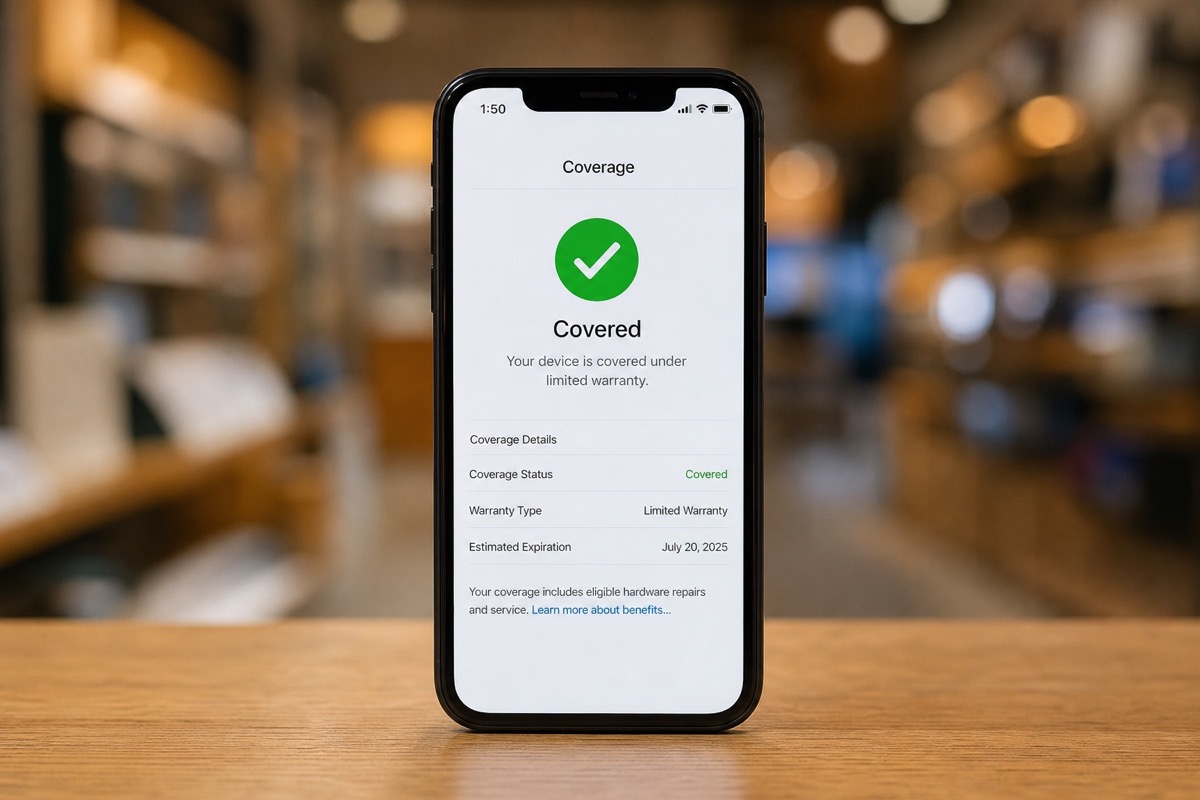
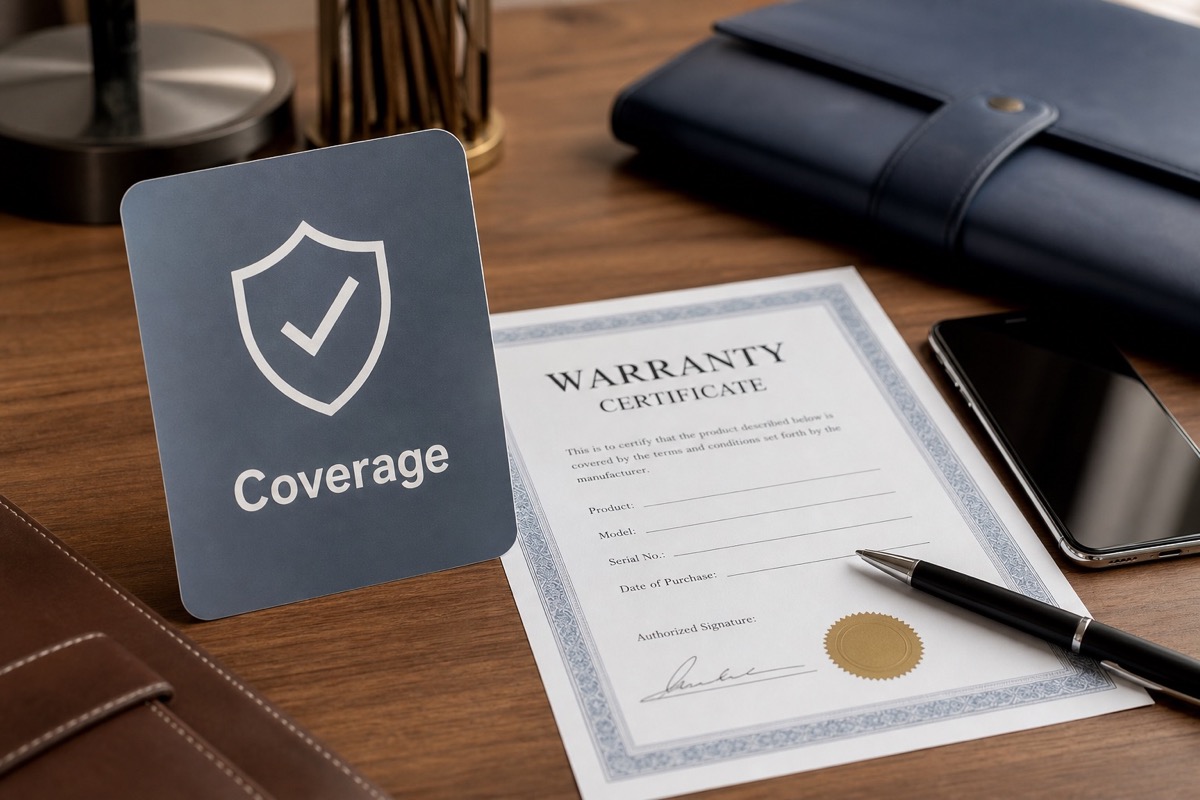
Read article →What Coverage means on Apple Check Coverage: hardware warranty, technical support, and AppleCare+.
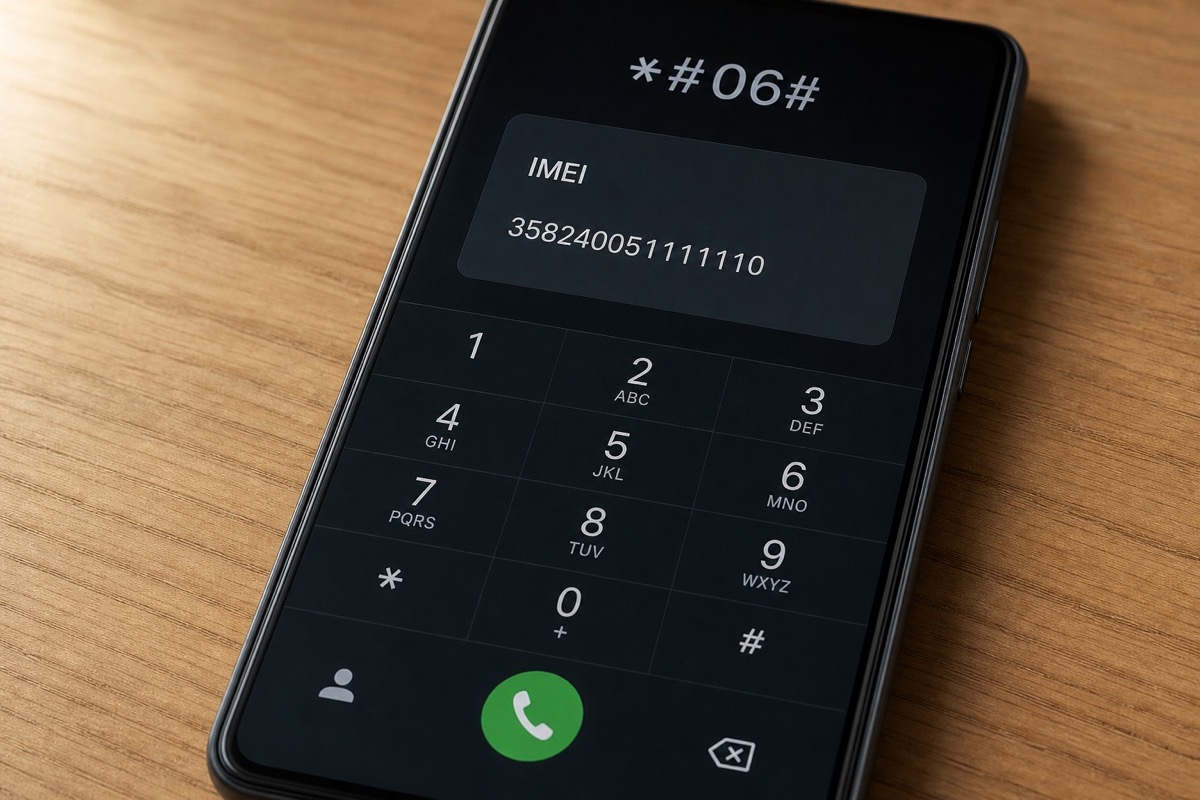
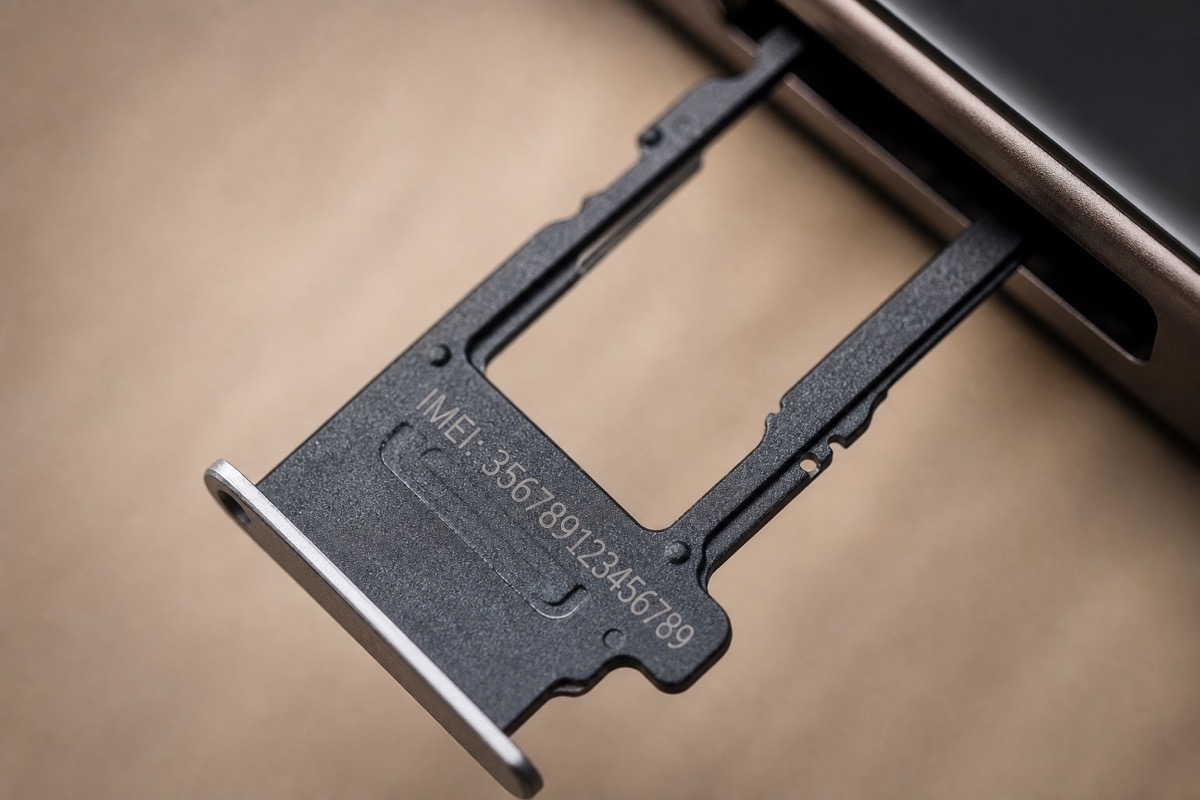
Read article →A short IMEI glossary: 15-digit structure, dual IMEI, and the limits when using it for Apple warranty lookups.
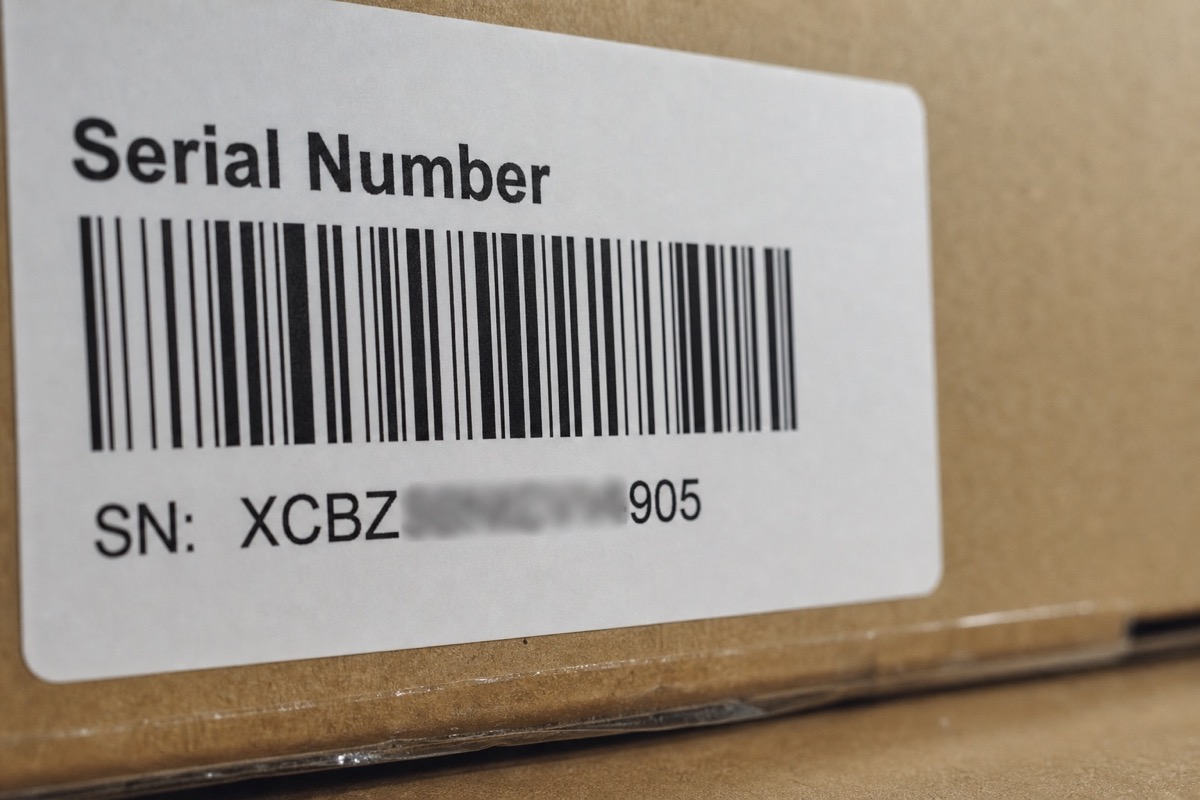
Read article →Serial number glossary: the manufacturer's service code, present even on MacBooks and AirPods with no IMEI.
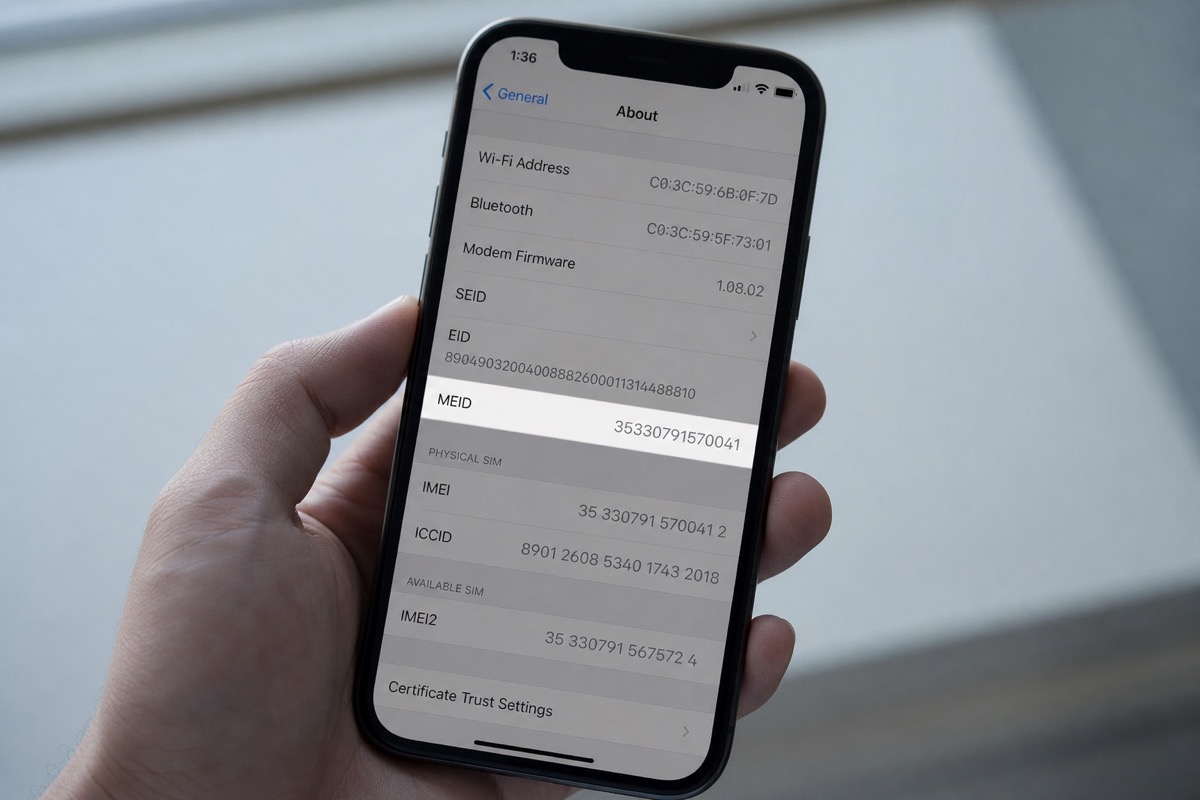
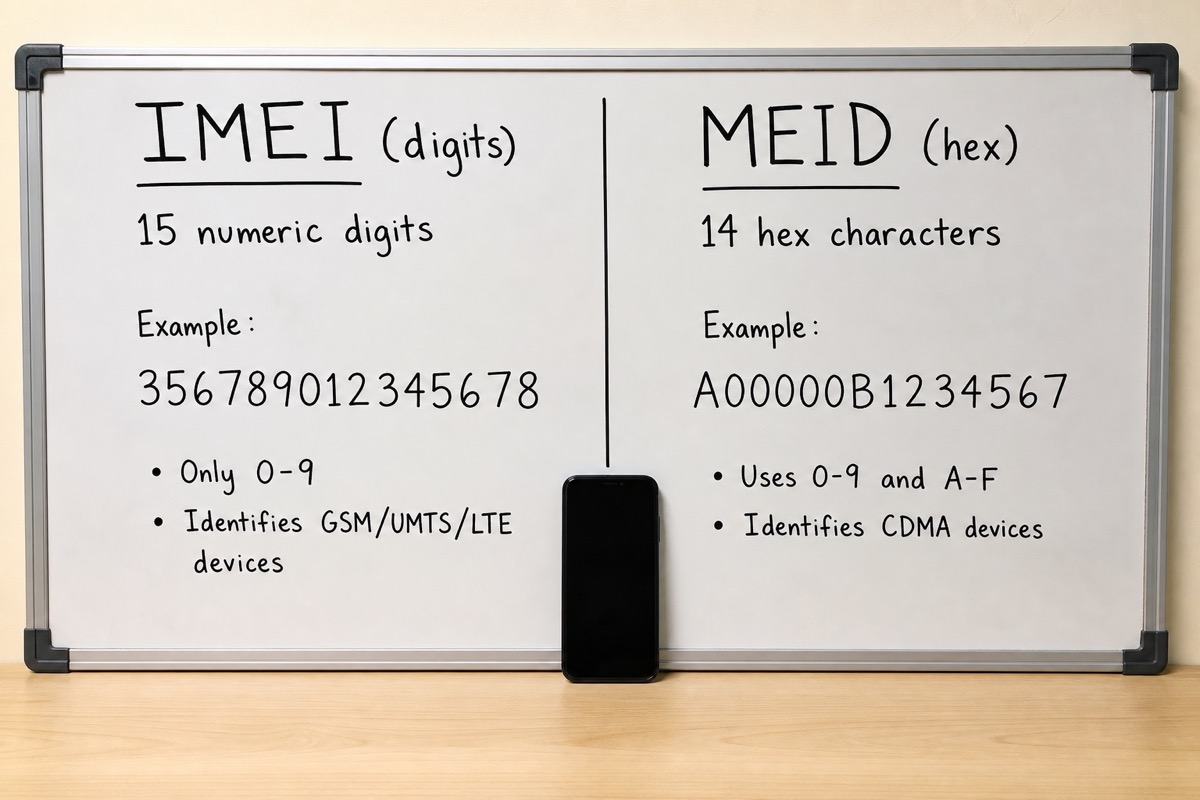
Read article →MEID (Mobile Equipment Identifier) was used on CDMA networks; today most checks use the IMEI or serial.
Read article →AppleCare+ explained: extended coverage, accidental-damage benefits, and how to verify it by serial.
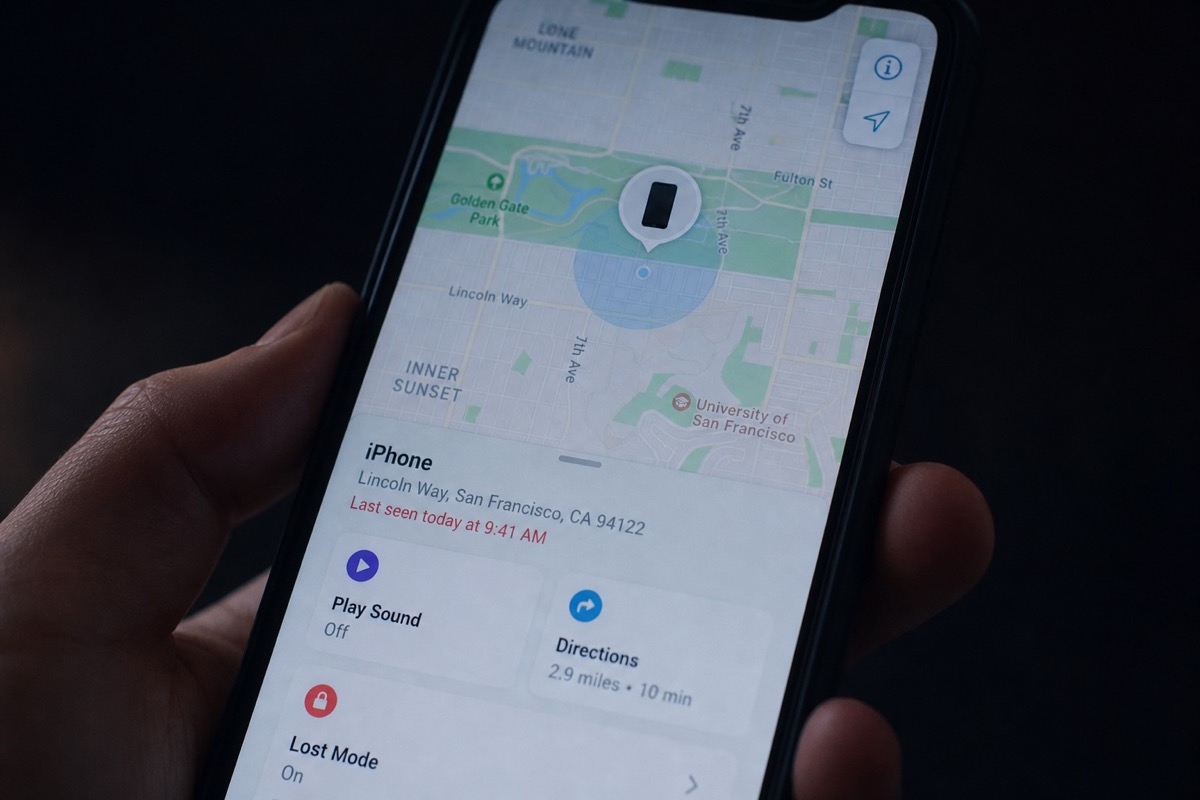
Read article →Lost Mode remotely locks a device, shows a message and can track location — unlike activation status on Check Coverage.
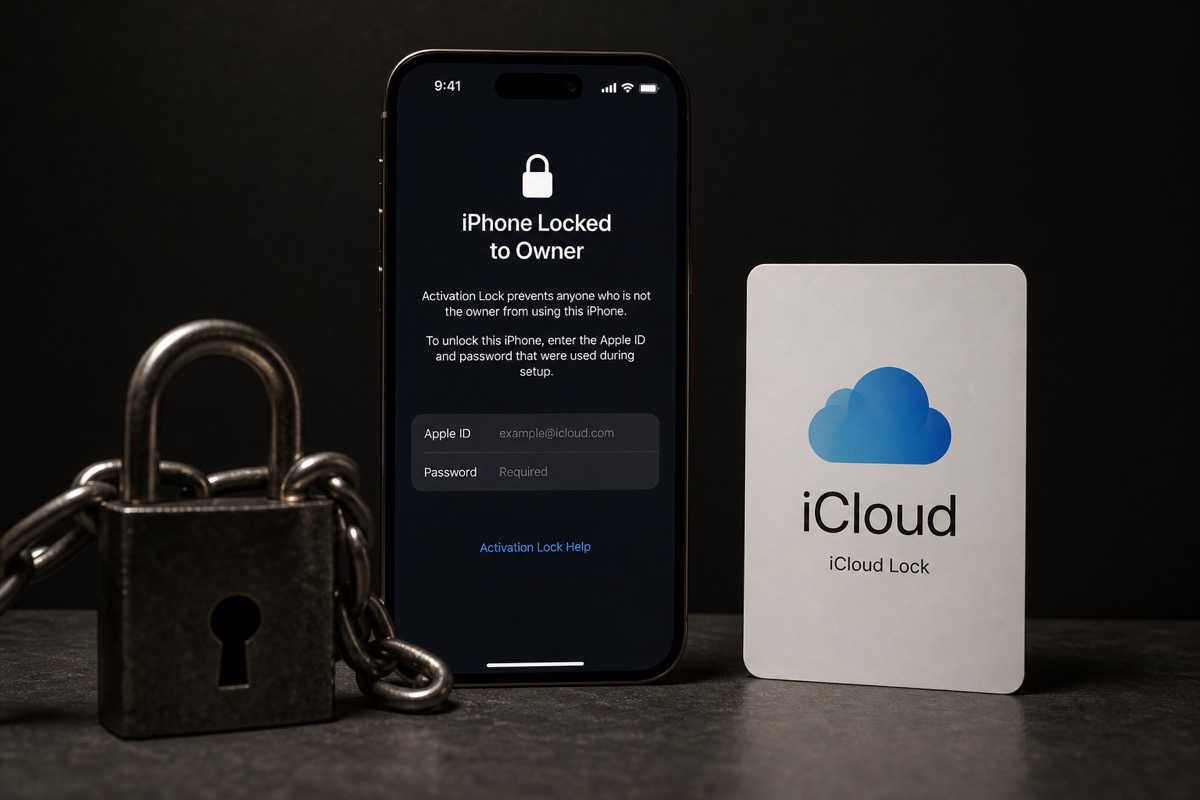
Read article →A blacklist is a carrier-flagged IMEI list (often after a lost/stolen report) — different from Apple's iCloud lock.
Read article →Refurbished units are tested, repaired and repacked — you still need to check the serial for remaining warranty.
Read article →When Apple replaces a device under warranty, you get a different unit with a new serial — re-check coverage on that serial.
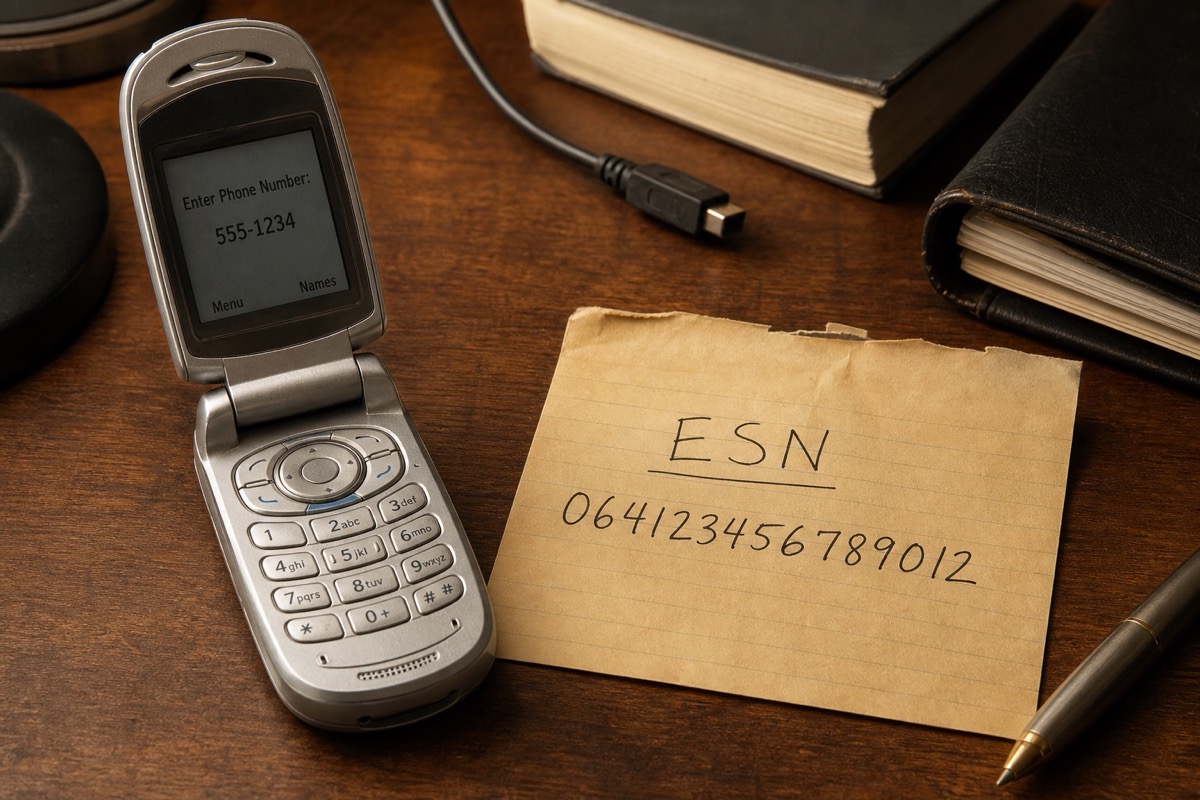
Read article →An ESN is a legacy CDMA identity; today most devices use IMEI/MEID plus a serial number.
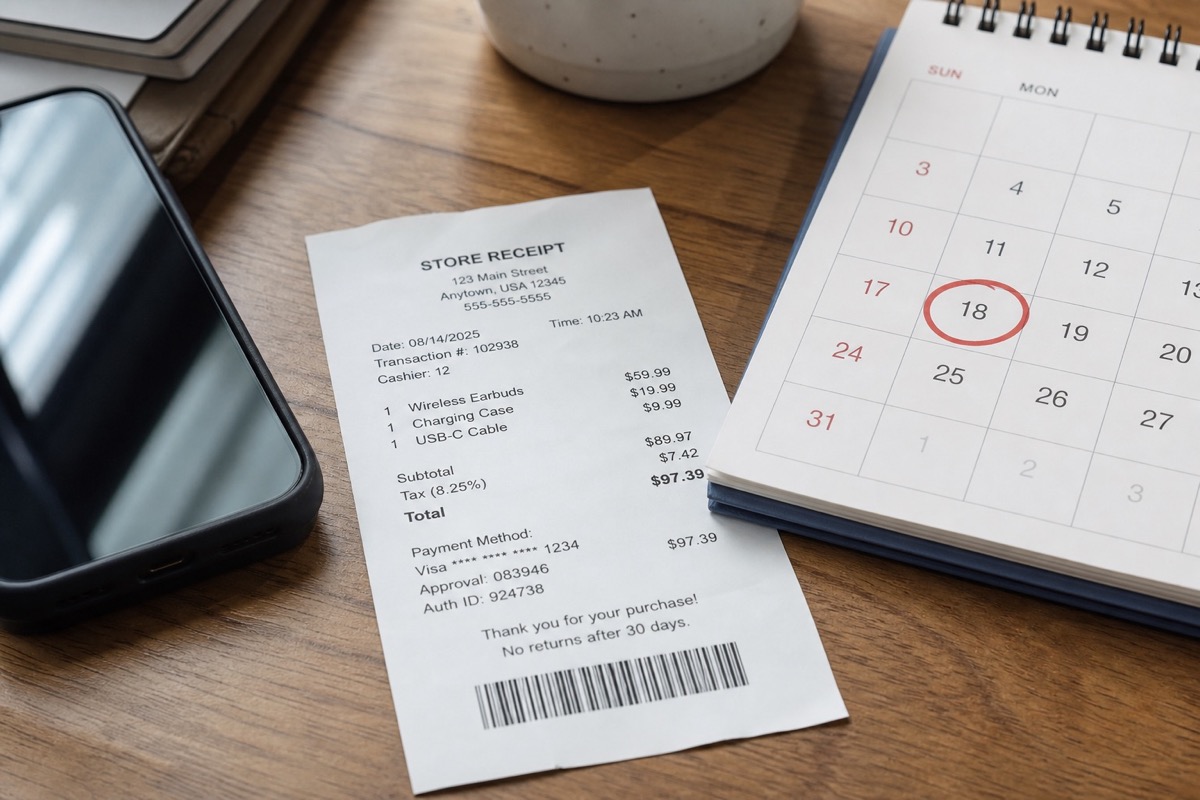
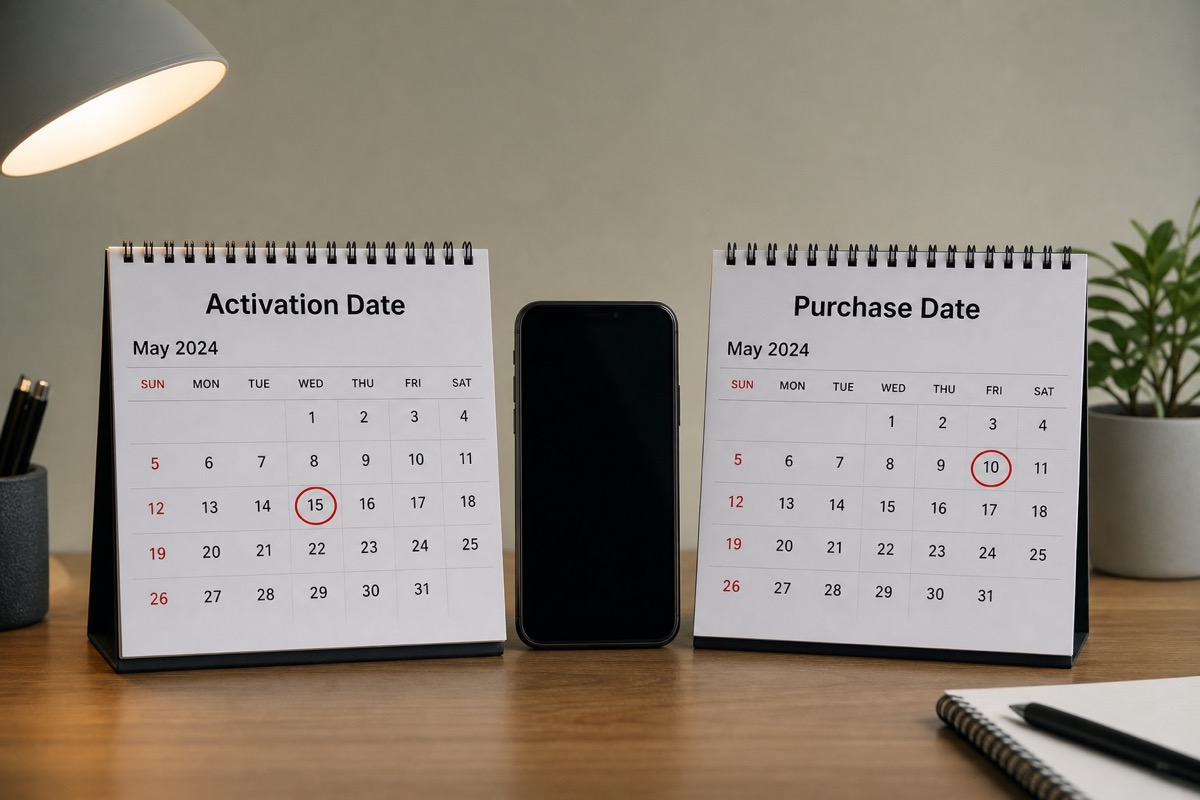
Read article →The purchase date is the date on a sales receipt; the activation date is when the device was activated in Apple's systems.
Read article →A quick comparison of IMEI and serial, with practical guidance for iPhone, iPad, MacBook and AirPods.
Read article →IMEI (GSM/LTE/5G) differs from MEID (CDMA) in format and purpose — Apple checks prefer the serial.
Read article →Warranty usually means hardware Limited Warranty; Coverage is the broader concept on Check Coverage.
Read article →The receipt purchase date can differ from Apple's activation date — know the difference to avoid warranty disputes.
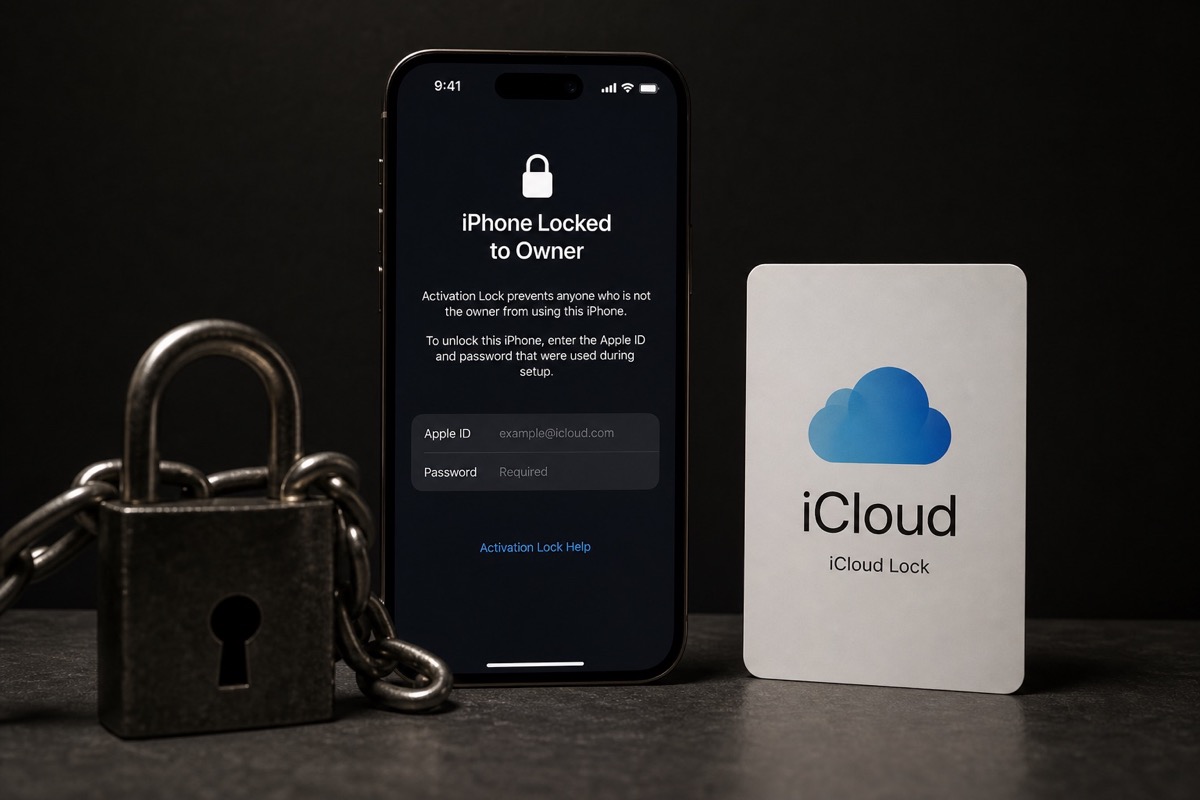
Read article →The two names usually refer to the same Apple ID lock layer on Find My — completely different from “activated” on Coverage.
Read article →GSX, Check Coverage and batch tools serve different workflows; a result field alone does not prove where its data came from.
Read article →Coverage and account locks are separate data layers; a good warranty result does not prove that Find My is off.
Read article →A practical IMEI check workflow for iPhone — activation status, warranty coverage, and what one lookup cannot prove.
Read article →What Not Activated means, what it cannot prove, and how stores bulk-check activation status with Excel.
Read article →Use the right identifier for each Apple product and understand what Coverage confirms — and what it never will.
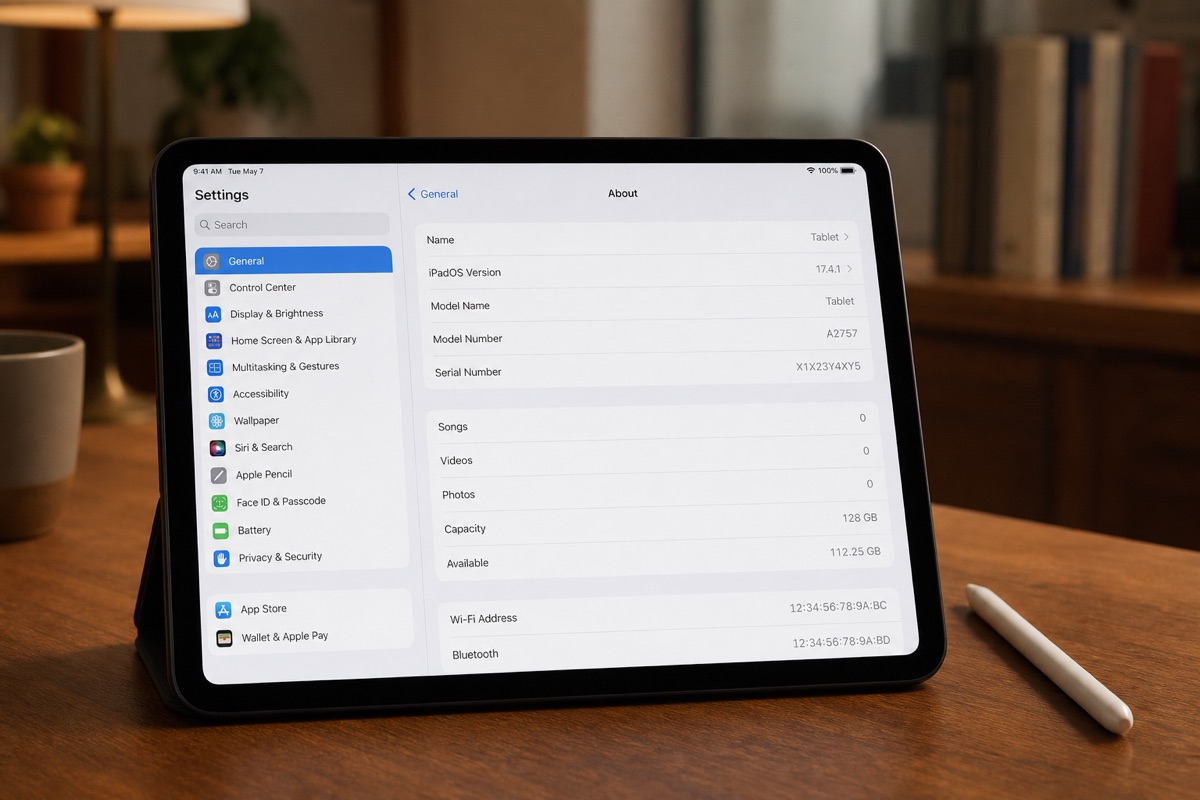
Read article →Wi-Fi and Cellular iPad models do not have the same identifiers, but the serial number is the most reliable starting point for an Apple coverage check.
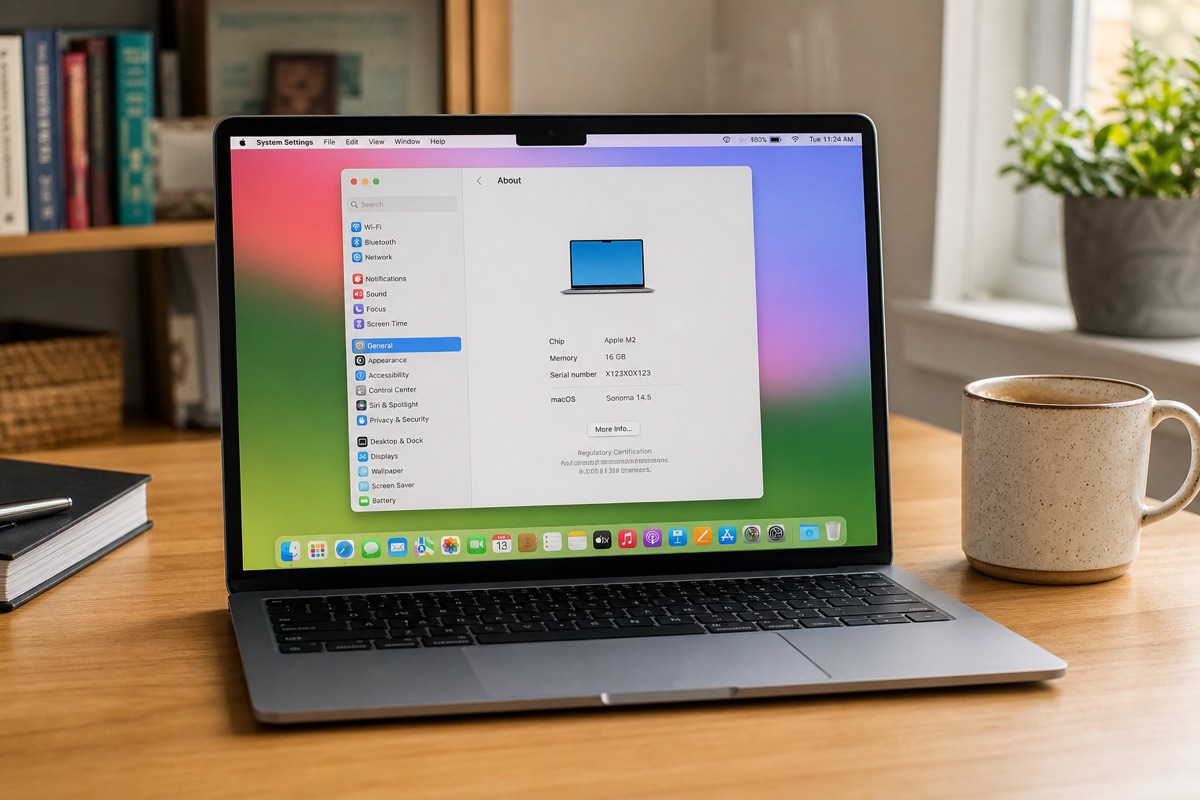
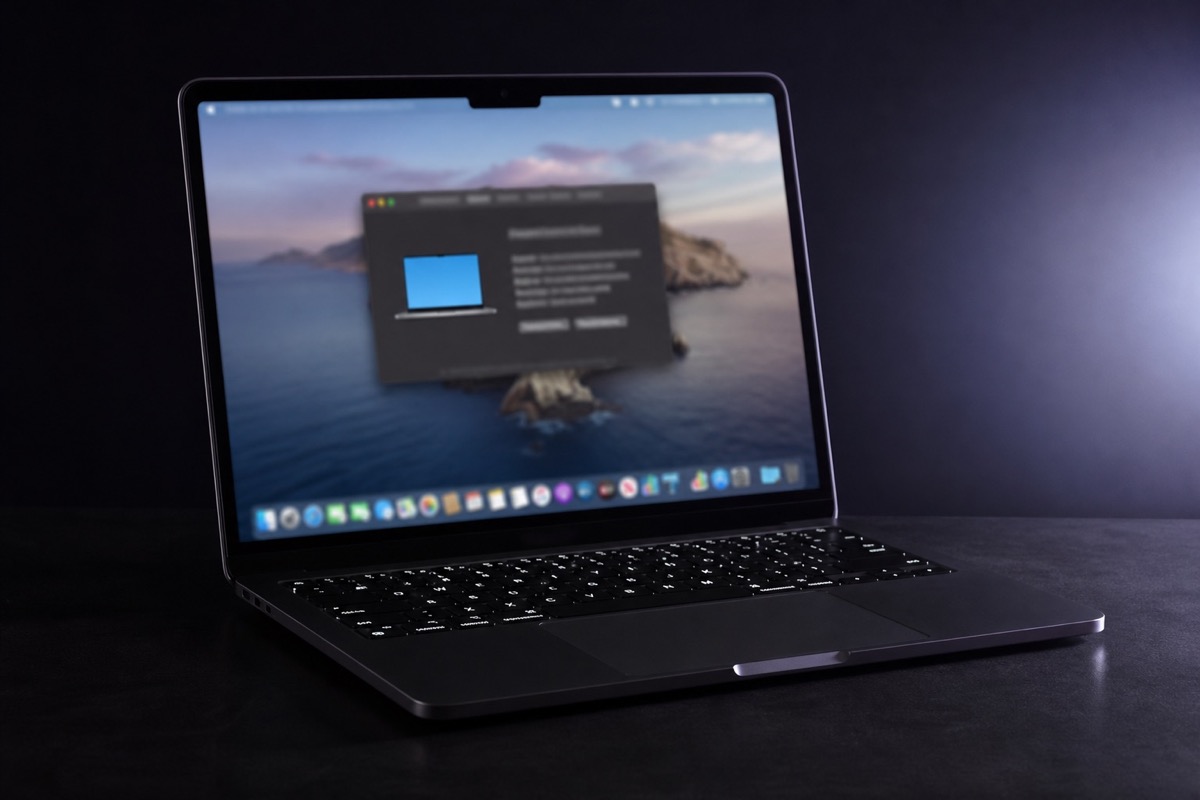
Read article →A MacBook does not use an IMEI. Its serial number is the primary identifier for checking the model and Apple service coverage.
Read article →Separate on-device facts, box labels, and Coverage data — avoid wrong expectations about storage, color, or carrier lock.
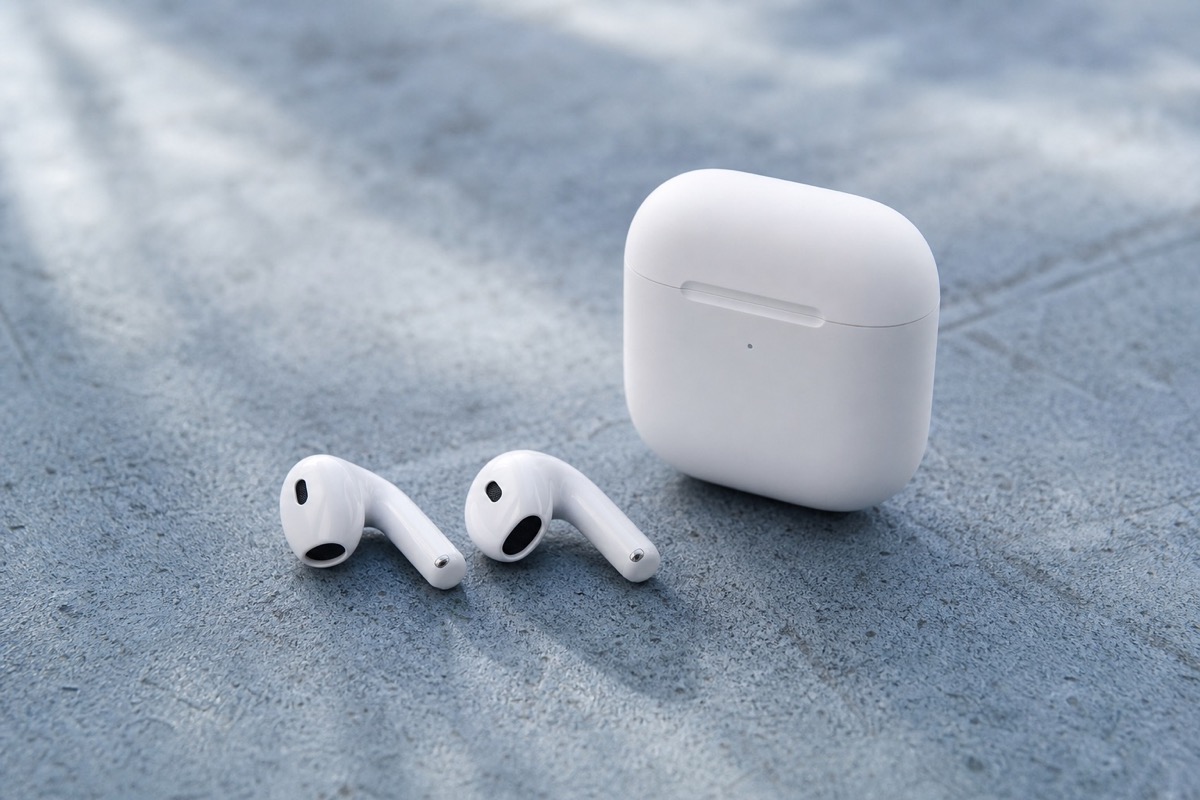
Read article →AirPods do not use an IMEI like iPhone — the case serial is the primary warranty code.
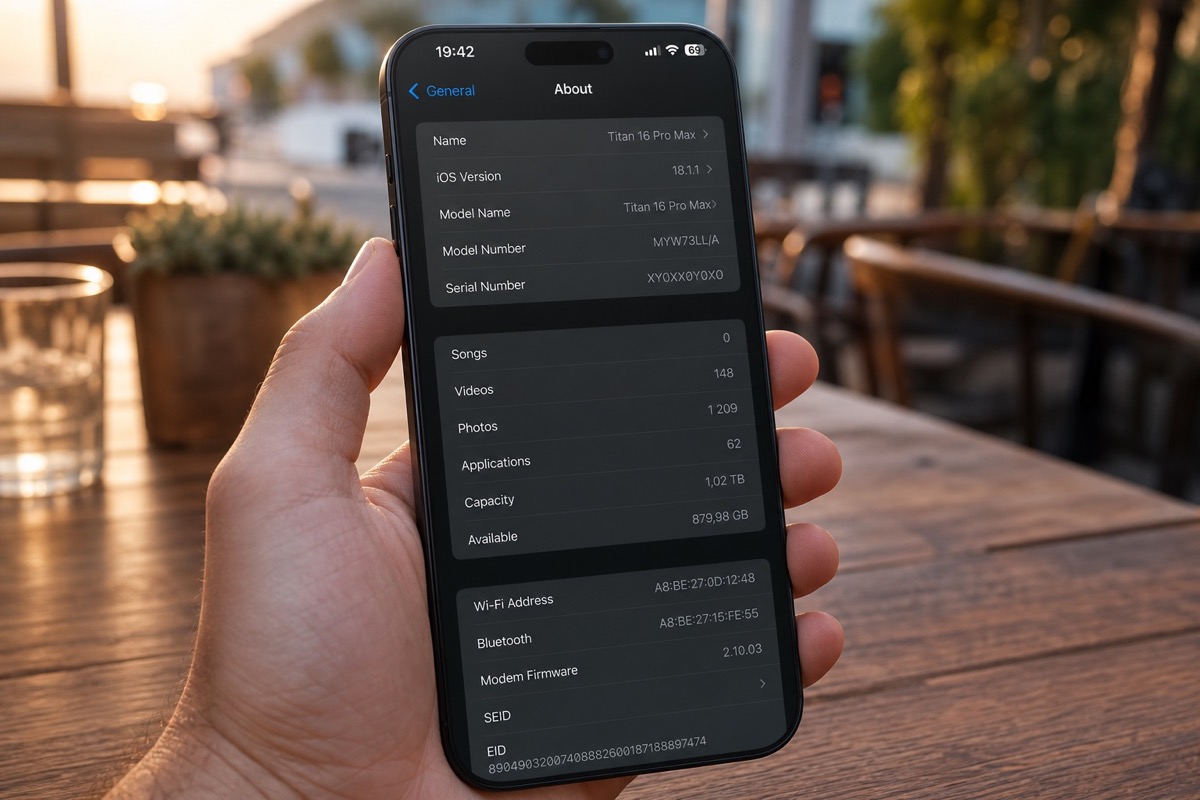
Read article →Buying or inbound-checking a iPhone 16 Pro Max? Learn how to find the IMEI or serial, read Apple Check Coverage correctly, avoid “not activated” mistakes, and when to bulk-check with Excel.
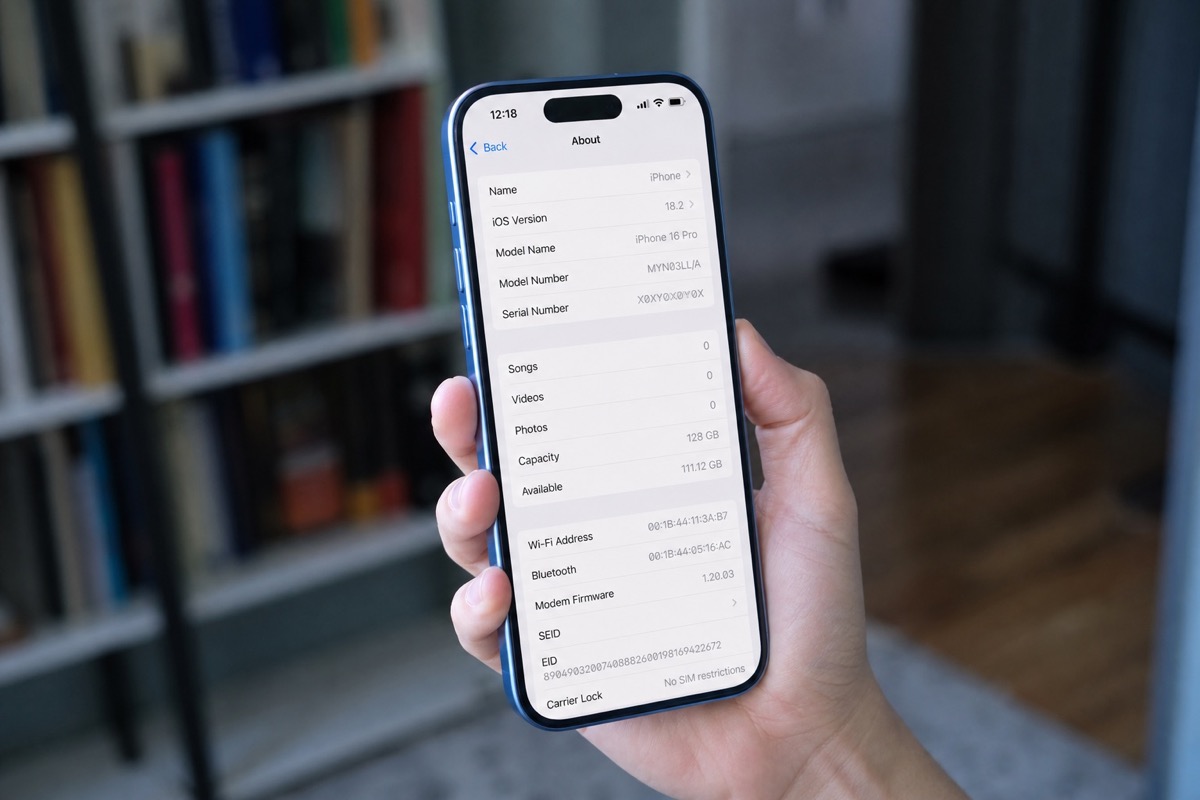
Read article →Buying or inbound-checking a iPhone 16 Pro? Learn how to find the IMEI or serial, read Apple Check Coverage correctly, avoid “not activated” mistakes, and when to bulk-check with Excel.
Read article →Buying or inbound-checking a iPhone 16 Plus? Learn how to find the IMEI or serial, read Apple Check Coverage correctly, avoid “not activated” mistakes, and when to bulk-check with Excel.
Read article →Buying or inbound-checking a iPhone 16? Learn how to find the IMEI or serial, read Apple Check Coverage correctly, avoid “not activated” mistakes, and when to bulk-check with Excel.
Read article →Buying or inbound-checking a iPhone 15 Pro Max? Learn how to find the IMEI or serial, read Apple Check Coverage correctly, avoid “not activated” mistakes, and when to bulk-check with Excel.
Read article →Buying or inbound-checking a iPhone 15 Pro? Learn how to find the IMEI or serial, read Apple Check Coverage correctly, avoid “not activated” mistakes, and when to bulk-check with Excel.
Read article →Buying or inbound-checking a iPhone 15 Plus? Learn how to find the IMEI or serial, read Apple Check Coverage correctly, avoid “not activated” mistakes, and when to bulk-check with Excel.
Read article →Buying or inbound-checking a iPhone 15? Learn how to find the IMEI or serial, read Apple Check Coverage correctly, avoid “not activated” mistakes, and when to bulk-check with Excel.
Read article →Buying or inbound-checking a iPhone 14 Pro Max? Learn how to find the IMEI or serial, read Apple Check Coverage correctly, avoid “not activated” mistakes, and when to bulk-check with Excel.
Read article →Buying or inbound-checking a iPhone 14 Pro? Learn how to find the IMEI or serial, read Apple Check Coverage correctly, avoid “not activated” mistakes, and when to bulk-check with Excel.
Read article →Buying or inbound-checking a iPhone 14 Plus? Learn how to find the IMEI or serial, read Apple Check Coverage correctly, avoid “not activated” mistakes, and when to bulk-check with Excel.
Read article →Buying or inbound-checking a iPhone 14? Learn how to find the IMEI or serial, read Apple Check Coverage correctly, avoid “not activated” mistakes, and when to bulk-check with Excel.
Read article →Buying or inbound-checking a iPhone 13 Pro Max? Learn how to find the IMEI or serial, read Apple Check Coverage correctly, avoid “not activated” mistakes, and when to bulk-check with Excel.
Read article →Buying or inbound-checking a iPhone 13? Learn how to find the IMEI or serial, read Apple Check Coverage correctly, avoid “not activated” mistakes, and when to bulk-check with Excel.
Read article →Buying or inbound-checking a iPhone 12? Learn how to find the IMEI or serial, read Apple Check Coverage correctly, avoid “not activated” mistakes, and when to bulk-check with Excel.
Read article →Buying or inbound-checking a iPhone 11? Learn how to find the IMEI or serial, read Apple Check Coverage correctly, avoid “not activated” mistakes, and when to bulk-check with Excel.
Read article →Buying or inbound-checking a iPhone SE (2022)? Learn how to find the IMEI or serial, read Apple Check Coverage correctly, avoid “not activated” mistakes, and when to bulk-check with Excel.
Read article →Buying or inbound-checking a iPad Pro? Learn how to find the serial number, read Apple Check Coverage correctly, avoid “not activated” mistakes, and when to bulk-check with Excel.
Read article →Buying or inbound-checking a iPad Air? Learn how to find the serial number, read Apple Check Coverage correctly, avoid “not activated” mistakes, and when to bulk-check with Excel.
Read article →Buying or inbound-checking a iPad (latest)? Learn how to find the serial number, read Apple Check Coverage correctly, avoid “not activated” mistakes, and when to bulk-check with Excel.
Read article →Buying or inbound-checking a iPad mini? Learn how to find the serial number, read Apple Check Coverage correctly, avoid “not activated” mistakes, and when to bulk-check with Excel.
Read article →Buying or inbound-checking a Apple Watch Ultra 2? Learn how to find the serial number, read Apple Check Coverage correctly, avoid “not activated” mistakes, and when to bulk-check with Excel.
Read article →Buying or inbound-checking a Apple Watch Series 10? Learn how to find the serial number, read Apple Check Coverage correctly, avoid “not activated” mistakes, and when to bulk-check with Excel.
Read article →Buying or inbound-checking a Apple Watch Series 9? Learn how to find the serial number, read Apple Check Coverage correctly, avoid “not activated” mistakes, and when to bulk-check with Excel.
Read article →Buying or inbound-checking a Apple Watch SE? Learn how to find the serial number, read Apple Check Coverage correctly, avoid “not activated” mistakes, and when to bulk-check with Excel.
Read article →Buying or inbound-checking a AirPods Pro 2? Learn how to find the serial number, read Apple Check Coverage correctly, avoid “not activated” mistakes, and when to bulk-check with Excel.
Read article →Buying or inbound-checking a AirPods 4? Learn how to find the serial number, read Apple Check Coverage correctly, avoid “not activated” mistakes, and when to bulk-check with Excel.
Read article →Buying or inbound-checking a AirPods Max? Learn how to find the serial number, read Apple Check Coverage correctly, avoid “not activated” mistakes, and when to bulk-check with Excel.
Read article →Buying or inbound-checking a MacBook Pro? Learn how to find the serial number, read Apple Check Coverage correctly, avoid “not activated” mistakes, and when to bulk-check with Excel.
Read article →Buying or inbound-checking a MacBook Air? Learn how to find the serial number, read Apple Check Coverage correctly, avoid “not activated” mistakes, and when to bulk-check with Excel.
Read article →Buying or inbound-checking a iMac? Learn how to find the serial number, read Apple Check Coverage correctly, avoid “not activated” mistakes, and when to bulk-check with Excel.
Read article →Buying or inbound-checking a Mac mini? Learn how to find the serial number, read Apple Check Coverage correctly, avoid “not activated” mistakes, and when to bulk-check with Excel.
Read article →Buying or inbound-checking a Mac Studio? Learn how to find the serial number, read Apple Check Coverage correctly, avoid “not activated” mistakes, and when to bulk-check with Excel.
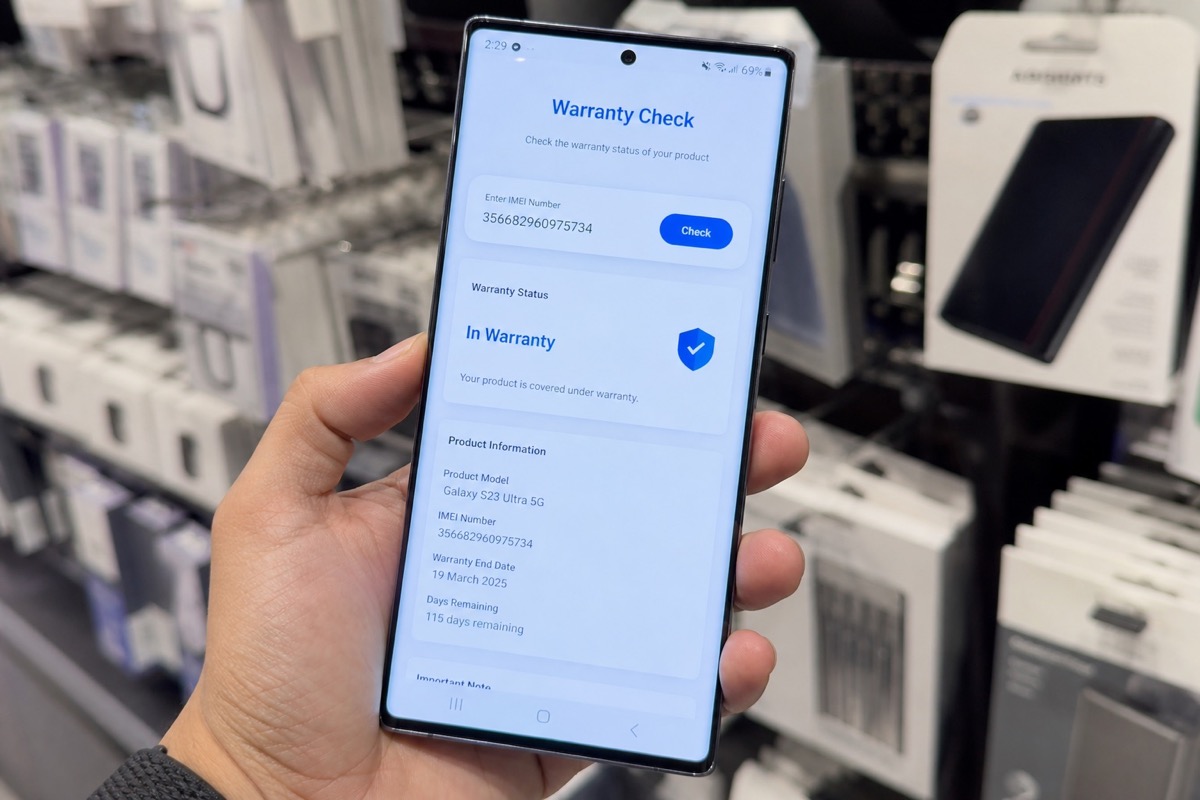
Read article →Use Samsung Vietnam's official warranty channel, interpret the electronic activation date, and know what to do when the result does not match the invoice.
Read article →Use OPPO Support’s warranty checker, then assess the phone’s condition separately before buying or accepting it.
Read article →Product authentication and local warranty eligibility are different questions, and the answer depends on the device's distribution market.
Read article →Sony covers many product lines; pick the correct Xperia, TV, camera, or audio form instead of using one lookup for everything.
Read article →Look up the IMEI on vivo Support and understand why devices from other regions may not show complete results.
Read article →Use the official Phone Check, compare the distribution region, and do not confuse warranty status with overall device condition.
Read article →Each brand uses different portals and regional support levels; this guide helps you pick the right contact point instead of one generic website.
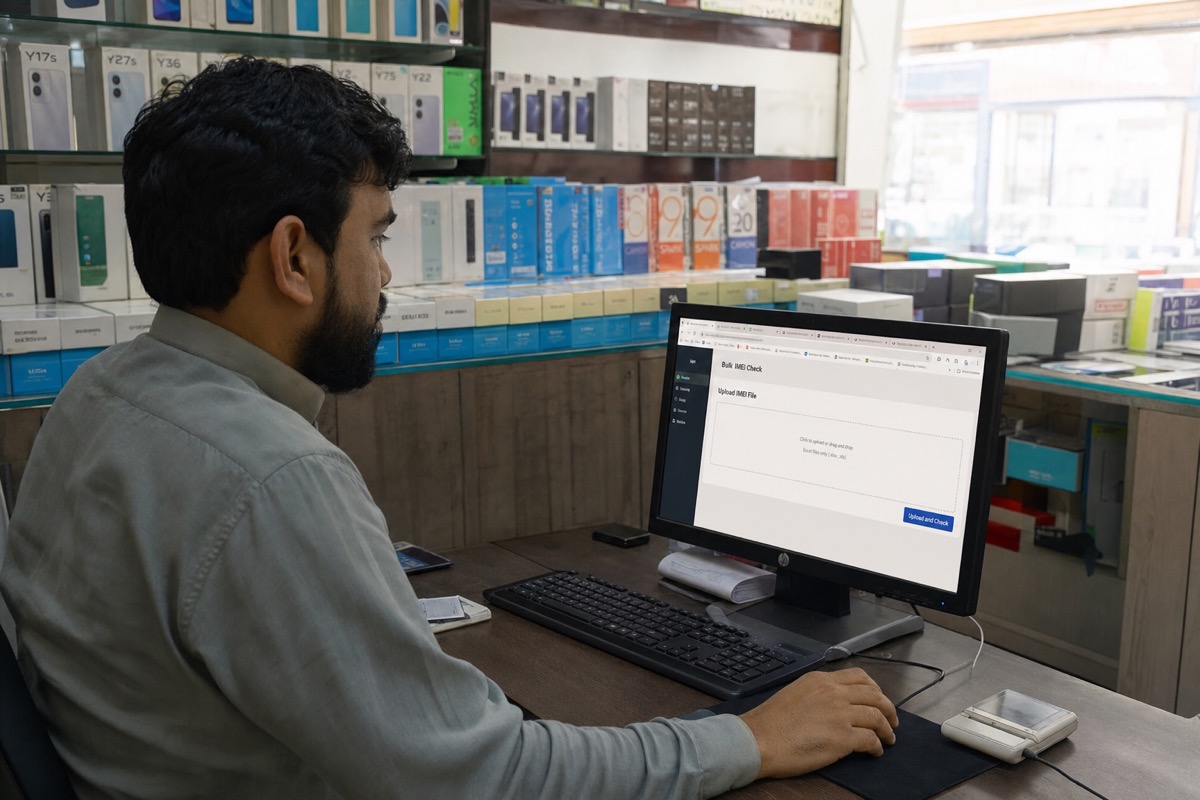
Read article →Upload Excel → run a batch → download one result file for stores, wholesalers, buyback teams, and refurbishers — without typing each code into Check Coverage.
Read article →A consistent input file reduces typing errors and gives retailers one auditable result set for an entire shipment of iPhones, iPads, MacBooks, Apple Watches, or AirPods.
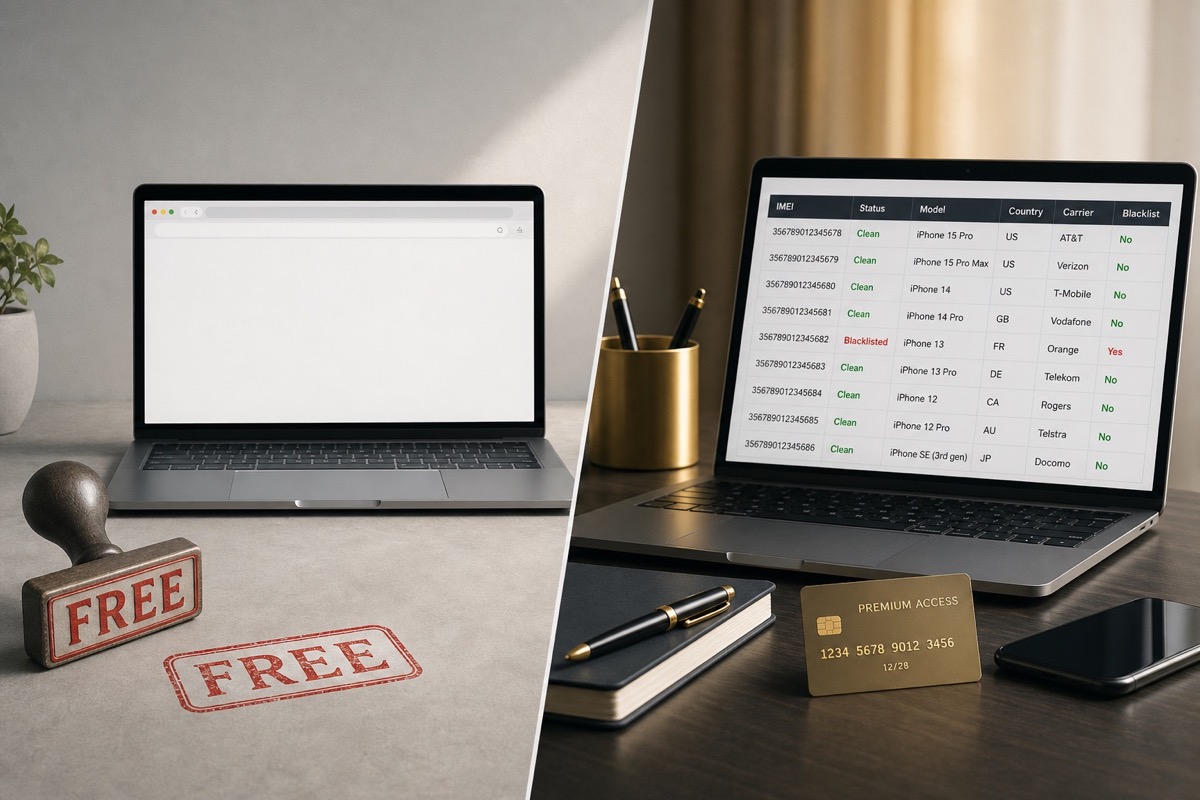
Read article →Free checks suit a single device; paid services make sense only when they save work or return the exact data you need.
Read article →Compare by data type and workflow—not price alone—because each service solves a different need.
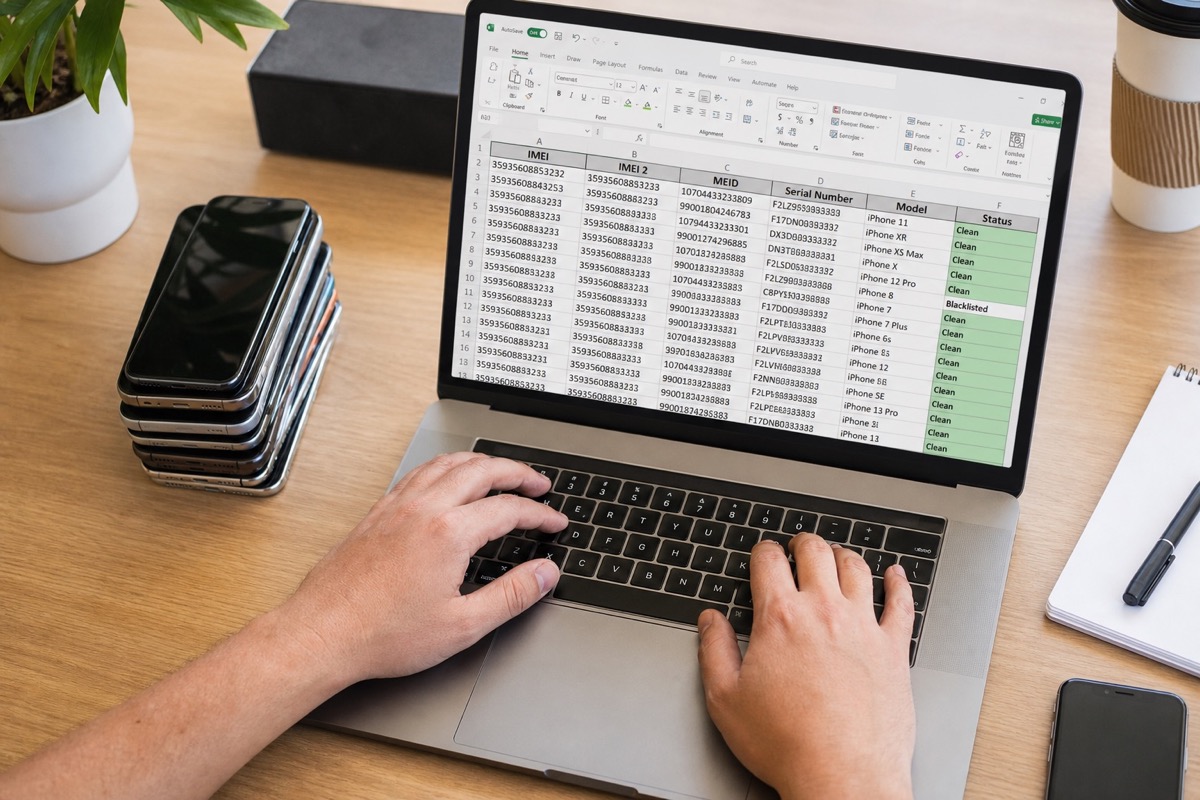
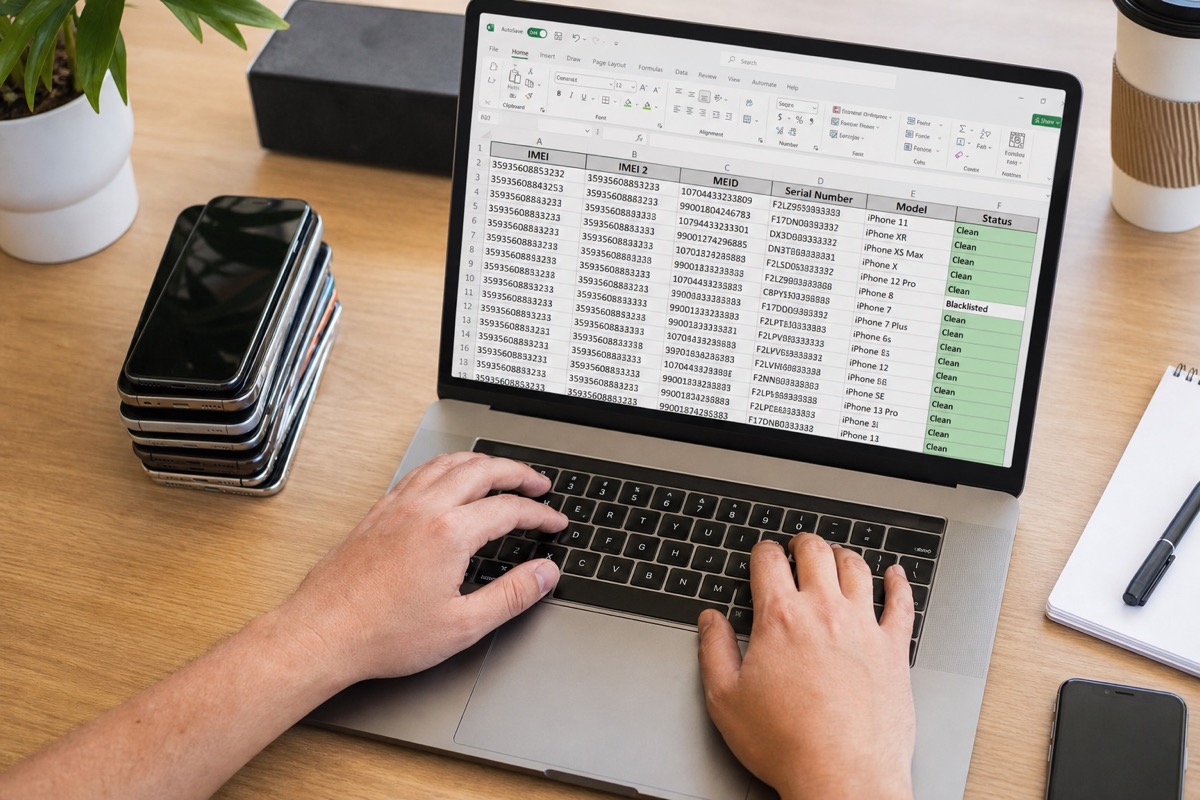
Read article →For stores and warehouses that already keep IMEI/serial lists in Excel — no more one-by-one lookups.
Read article →A practical plan for large lots: split files, respect daily limits and merge results.
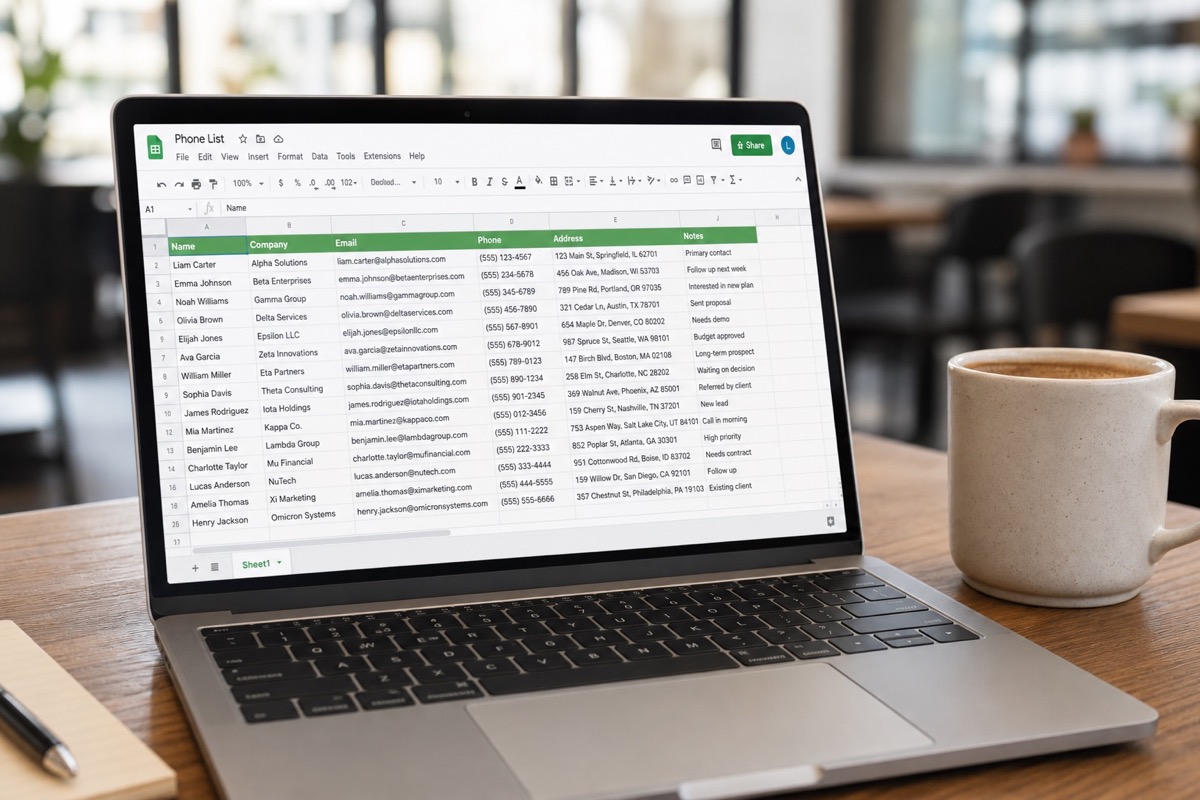
Read article →Teams living in Google Sheets can still bulk-check — a CSV export is enough.
Read article →CSV is the common interchange format between warehouse software, Sheets and Excel.
Read article →One serial file → expiry dates and warranty days remaining for the whole lot.
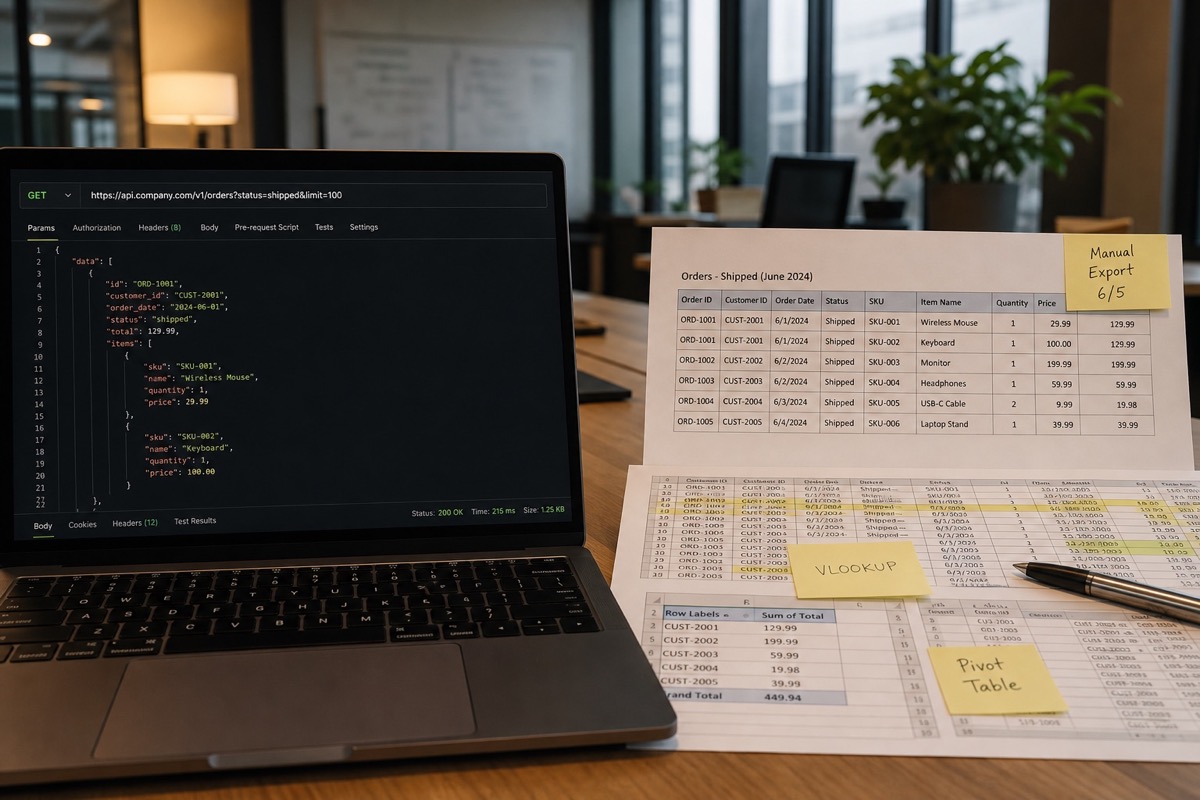
Read article →Excel is fastest to start; an API wins when you must embed into an ERP — choose by system maturity.
Read article →For refurbish workshops, grading warehouses, refurbished resellers: upload Excel, filter activated / expired-warranty units before intake or pricing.
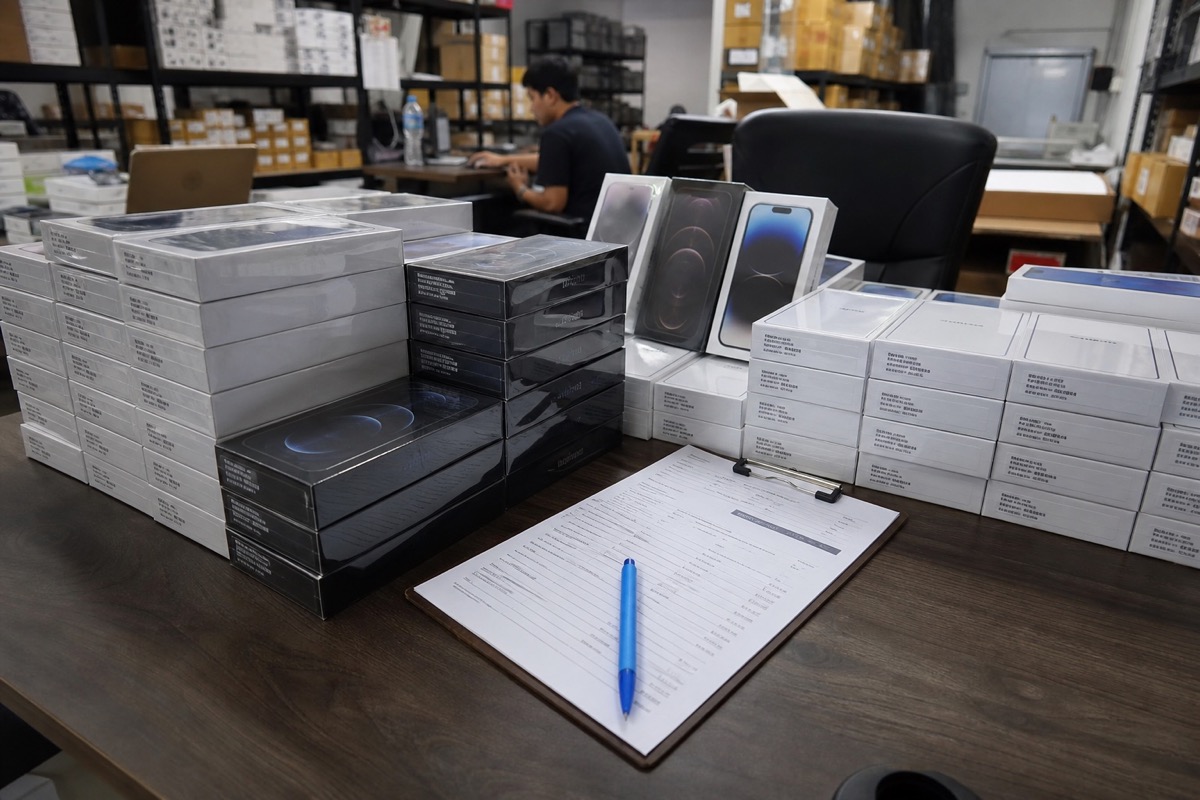
Read article →For wholesalers, distributors, transit warehouses: upload Excel, filter activated / expired-warranty units before intake or pricing.
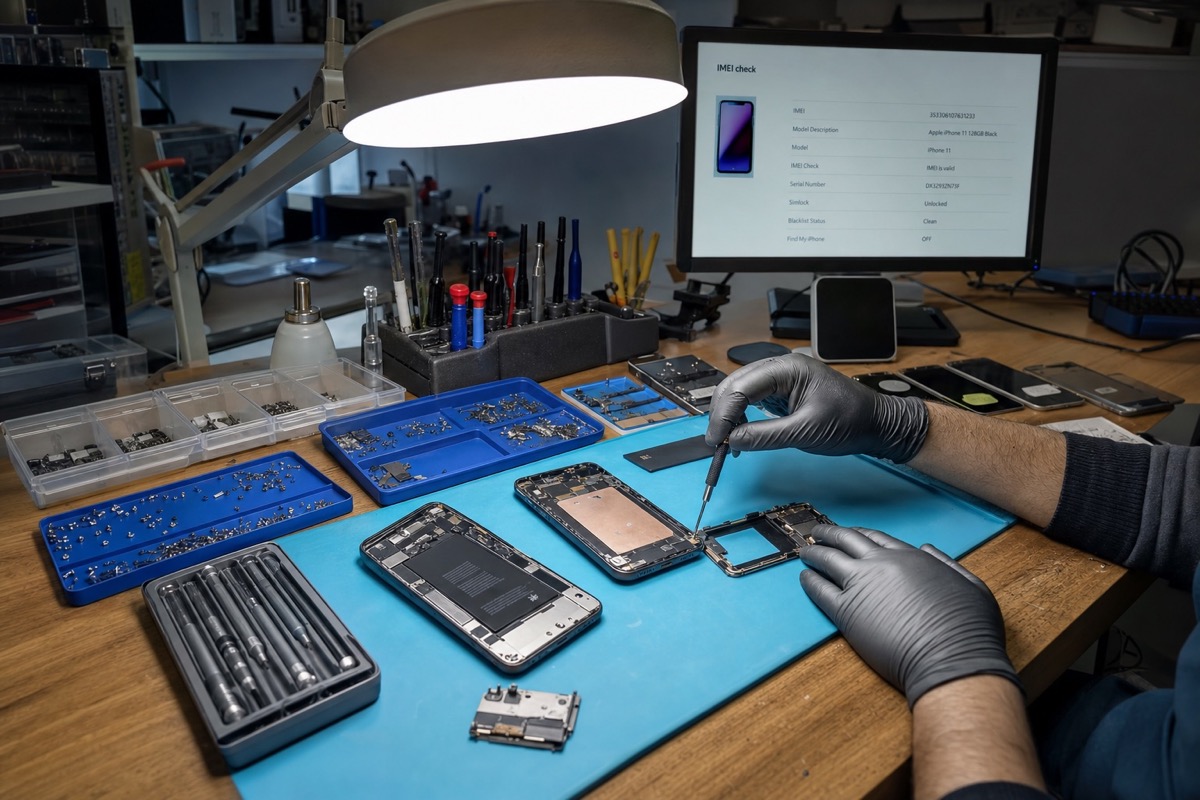
Read article →For repair shops, independent service centers, technicians: upload Excel, filter activated / expired-warranty units before intake or pricing.
Read article →For buyback desks, trade-in counters, used-device marketplaces: upload Excel, filter activated / expired-warranty units before intake or pricing.
Read article →An IMEI is an identifier, not a value for arithmetic. Format the column as Text before import to preserve it.
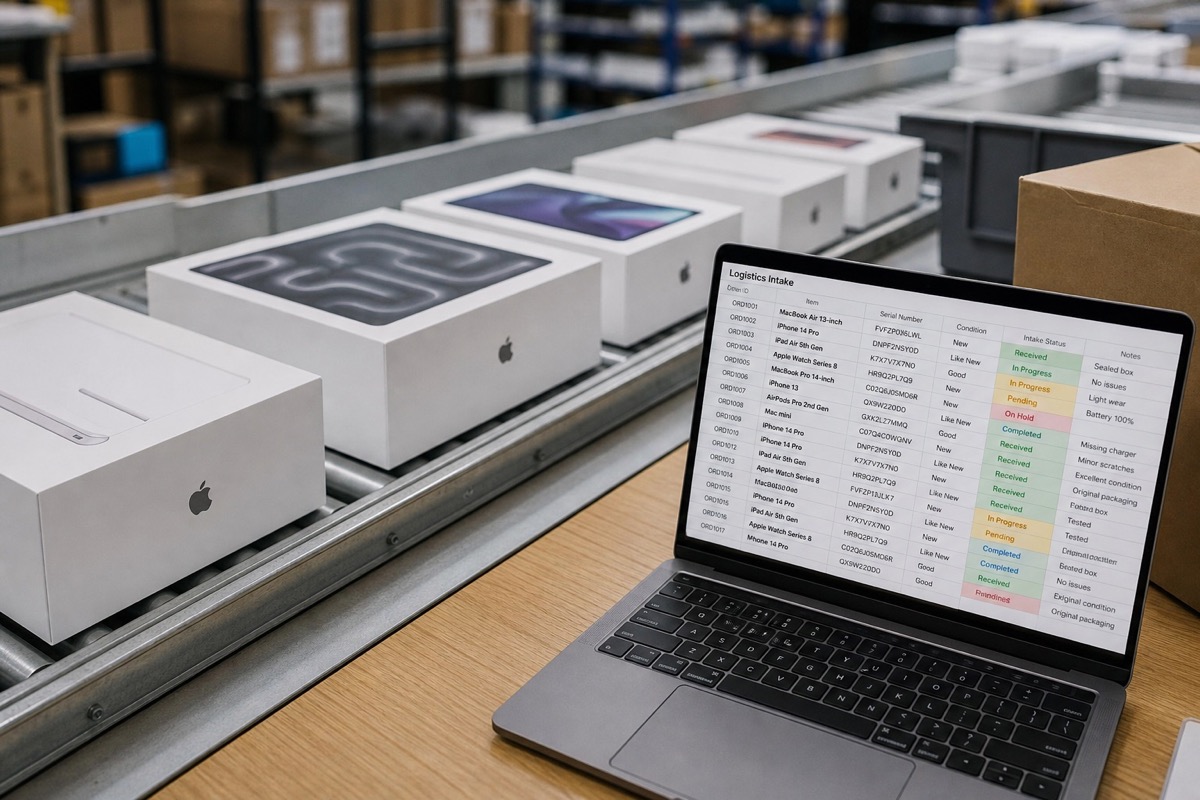
Read article →One row per device, with an internal asset ID and the fields needed for intake, warranty checks, grading and assignment.
Read article →