
Apple, iPhone, iPad & Mac
How to Check an iPad Serial Number, Model, Activation, and Warranty
Wi-Fi and Cellular iPad models do not have the same identifiers, but the serial number is the most reliable starting point for an Apple coverage check.
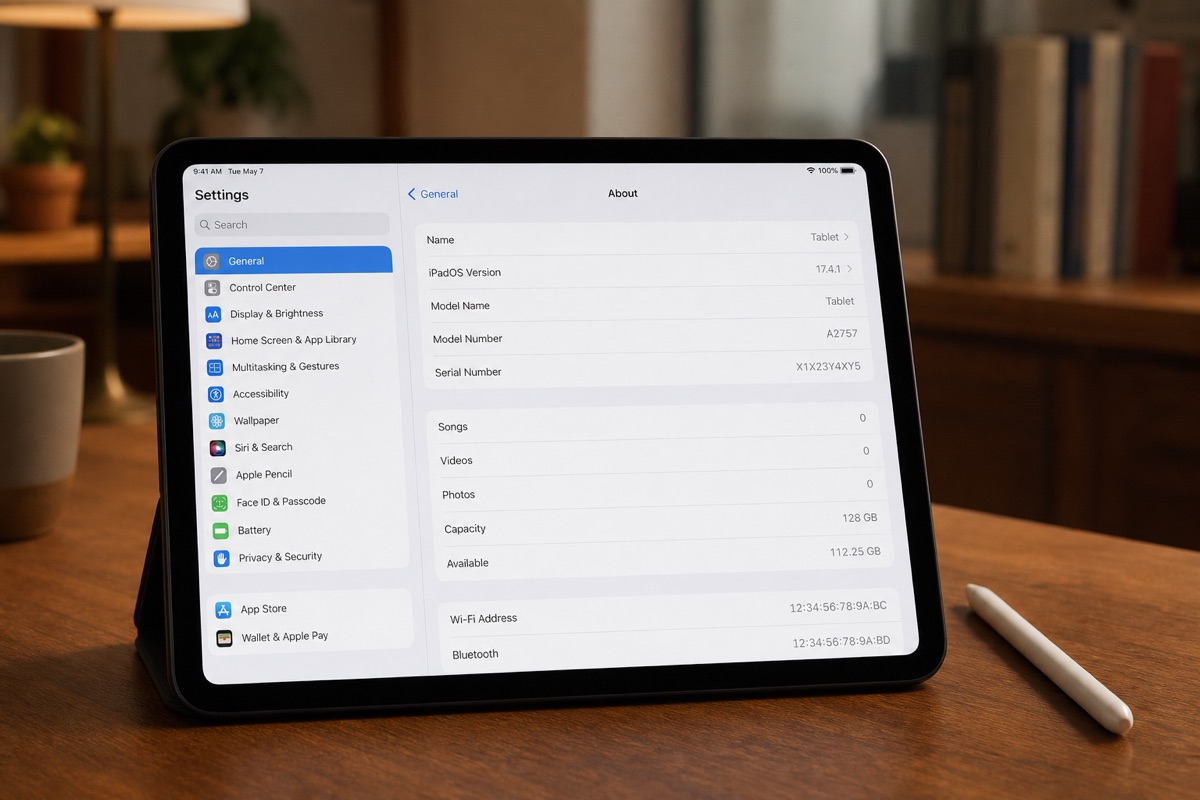
Step 1: Find the serial number and IMEI on an iPad
On a working iPad, open Settings → General → About. Every iPad has a Serial Number. Cellular models also show an IMEI and, on supported generations, an EID. A Wi-Fi-only iPad does not have an IMEI because it has no cellular modem.
If the iPad will not start, you may find the serial number on its original packaging or in the Apple Account previously linked to it. Treat those as reference points only: compare the number with the device itself as soon as you can access Settings.
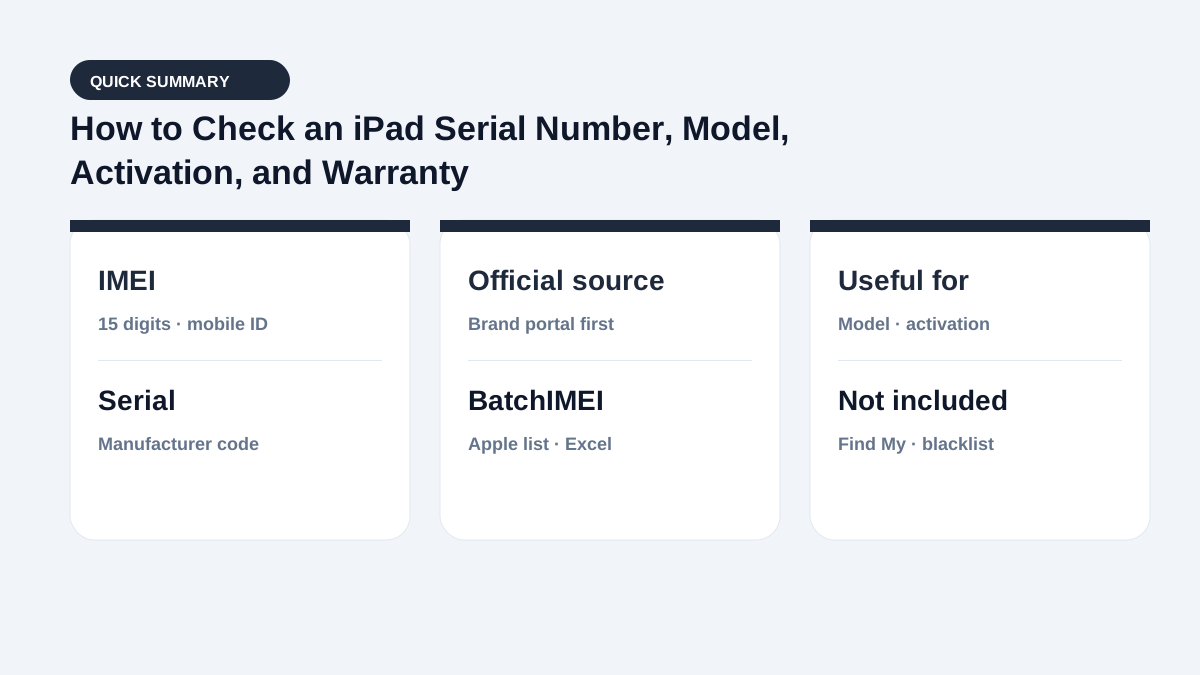
Step 2: Check the iPad model and Apple coverage
Enter the serial number at Apple Check Coverage. Compare the iPad family shown with the device, the seller’s description, and the model number in Settings. The public result may show the product family and service eligibility, but not always the storage, color, exact configuration, or repair history.
A recognized serial number is useful evidence, but it does not prove that every part is original. If the serial appears on the wrong box or device, ask Apple or an authorized service provider to resolve the mismatch.
Step 3: Inspect a used iPad beyond its serial number
Check Activation Lock and Find My directly on the iPad, and make sure the previous owner can sign out of their Apple Account. Test the display, battery behavior, charging port, speakers, cameras, Touch ID or Face ID, and Wi-Fi. On a Cellular model, also test SIM or eSIM service and compare the IMEI when the transaction requires it.
Apple warranty data does not reveal a hidden account lock, replaced components, carrier status, or the complete condition of the device. Finish these checks before payment or stock intake.
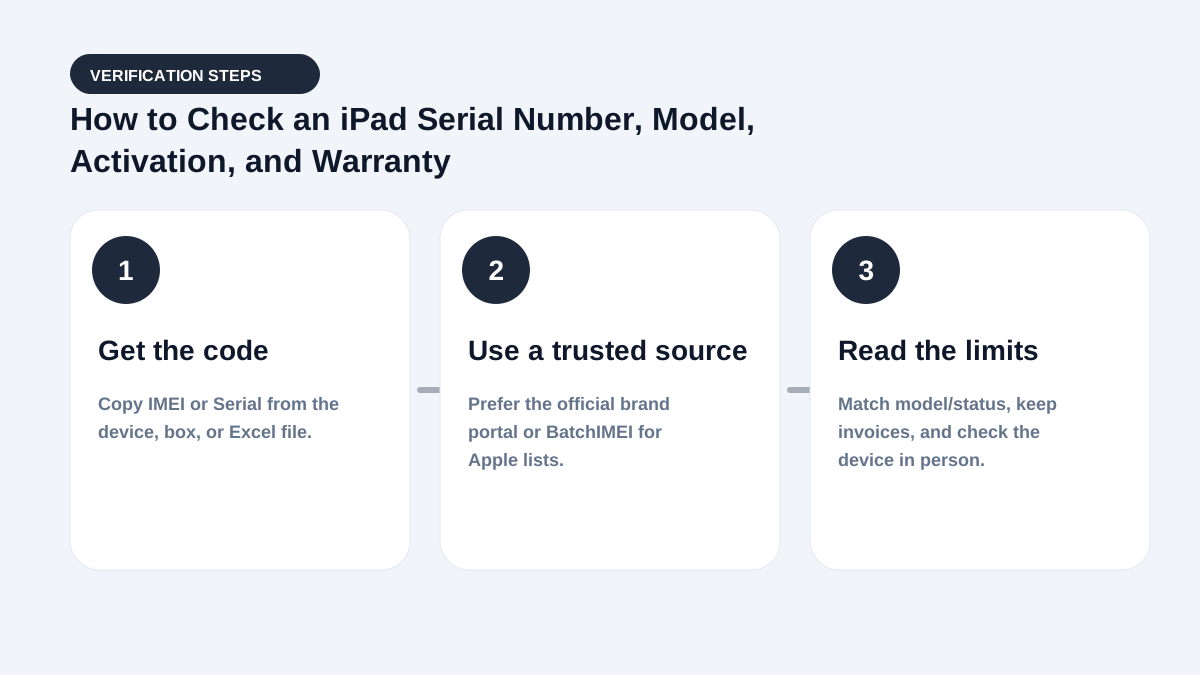
How to check a batch of iPads with Excel
For stock intake, place each Wi-Fi iPad serial number and each Cellular iPad serial number or IMEI on its own row in an Excel or CSV file. Keep an internal stock ID beside each identifier. After processing the file, use the exported results to find unrecognized identifiers, model mismatches, and units with little Apple coverage remaining.
Check Find My, account locks, carrier status, and physical condition separately before accepting the devices.
Quick decision checklist
- Decide whether you need an IMEI or a serial.
- Pick the right lookup (Apple Coverage vs carrier vs Find My).
- Match model/box before concluding.
- For lots: export Excel and bulk-check.
When pricing used devices: Coverage shows remaining warranty days; Activation Lock decides whether the unit is usable after erase; blacklist (if your market uses one) decides cellular attach. These layers do not replace each other.
Summary
These two concepts are often mixed up in deals. Keep the definitions straight and you will pick the right code and read results correctly.
Bookmark this page with Apple warranty check and what activation means for a three-layer flow: code → Coverage → account lock.
Frequently asked questions
Does a Wi-Fi iPad have an IMEI?
No. Only iPad models with cellular connectivity have an IMEI. Use the Serial Number to check a Wi-Fi-only iPad.
Does an iPad serial number reveal its storage capacity?
Not on every public results page. Confirm the model number and storage directly in Settings and compare them with the invoice or listing.
Can a serial-number check detect iCloud or Find My?
No. Apple coverage data and Activation Lock are separate. Check Find My and verify that the owner can sign out directly on the iPad.
Should buyers bookmark this comparison?
Yes — especially for frequent intake. Pair it with Coverage + Activation Lock checks.
References
- Apple Support — Find the serial number, EID, or IMEI — Official instructions for iPhone and iPad
- Apple — Check Your Service and Support Coverage — Apple's official serial-number coverage checker
Stop checking Apple identifiers one at a time
BatchIMEI accepts an Excel/CSV file of Apple IMEIs or serial numbers, processes up to 1,000 identifiers per batch, and exports activation and warranty results. The current price is 500 VND per successful check.