
IMEI & Serial Number Basics
What Is a Serial Number, How Is It Different from IMEI, and Can It Be Faked?
Serial numbers identify products with or without cellular service, but no single printed or displayed identifier should be trusted without cross-checking it.
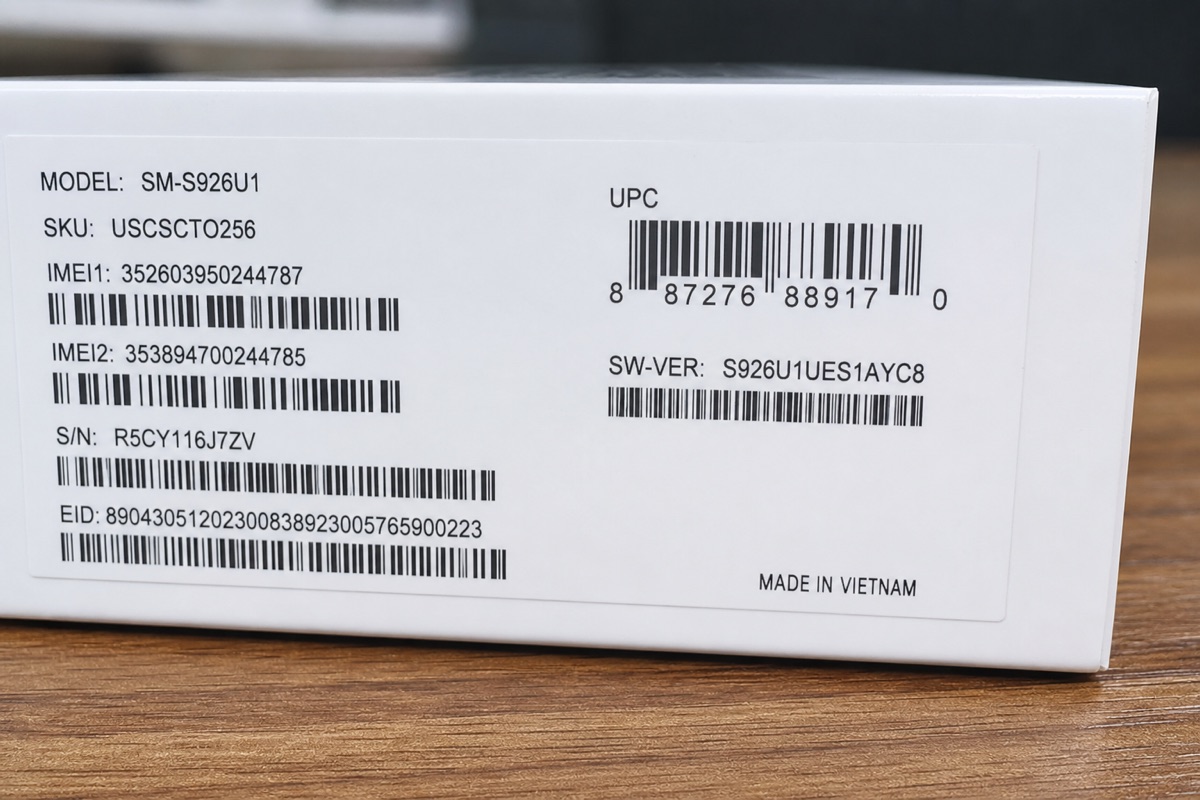
What is a serial number?
A serial number is a unique identifier within a manufacturer's product system. Its length and format vary by brand and product family. A manufacturer may use it to associate a unit with its model, production batch, purchase date, service coverage, or repair records.
Serial numbers appear on iPhone, iPad, MacBook, Apple Watch, headphones, Android phones, and many electronics that never connect to a cellular network. The exact information available from a public lookup depends on the manufacturer.
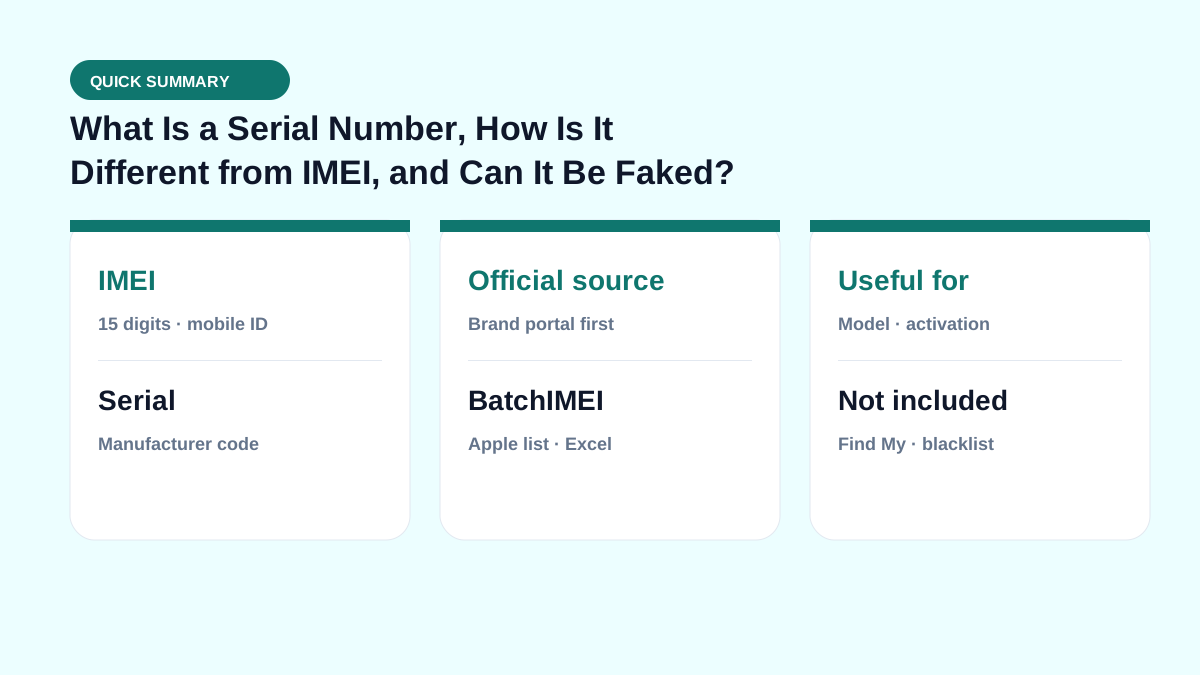
How is a serial number different from an IMEI?
An IMEI follows a mobile-equipment identification standard and is usually a 15-digit number. A serial number follows rules set by the manufacturer and may contain both letters and numbers. A phone can have both; a MacBook or Wi-Fi-only iPad generally uses its serial number for Apple coverage checks.
If an official form asks for a Serial Number, do not substitute an IMEI unless the form explicitly says it accepts both identifier types.
Can a serial number be faked or copied?
Yes. A label can be reprinted, and a valid serial number can be copied from a real device onto a different box or product. Even when an official lookup returns the expected model, that does not prove that the logic board, display, battery, enclosure, and other parts are original.
Compare the serial shown by the operating system with the device or box label, returned model, invoice, and service history. Stop the transaction and contact the manufacturer or an authorized service provider if those details conflict.
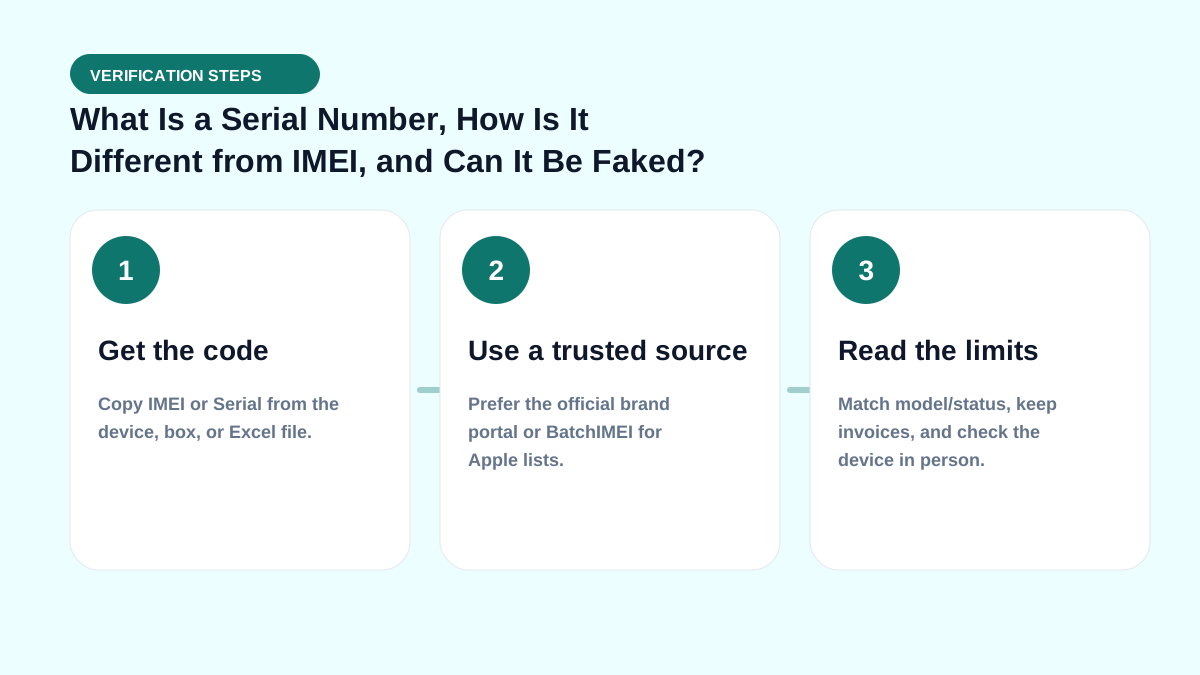
Where to find a serial number
- iPhone or iPad: Settings → General → About.
- MacBook: Apple menu → About This Mac.
- Android phone: Settings → About phone, or the box label.
- Device that will not start: check the enclosure, original box, invoice, or the manufacturer's account page where available.
When possible, read the identifier from the operating system and compare it with the other locations rather than relying on a photograph supplied by a seller.
Real-world check example
When buying used or receiving a lot, put this term on your checklist: get the right code → read Coverage → match the model → then pay. See also IMEI vs serial and by-model checks.
If you live in spreadsheets, pair this with the Batch IMEI Checker for Excel.
A common mistake is calling a device “clean” just because Coverage returns OK. Coverage does not replace an on-device Activation Lock check, and it does not report carrier blacklists. Separate layers reduce the risk of taking unsellable units.
Summary & next steps
Knowing the term prevents wrong conclusions from a single Coverage line. Return to the full glossary, browse comparisons, or open BatchIMEI for bulk checks.
Suggested reading order: glossary basics → concept comparisons → by-model guides → Excel workflows for stores. Each step answers a different buyer or intake question.
Frequently asked questions
Is a serial number confidential?
It is not a password, but you should not publish it unnecessarily. It may be copied or used in a fraudulent support request.
Can one device have more than one serial number?
Yes. The main device, a component, and an accessory may each have a separate serial number. Use the identifier requested by the relevant coverage form.
Can a serial-number lookup show whether a device was repaired?
Usually not in full. Public coverage pages expose limited information; a complete repair history may require the owner's account or an authorized service center.
Does BatchIMEI display this term?
BatchIMEI returns activation/warranty fields by serial. This glossary entry helps you read those fields and know what Coverage does not cover (e.g. iCloud Lock).
References
- Apple Support — Find the serial number, EID, or IMEI — Official instructions for iPhone and iPad
- Apple — Check Your Service and Support Coverage — Apple's official serial-number coverage checker
Explore more source-checked guides to IMEI, serial numbers, Apple warranty, and other manufacturers.
View all articles →