
Other Manufacturers
How to Check an OPPO Warranty by IMEI or SN
Use OPPO Support’s warranty checker, then assess the phone’s condition separately before buying or accepting it.
Step 1: Find the IMEI and SN on an OPPO phone
Dial *#06#, or open Settings → About device → Status. Record IMEI 1, IMEI 2, and the SN when available. A dual-SIM phone normally has a separate IMEI for each cellular line.
Prefer identifiers displayed by the device over a detached label or seller-provided photo. Compare them with the box and invoice, and keep the full numbers private unless you are submitting them to OPPO Support.
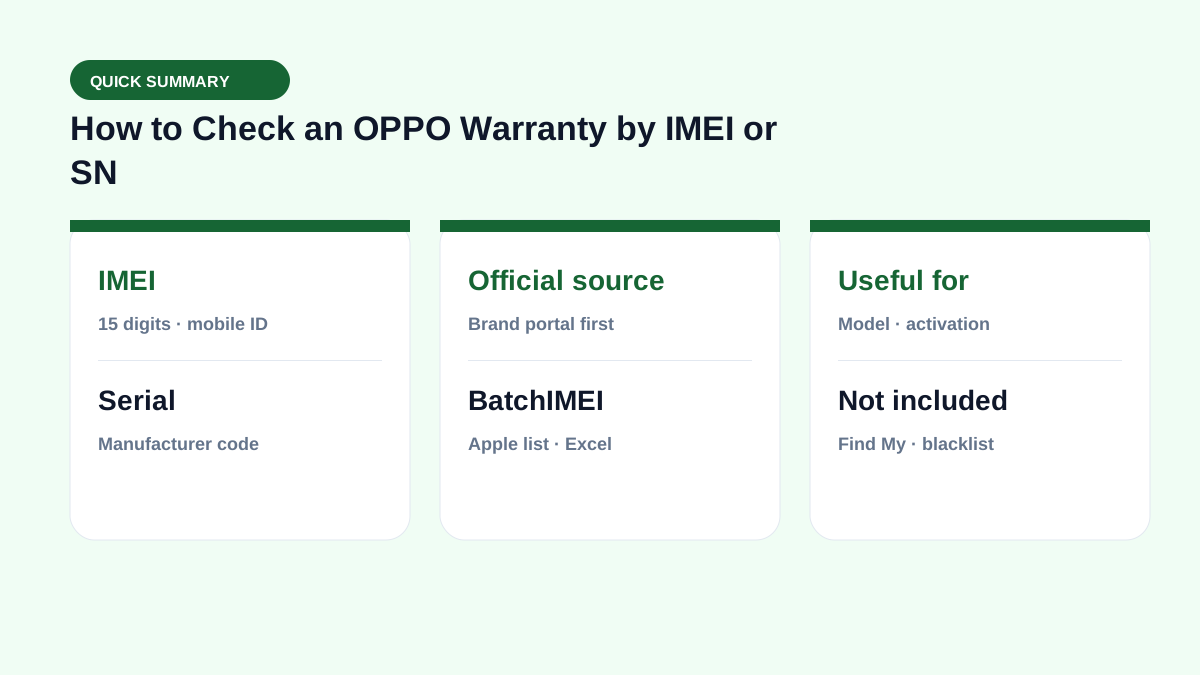
Step 2: Use OPPO's official Warranty Check page
Open OPPO Vietnam Warranty Check. Enter IMEI 1 or the SN, as indicated on the form, and complete the verification step.
Step 3: Review model and warranty information
Compare the returned model, color, and the warranty periods for the phone and battery when those fields are available. Coverage policies can differ by product, purchase date, and market. An imported OPPO phone may not have a complete record or local warranty entitlement on the Vietnam page.
If the details conflict with the phone or proof of purchase, recheck the number and ask OPPO Support or an authorized service center to verify it.
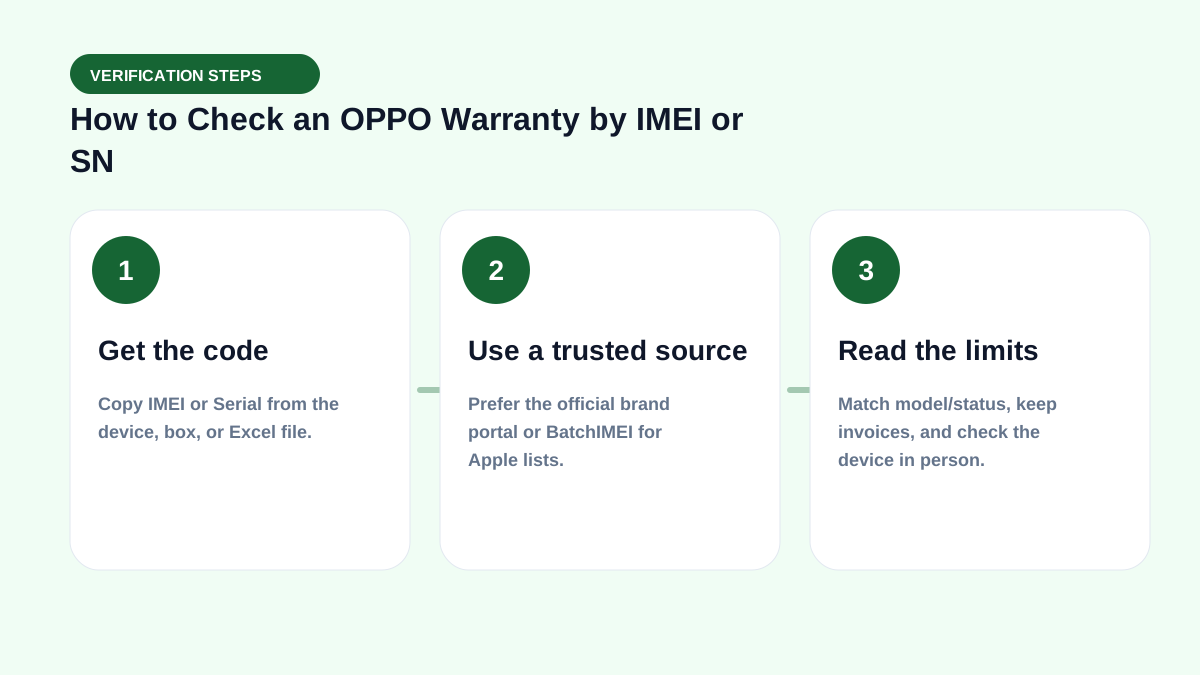
What else to check before buying a used OPPO phone
Confirm that the screen lock and Google Account can be removed, then test battery behavior, cameras, display, speakers, charging port, buttons, and network connectivity. Compare the IMEI on the phone and box, review the invoice, and make sure the phone can complete a factory reset and activation.
Valid warranty data does not prove that every component is original, so ask about repair history and inspect the phone carefully.
Real-world check example
When buying used or receiving a lot, put this term on your checklist: get the right code → read Coverage → match the model → then pay. See also IMEI vs serial and by-model checks.
If you live in spreadsheets, pair this with the Batch IMEI Checker for Excel.
A common mistake is calling a device “clean” just because Coverage returns OK. Coverage does not replace an on-device Activation Lock check, and it does not report carrier blacklists. Separate layers reduce the risk of taking unsellable units.
Summary & next steps
Knowing the term prevents wrong conclusions from a single Coverage line. Return to the full glossary, browse comparisons, or open BatchIMEI for bulk checks.
Suggested reading order: glossary basics → concept comparisons → by-model guides → Excel workflows for stores. Each step answers a different buyer or intake question.
Frequently asked questions
Does a dual-SIM OPPO phone have two IMEIs?
Yes. Each cellular slot or radio line normally has its own IMEI. Keep both numbers when verifying the device.
Can I check an OPPO phone with its Serial Number?
The official form may accept IMEI or SN depending on its region and current version. Follow the label and instructions shown on OPPO's form.
What should I do if OPPO shows no warranty information?
Check the IMEI or SN for typing errors. If the number is correct, contact OPPO Vietnam with the phone’s proof of purchase, especially for an imported model.
Does BatchIMEI display this term?
BatchIMEI returns activation/warranty fields by serial. This glossary entry helps you read those fields and know what Coverage does not cover (e.g. iCloud Lock).
References
- OPPO Vietnam — Warranty Check — Official OPPO Vietnam warranty checker
Explore more source-checked guides to IMEI, serial numbers, Apple warranty, and other manufacturers.
View all articles →