
Bulk Checks for Businesses
Check Multiple Apple Serial Numbers with Excel: A Stock-Intake Workflow
A consistent input file reduces typing errors and gives retailers one auditable result set for an entire shipment of iPhones, iPads, MacBooks, Apple Watches, or AirPods.
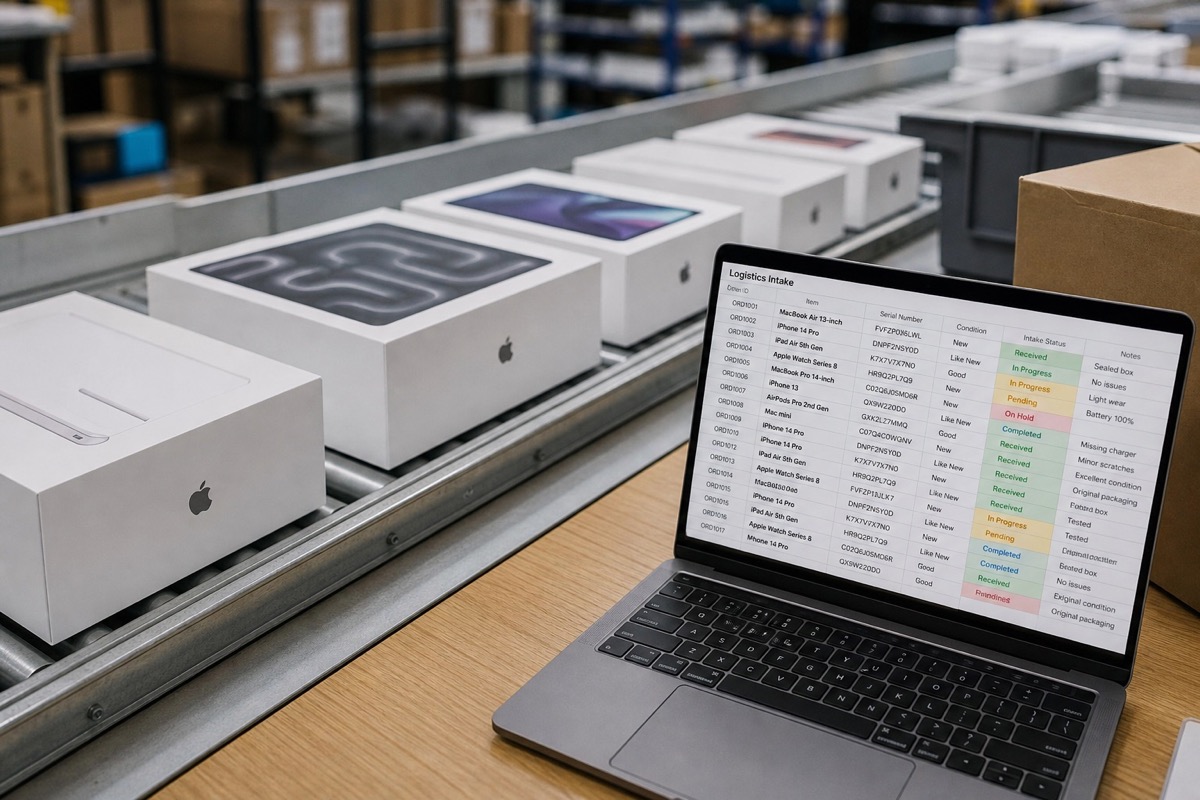
Step 1: Collect serial numbers from reliable sources
Prefer a serial number read from the device's operating system or scanned directly from its label. Record an internal stock ID, SKU, or supplier reference beside each identifier so the result can be traced back to the physical iPhone, iPad, MacBook, Apple Watch, or AirPods unit.
Avoid building a stock-intake file from screenshots when the original spreadsheet or devices are available. Images invite transcription errors, especially where letters and numbers look similar. Do not publish complete serial numbers in public listings or support threads.
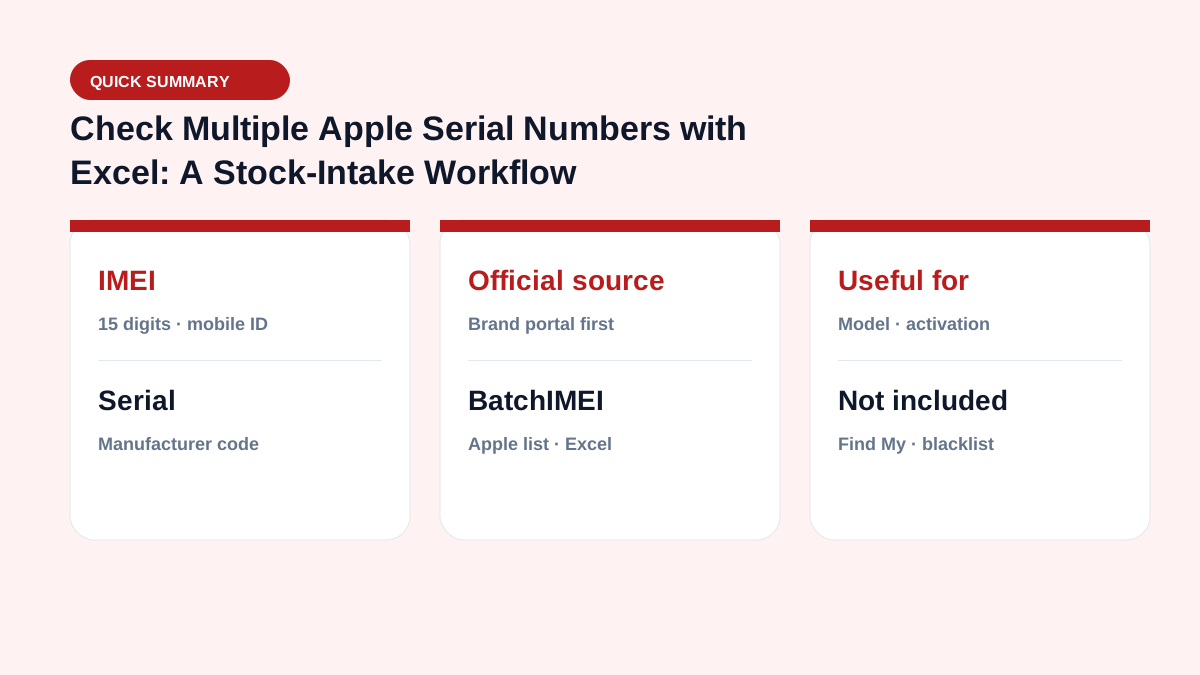
Step 2: Clean and format the Excel file
Format the identifier column as Text, remove leading and trailing spaces, delete blank rows, and name the column serial. Keep one identifier per row. BatchIMEI can recognize an imei or serial column, although separating identifier types can make quality control easier.
Before upload, compare the number of populated rows with the physical unit count and scan for duplicates. Preserve internal reference columns without changing the identifier itself.
Step 3: Run the batch and classify the results
Upload no more than 1,000 Apple identifiers per batch. After processing, export the results and filter by returned model, activation status and date, remaining Apple coverage, and error status.
Review rows with no data manually. An error is not automatic evidence of a counterfeit product: it may come from an incorrect character, an unsupported identifier, or incomplete source data.
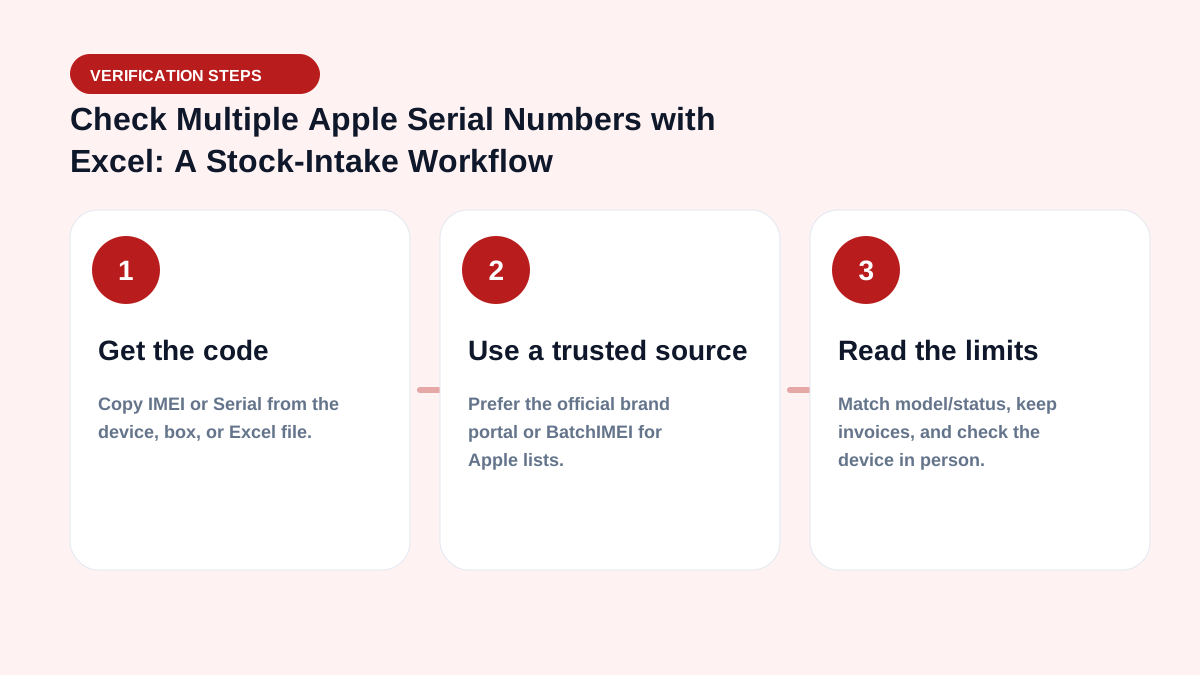
Shipment reconciliation checklist
- Confirm that the number of input identifiers equals the number of devices received.
- Match each returned model to the SKU, box, and physical product.
- Check whether activation dates fit the supplier's description of the shipment.
- Save the result file with its check date, supplier, and internal stock references.
- Inspect every exception before approving payment or inventory intake.
For a manual spot check, enter a sample serial number at Apple Check Coverage. Review account locks, carrier status, ownership, and physical condition separately.
Daily operations checklist
- Normalize serial/IMEI columns before upload (uppercase, dedupe, drop blanks).
- Split batches to ≤1,000 codes; watch the 5,000/day user limit.
- Store OUTPUT files with intake/delivery records for later disputes.
- Check Activation Lock on-device — Coverage is not a substitute.
- Quick filters: Not Actived, Day warranty left < 30, mismatched model.
See the business hub and glossary.
For large volume, also read checking 10,000 serials in Excel.
Summary & CTA
An Excel workflow lets stores and warehouses verify Apple activation/warranty faster than one-by-one checks. Start with 5 free checks after email verification, then scale with your real inbound volume.
Operational goal: every inbound lot has an OUTPUT file attached — which units are activated, how many warranty days remain, whether models match — before you pay or put stock on the shelf.
Frequently asked questions
Can I upload both IMEI and Serial Number values?
Yes. BatchIMEI recognizes an imei or serial column, but each row should contain one clean Apple identifier. Separating the two types can simplify auditing.
Can Excel damage a serial number?
It can alter identifiers through automatic formatting or formulas. Set the column to Text, avoid formulas that trim valid characters, and compare a sample with the source devices before upload.
How much does a batch cost?
The current rate is 500 VND per successful check. The total depends on the number of successfully processed Apple identifiers, up to 1,000 per batch.
Do I need IT to get started?
No. Warehouse staff can export Excel/CSV and upload on the BatchIMEI web app. An API only matters when embedding into an ERP/WMS.
References
- Apple — Check Your Service and Support Coverage — Apple's official serial-number coverage checker
- Apple Support — Find the serial number, EID, or IMEI — Official instructions for iPhone and iPad
Stop checking Apple identifiers one at a time
BatchIMEI accepts an Excel/CSV file of Apple IMEIs or serial numbers, processes up to 1,000 identifiers per batch, and exports activation and warranty results. The current price is 500 VND per successful check.