
Apple, iPhone, iPad & Mac
How to Check a MacBook Serial Number, Model, Warranty, and Purchase Date
A MacBook does not use an IMEI. Its serial number is the primary identifier for checking the model and Apple service coverage.
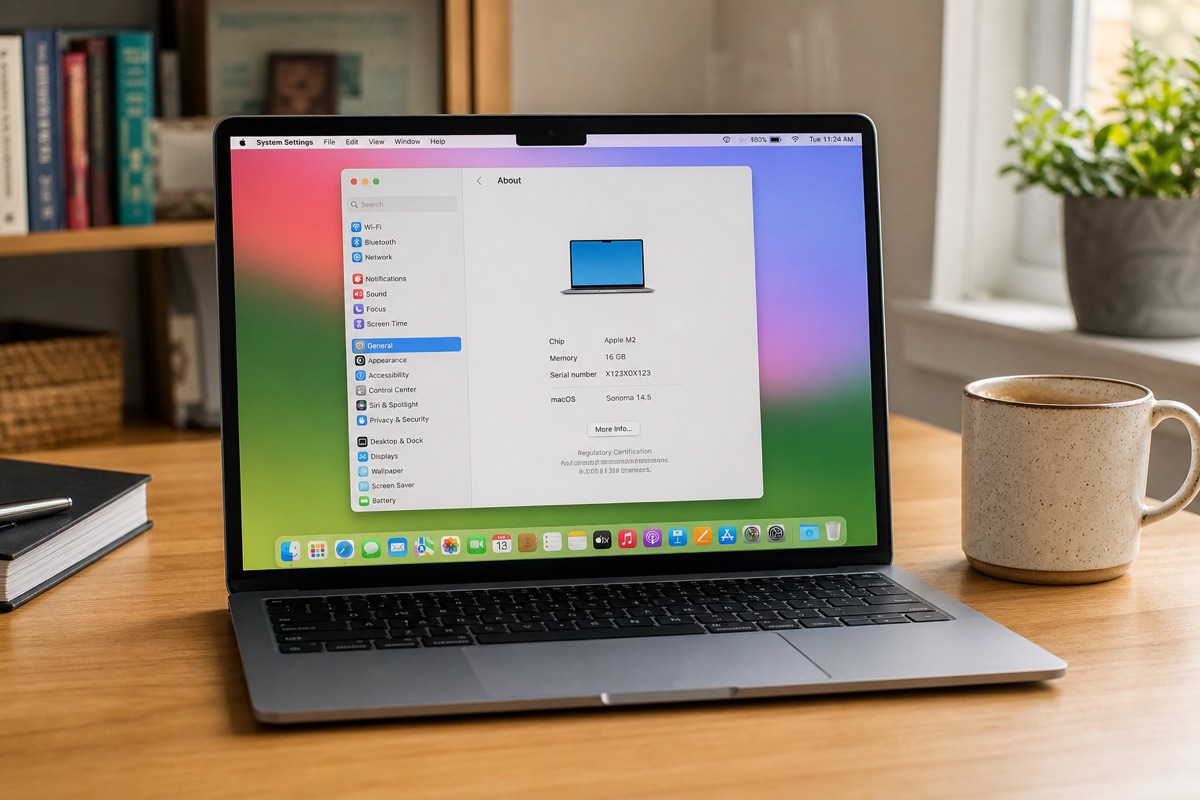
Step 1: Find the MacBook serial number
Choose Apple menu → About This Mac, or open System Information, to copy the serial number from macOS. If the MacBook does not start, look for the number on the underside and on the original box. Ideally, all three locations should match.
The number printed on the enclosure is less reliable if the bottom case has been replaced. Give greater weight to the identifier reported by macOS, and investigate any discrepancy before completing a purchase.
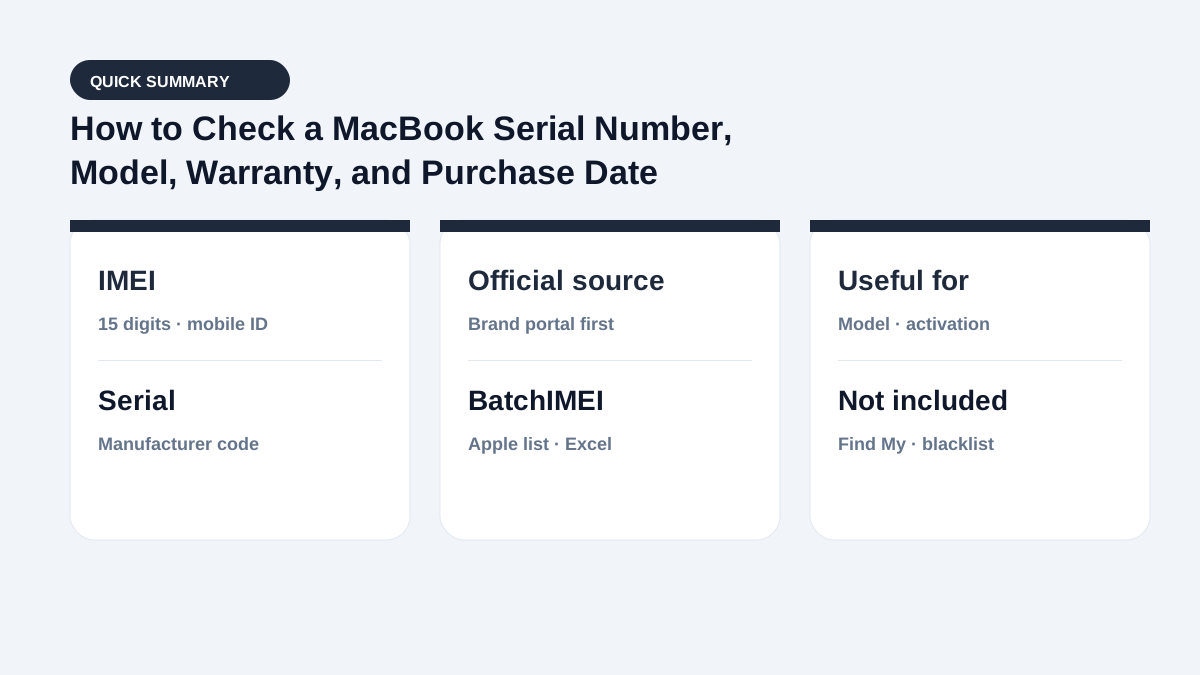
Step 2: Verify the model and Apple warranty
Enter the serial number at Apple Check Coverage and compare the product family with the MacBook in front of you. Apple may show whether the purchase date is validated and whether service or repair coverage is still available.
An unvalidated purchase date or expired coverage does not by itself mean the MacBook is counterfeit or defective. Recheck the serial number, retain the original proof of purchase, and contact Apple if the purchase date or eligibility needs to be corrected.
Step 3: Check a used MacBook beyond coverage
Confirm that Activation Lock is removed and inspect the Mac for a Mobile Device Management profile. Review battery cycle count and health; test the display, keyboard, trackpad, Touch ID, cameras, speakers, and every port; and confirm that macOS can be erased and activated normally.
A serial lookup does not disclose the complete component history, liquid damage, enterprise ownership, or management rights. A matching serial number therefore complements, but never replaces, a hands-on inspection and valid purchase documents.
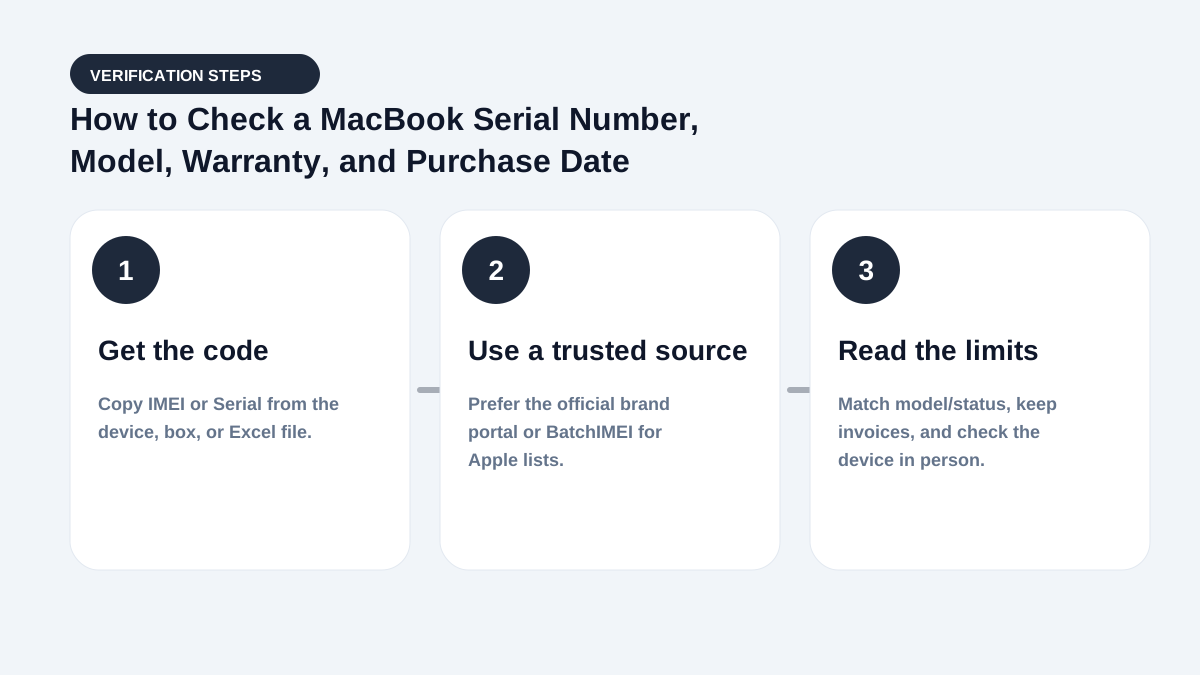
Checking a MacBook shipment by serial number
Buyback teams and retailers can place one MacBook serial number per row in an Excel or CSV file. Keep an internal stock ID in the next column so each exported result can be matched to the correct physical MacBook.
Use the batch results to review model, activation, and Apple coverage. Check Find My, MDM, physical condition, and proof of ownership separately.
Quick decision checklist
- Decide whether you need an IMEI or a serial.
- Pick the right lookup (Apple Coverage vs carrier vs Find My).
- Match model/box before concluding.
- For lots: export Excel and bulk-check.
When pricing used devices: Coverage shows remaining warranty days; Activation Lock decides whether the unit is usable after erase; blacklist (if your market uses one) decides cellular attach. These layers do not replace each other.
Summary
These two concepts are often mixed up in deals. Keep the definitions straight and you will pick the right code and read results correctly.
Bookmark this page with Apple warranty check and what activation means for a three-layer flow: code → Coverage → account lock.
Frequently asked questions
Does a MacBook have an IMEI?
No. MacBook computers do not have a cellular modem like an iPhone. Use the Serial Number for identification and Apple coverage checks.
Can Check Coverage reveal MDM enrollment?
No. Check Coverage does not provide normal MDM status. Inspect management profiles and complete the activation process on the MacBook itself.
Does expired Apple coverage prove that a MacBook is used?
No. It only indicates that the listed service or coverage period has ended. Establish the MacBook's age and condition from additional evidence.
Should buyers bookmark this comparison?
Yes — especially for frequent intake. Pair it with Coverage + Activation Lock checks.
References
- Apple — Check Your Service and Support Coverage — Apple's official serial-number coverage checker
- Apple Support — Find your Mac model name and serial number — Official Apple instructions for locating a Mac serial number
Stop checking Apple identifiers one at a time
BatchIMEI accepts an Excel/CSV file of Apple IMEIs or serial numbers, processes up to 1,000 identifiers per batch, and exports activation and warranty results. The current price is 500 VND per successful check.