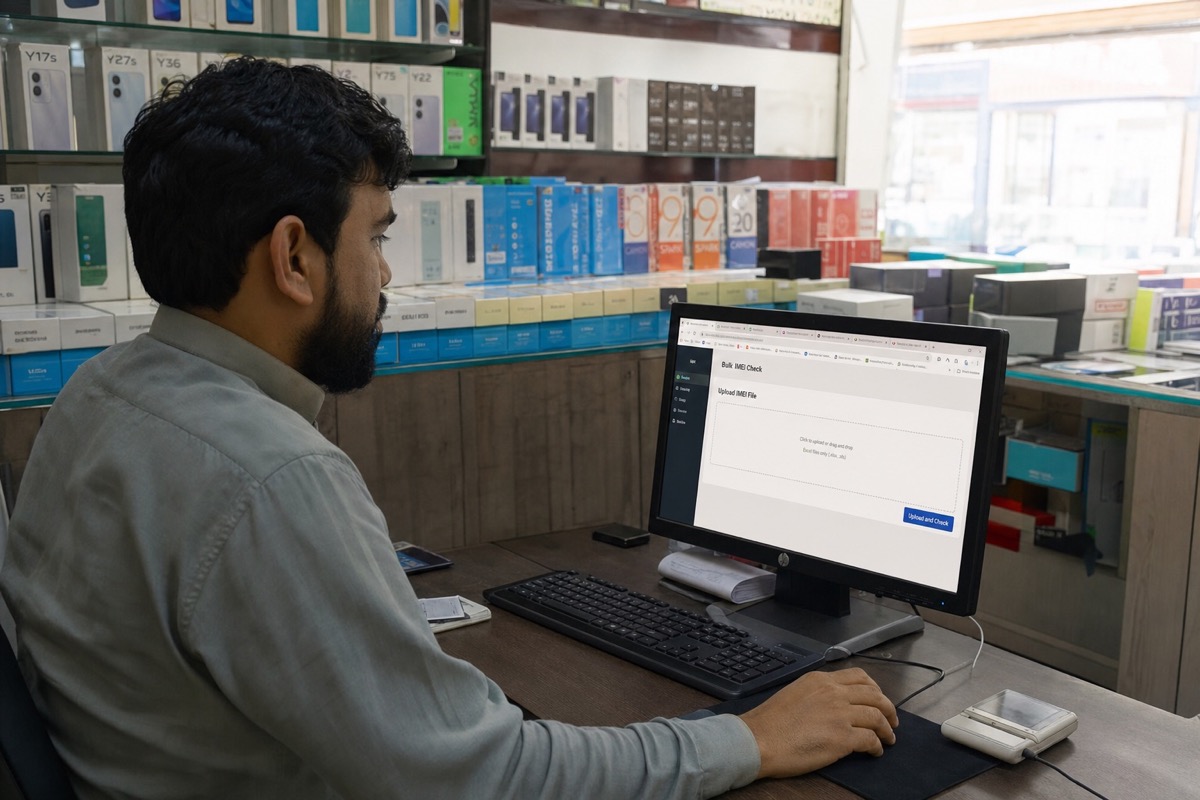
How to Bulk-Check Apple IMEIs and Serials with Excel
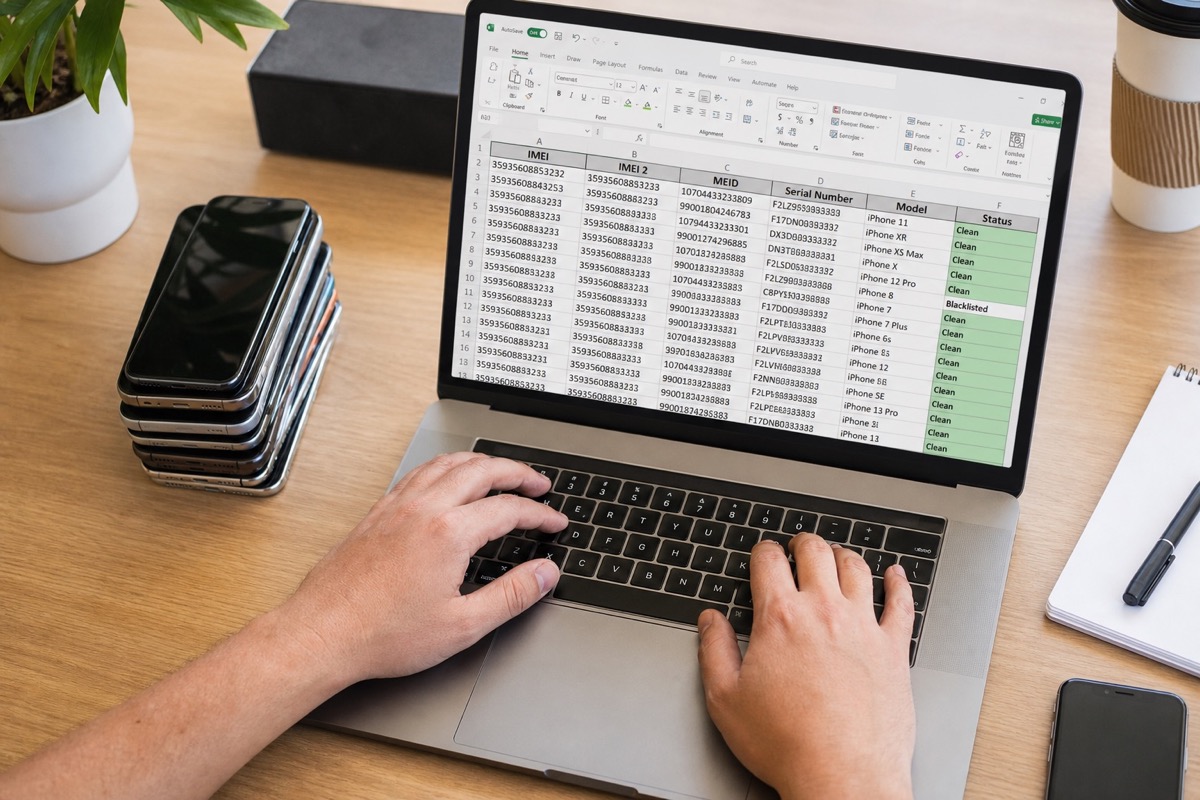
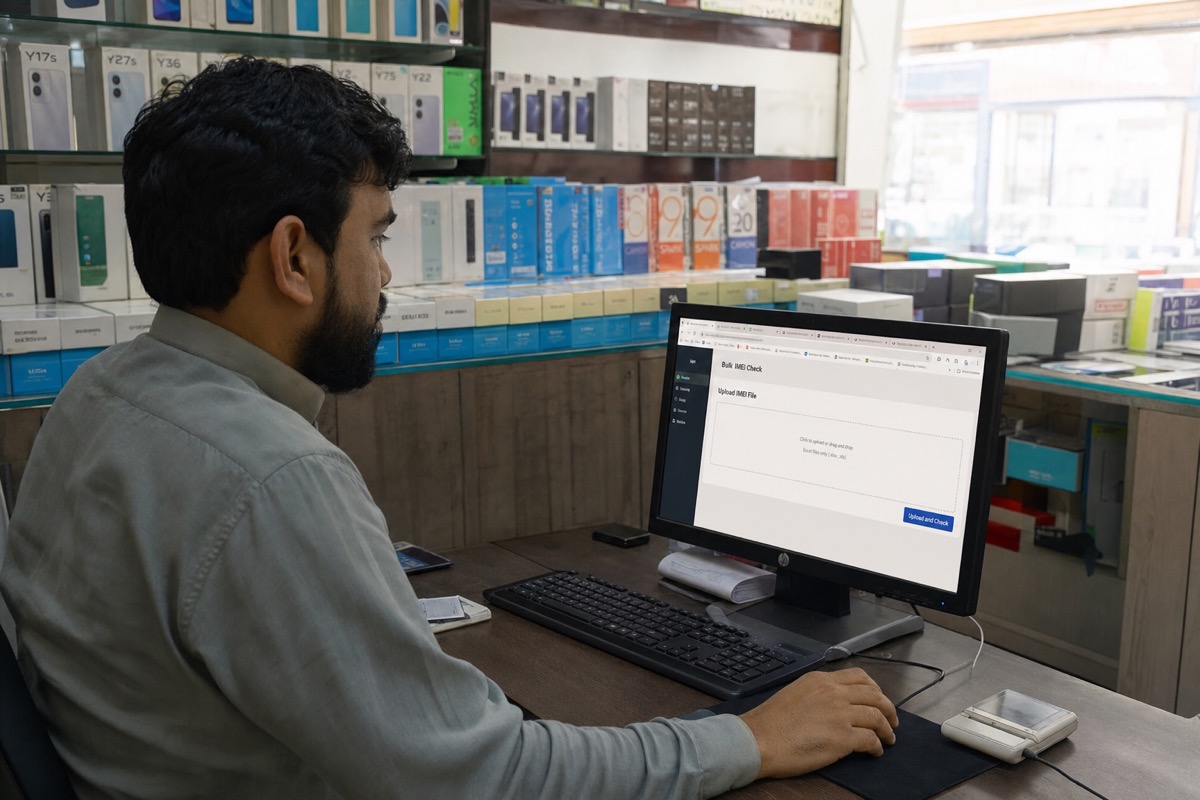
Upload Excel → run a batch → download one result file for stores, wholesalers, buyback teams, and refurbishers — without typing each code into Check Coverage.
Read article →Business
B2B landings: Excel / Sheets / CSV, API vs Excel, and workflows for refurbishers, wholesalers, repair shops and buyback desks.
Upload Excel → run a batch → download one result file for stores, wholesalers, buyback teams, and refurbishers — without typing each code into Check Coverage.
Read article →A consistent input file reduces typing errors and gives retailers one auditable result set for an entire shipment of iPhones, iPads, MacBooks, Apple Watches, or AirPods.
Read article →Free checks suit a single device; paid services make sense only when they save work or return the exact data you need.
Read article →Compare by data type and workflow—not price alone—because each service solves a different need.
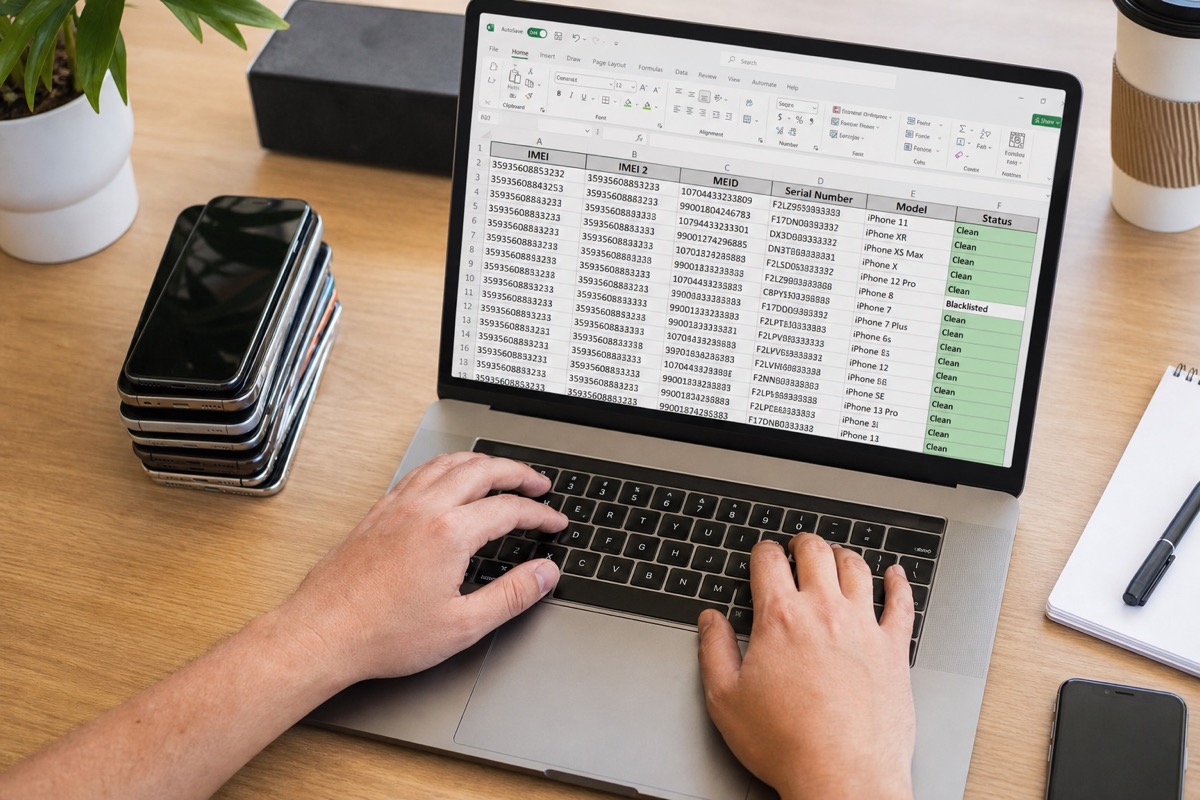
Read article →For stores and warehouses that already keep IMEI/serial lists in Excel — no more one-by-one lookups.
Read article →A practical plan for large lots: split files, respect daily limits and merge results.
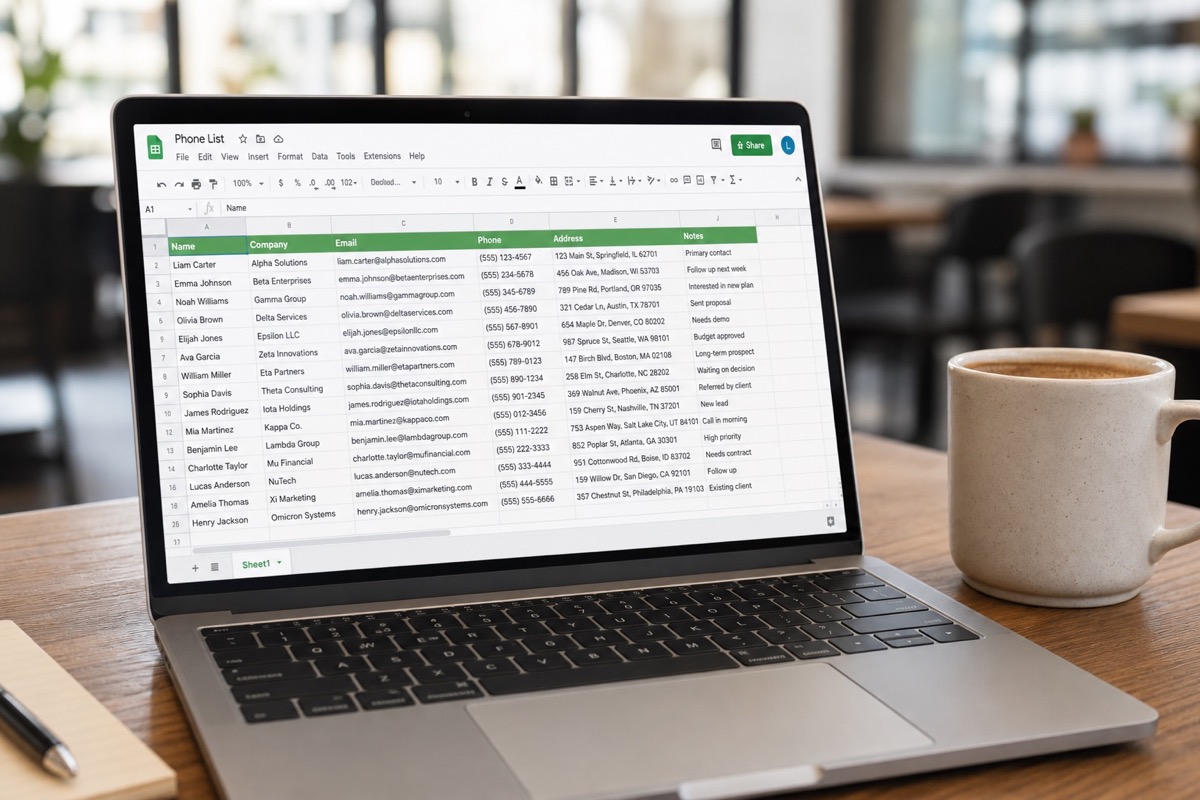
Read article →Teams living in Google Sheets can still bulk-check — a CSV export is enough.
Read article →CSV is the common interchange format between warehouse software, Sheets and Excel.
Read article →One serial file → expiry dates and warranty days remaining for the whole lot.
Read article →Excel is fastest to start; an API wins when you must embed into an ERP — choose by system maturity.
Read article →For refurbish workshops, grading warehouses, refurbished resellers: upload Excel, filter activated / expired-warranty units before intake or pricing.
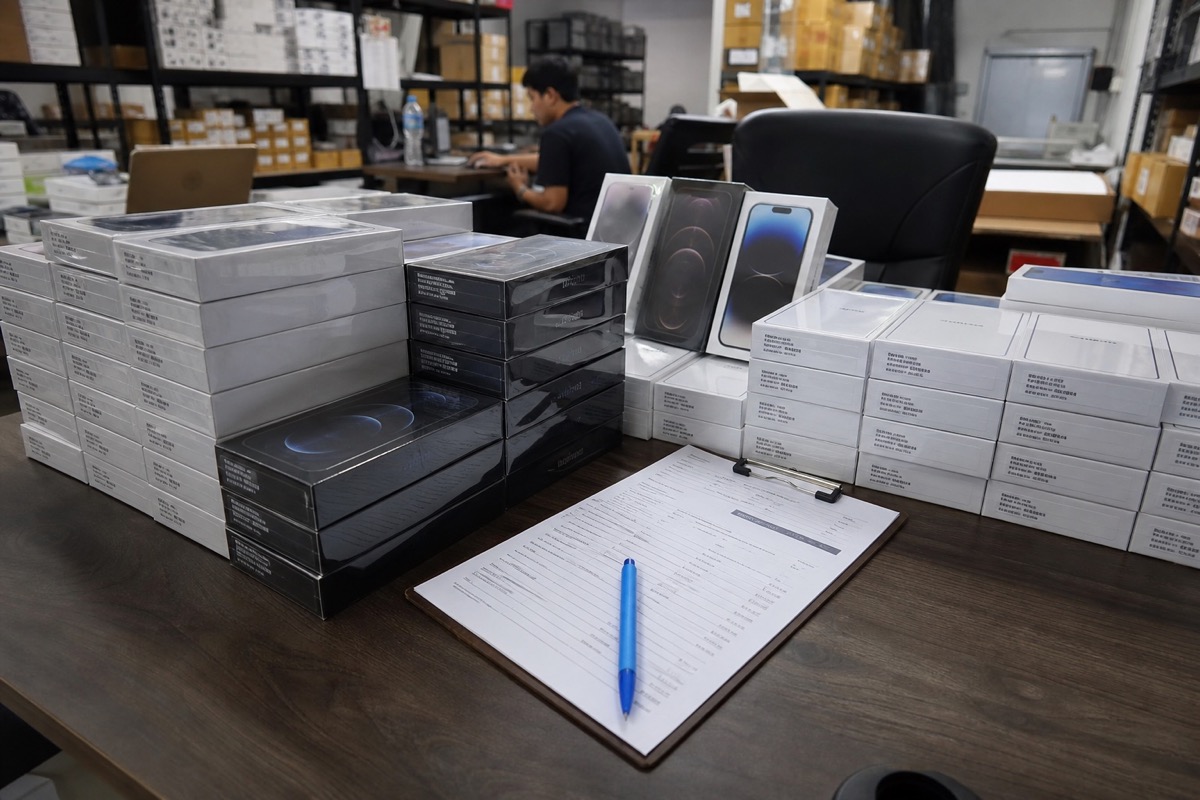
Read article →For wholesalers, distributors, transit warehouses: upload Excel, filter activated / expired-warranty units before intake or pricing.
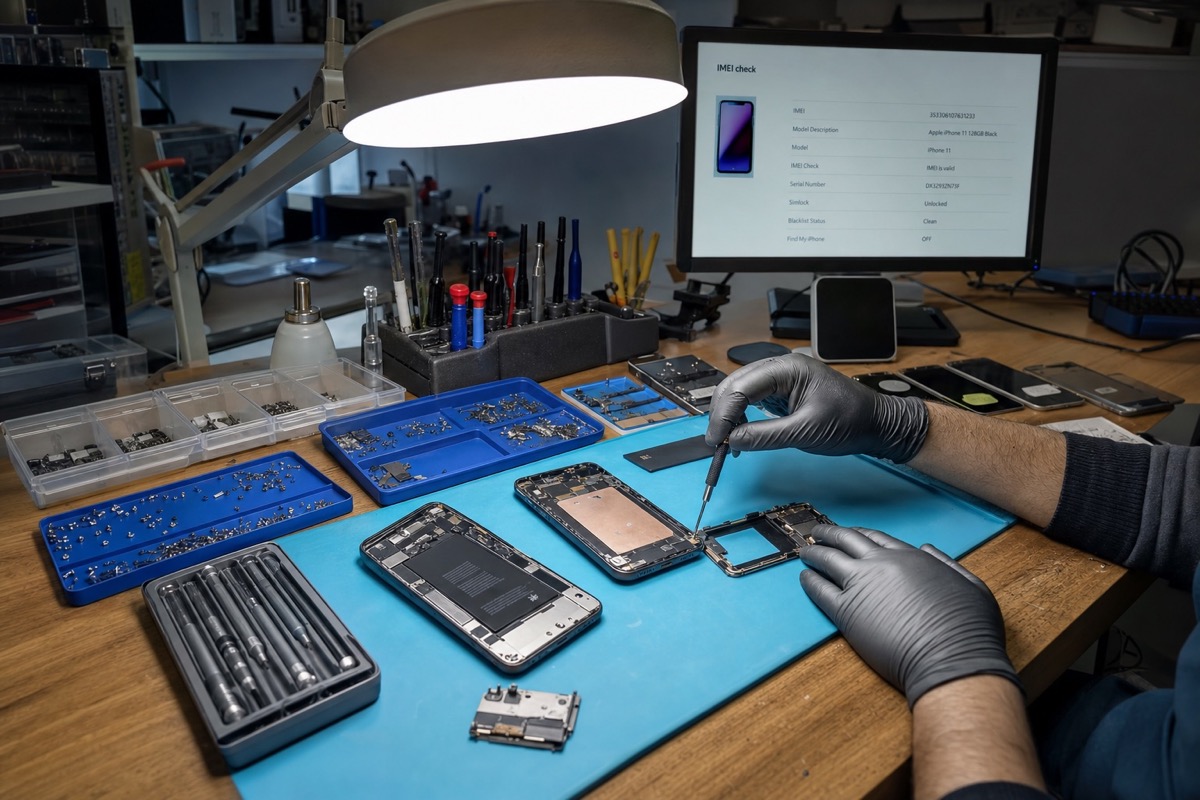
Read article →For repair shops, independent service centers, technicians: upload Excel, filter activated / expired-warranty units before intake or pricing.
Read article →For buyback desks, trade-in counters, used-device marketplaces: upload Excel, filter activated / expired-warranty units before intake or pricing.
Read article →An IMEI is an identifier, not a value for arithmetic. Format the column as Text before import to preserve it.
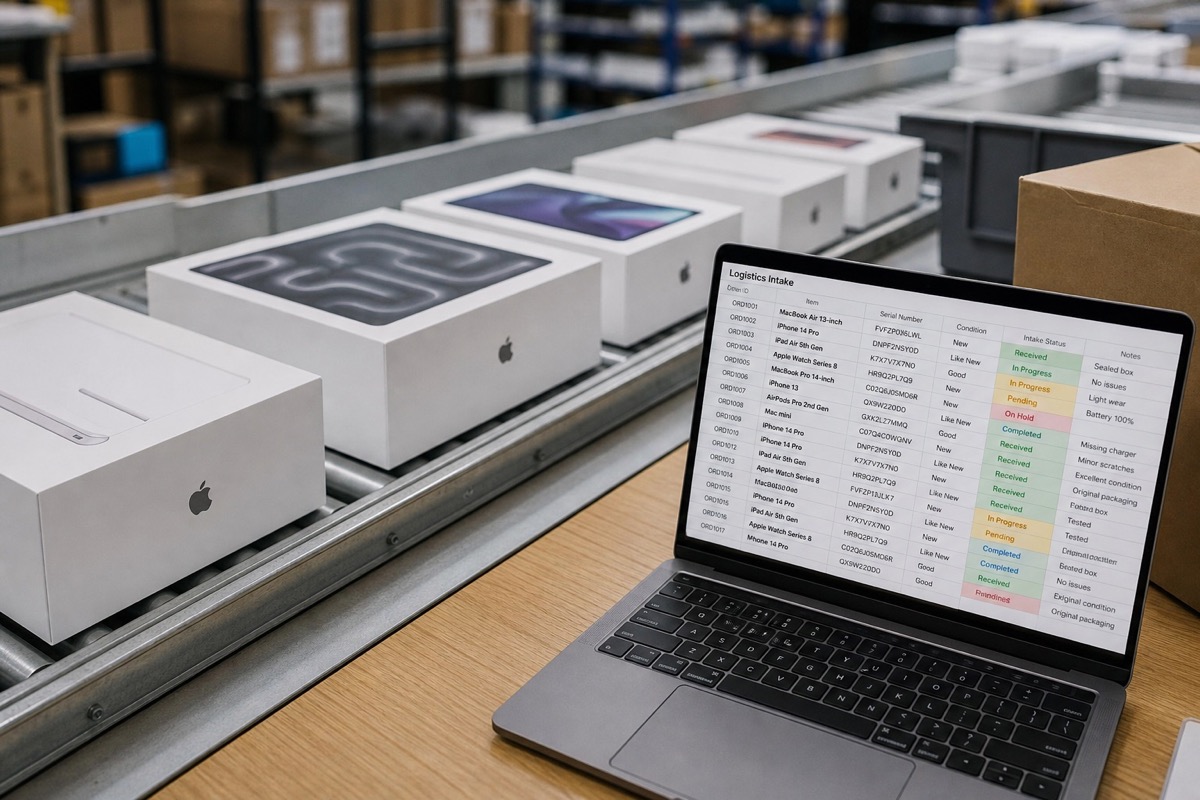
Read article →One row per device, with an internal asset ID and the fields needed for intake, warranty checks, grading and assignment.
Read article →See more IMEI, serial and bulk-check guides on the BatchIMEI blog.
View the full blog →