
Apple, iPhone, iPad & Mac
Check Apple Warranty with an IMEI or Serial Number
Use the right identifier for each Apple product and understand what Coverage confirms — and what it never will.
Apple warranty checks for iPhone, MacBook, AirPods, and more
An Apple warranty check uses Check Coverage. iPhone lookups often pair with IMEI checks; MacBook and AirPods use serial numbers — see also MacBook warranty check and AirPods warranty check.
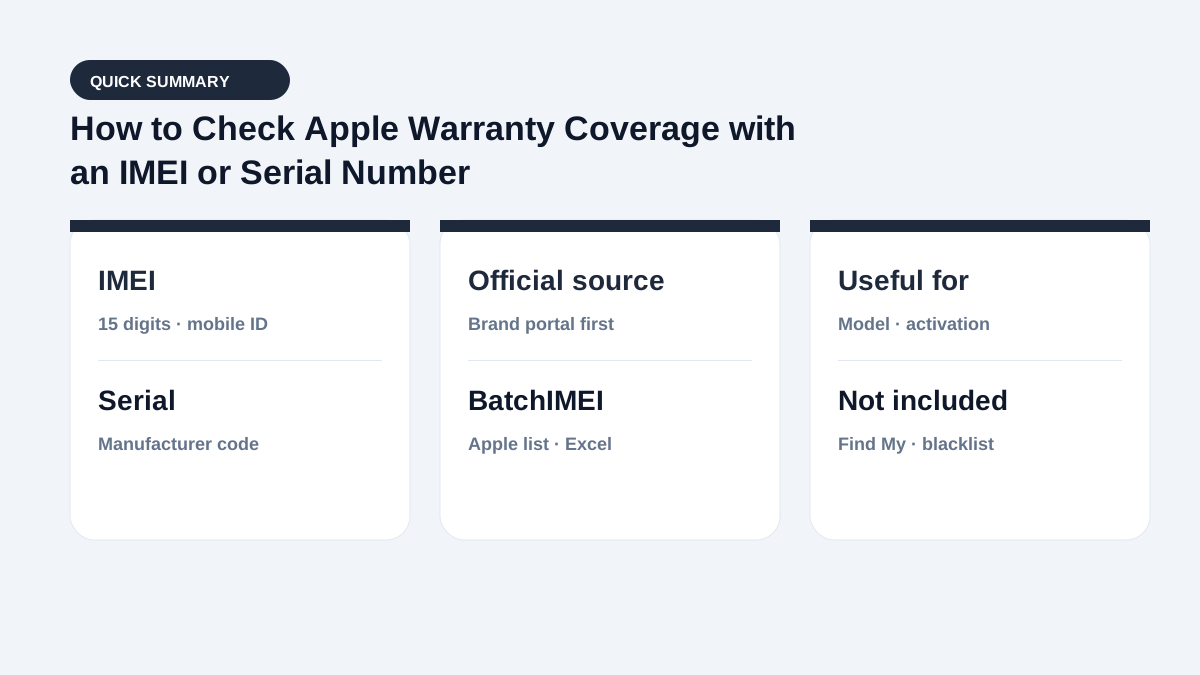
Step 1: Decide whether to use an IMEI or serial number
An iPhone has both an IMEI and serial number. A cellular iPad also has an IMEI, while a Wi-Fi-only iPad, MacBook, Apple Watch, and AirPods are generally checked by serial number. Apple's official coverage service emphasizes the serial number, so start with the identifier shown on the device's About page.
Compare it with the box and purchase record. If the device cannot start, use the box or enclosure provisionally and verify the in-system number later.
Step 2: Use Apple Check Coverage
Open Apple's official Check Coverage service, enter the serial number, and complete the requested verification. If Apple does not recognize the identifier, check every character and compare it with the number shown on the device.
For a date or product mismatch, contact Apple Support with the device and valid proof of purchase.
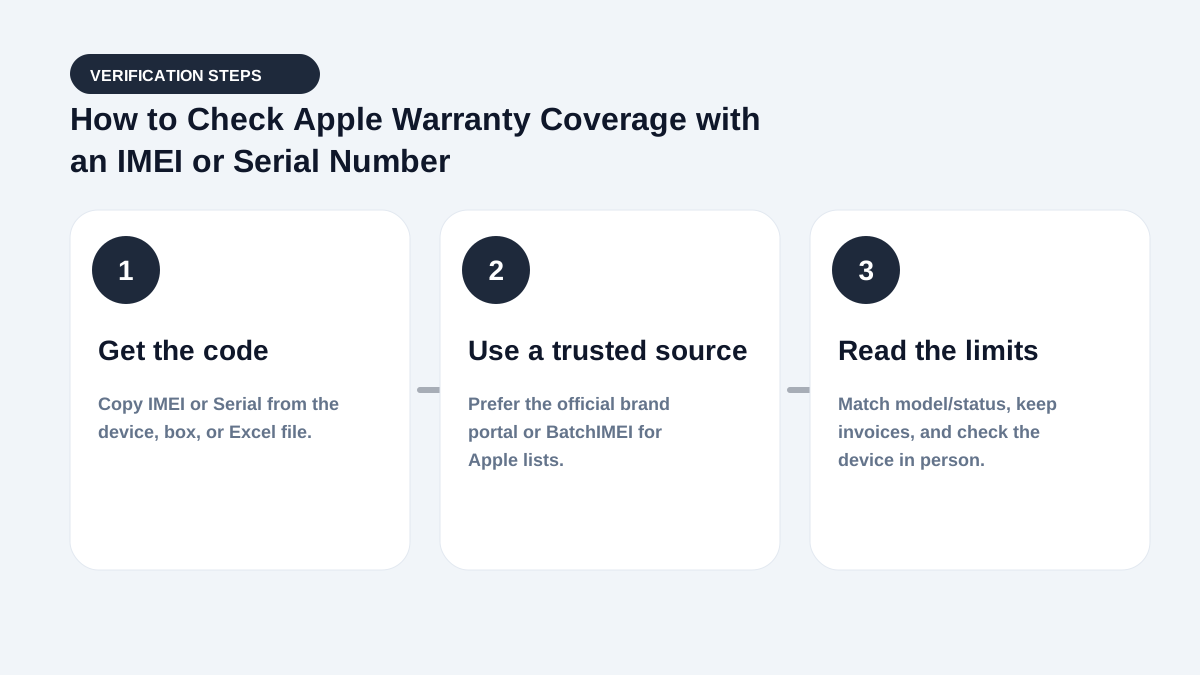
Step 3: Interpret Apple coverage and purchase information
Check Coverage may show the iPhone, iPad, or Mac family, purchase-date validation, and eligibility for service or repairs. The interface and exact fields can change by date and market. Expired coverage does not make a device counterfeit; it means that the applicable standard coverage or related plan has ended.
Coverage information is also not a complete repair record and does not prove that every installed component is original.
Checking multiple iPhones and other Apple devices
Apple's free service is practical for an individual device. Stores can upload Excel or CSV to BatchIMEI and receive the model, activation status and date, and remaining Apple coverage for each row, then export the results for inventory receiving or shipment reconciliation.
Frequently asked questions
Does Apple Check Coverage show Find My status?
No. Apple coverage and Activation Lock or Find My are separate data. Check account status directly on the device during a purchase.
Do AirPods have an IMEI?
No. AirPods use a serial number and do not have a cellular-equipment IMEI like an iPhone.
What should I do if the coverage date conflicts with my invoice?
Contact Apple Support and provide valid proof of purchase. Apple can explain whether the recorded purchase date is eligible for correction.
Do I need an IMEI to check Apple warranty?
Prefer the serial number on Check Coverage. For iPhone or cellular iPad, also cross-check the IMEI against the box and device.
References
- Apple — Check Your Service and Support Coverage — Apple's official serial-number coverage checker
- Apple Support — Find the serial number, EID, or IMEI — Official instructions for iPhone and iPad
Stop checking Apple identifiers one at a time
BatchIMEI accepts an Excel/CSV file of Apple IMEIs or serial numbers, processes up to 1,000 identifiers per batch, and exports activation and warranty results. The current price is 500 VND per successful check.