
Apple, iPhone, iPad & Mac
Check iPhone Activation: Still Not Activated or Already Active?
What Not Activated means, what it cannot prove, and how stores bulk-check activation status with Excel.
Activation check vs warranty check
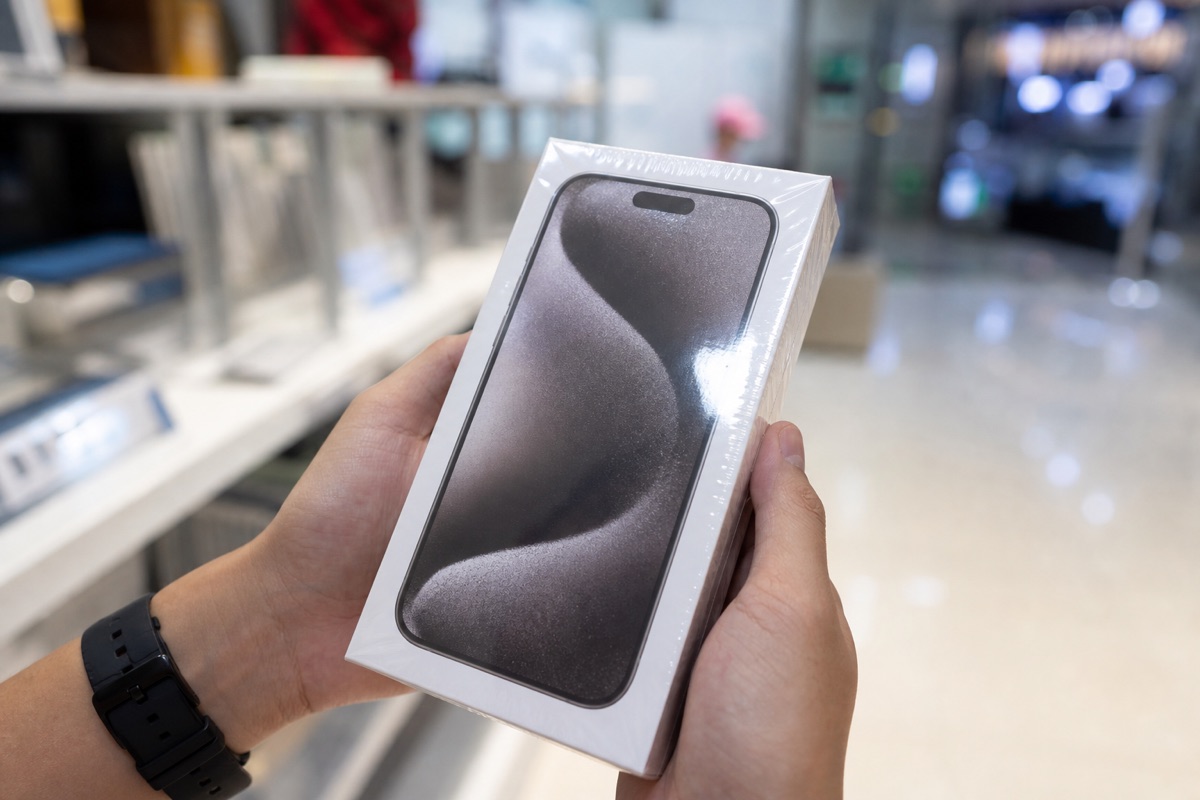
Queries like check iPhone activation or check active iPhone focus on Activated / Not Activated. Warranty checks focus on remaining coverage. One Coverage lookup often shows both — see also what activation means.
Direct answer and limits of the conclusion
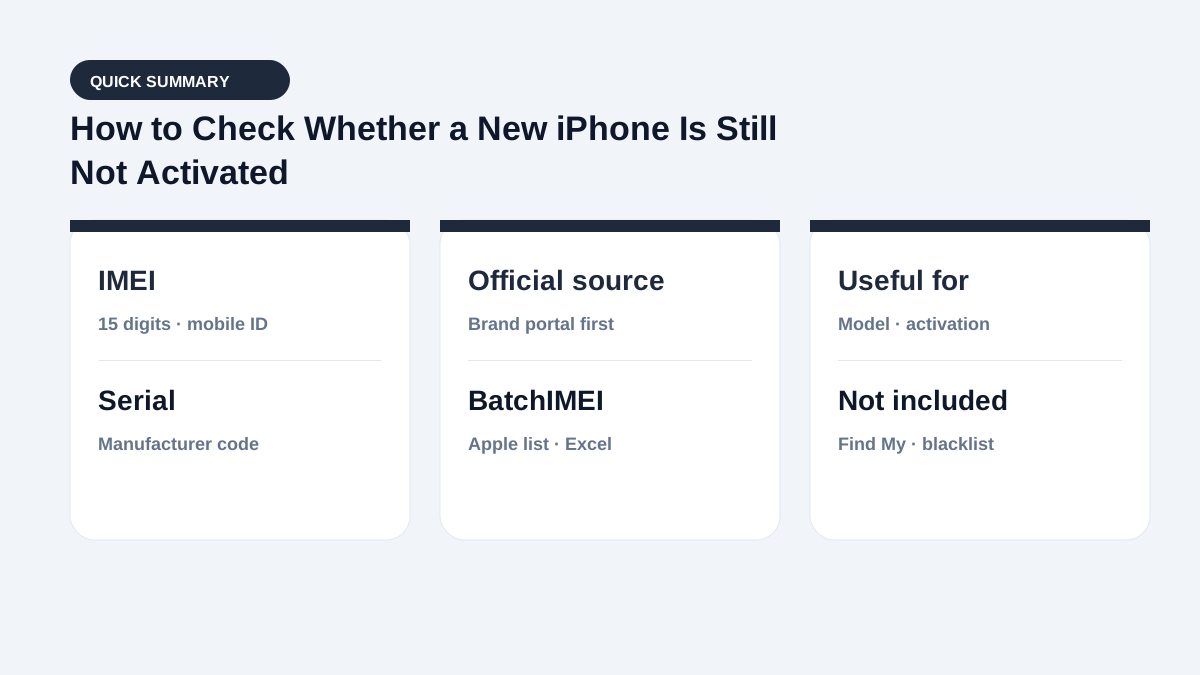
Not Activated is strong evidence when buying a “new” phone, but it does not replace seal checks, provenance, or Activation Lock verification. Coverage and account locks are different layers — see Coverage does not check iCloud Lock.
Step 1: Collect the right IMEI or serial
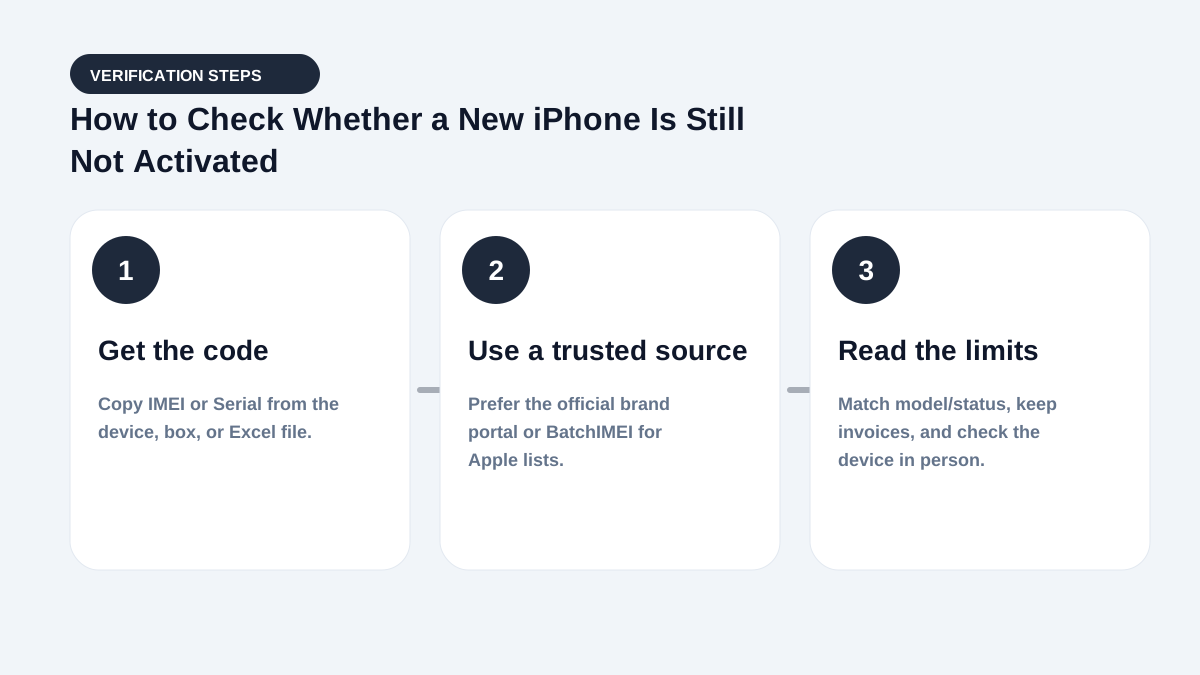
Sealed box: read the label and request invoice/lot documents. Open device: Settings → General → About. Both sources must match; do not rely only on a seller photo. Compare identifiers in IMEI vs serial.
Step 2: Read status on Check Coverage
One phone: Apple Check Coverage. Many codes: bulk Excel checks on BatchIMEI. Record the check time — status changes as soon as the iPhone activates.
Step 3: What “Not Activated” does and does not mean
| It can mean | It cannot prove |
|---|---|
| Activation is not yet recorded | Factory-sealed / unopened box |
| Useful when matching activation date to an invoice | iCloud Lock / Find My is off |
| Pairs with Coverage model to catch mismatches | Blacklist or carrier lock |
Match box, invoice, device — and bulk workflows
- Coverage model matches the box name.
- Box IMEI/serial equals the device.
- Seller allows identifier checks and provides documents.
- Activation date matches a “new” listing story.
Stores: upload Excel (max 1,000 codes/batch) and filter Not Activated before intake. Individuals: use 5 free checks after registration.
Frequently asked questions
Does Not Activated guarantee a new iPhone?
No. It is system evidence only — still verify seal, provenance, condition, and documents.
Is every activated iPhone used?
Not necessarily. A reseller may activate during fulfillment. Compare the date with the invoice.
Can I check a whole shipment for Not Activated?
Yes for Apple devices. Upload Excel to BatchIMEI, max 1,000 identifiers per batch.
Does Check Coverage report iCloud Lock?
No. Check locks on the device itself or with the owner present.
Is activation check the same as warranty check?
No. Activation tells you whether the device has been activated; warranty tells you remaining service coverage. One Coverage lookup often returns both.
References
- Apple — Check Your Service and Support Coverage — Apple's official serial-number coverage checker
- Apple Support — Find the serial number, EID, or IMEI — Official instructions for iPhone and iPad
Stop checking Apple identifiers one at a time
BatchIMEI accepts an Excel/CSV file of Apple IMEIs or serial numbers, processes up to 1,000 identifiers per batch, and exports activation and warranty results. The current price is 500 VND per successful check.