
Other Manufacturers
How to Check vivo Warranty by IMEI
Look up the IMEI on vivo Support and understand why devices from other regions may not show complete results.
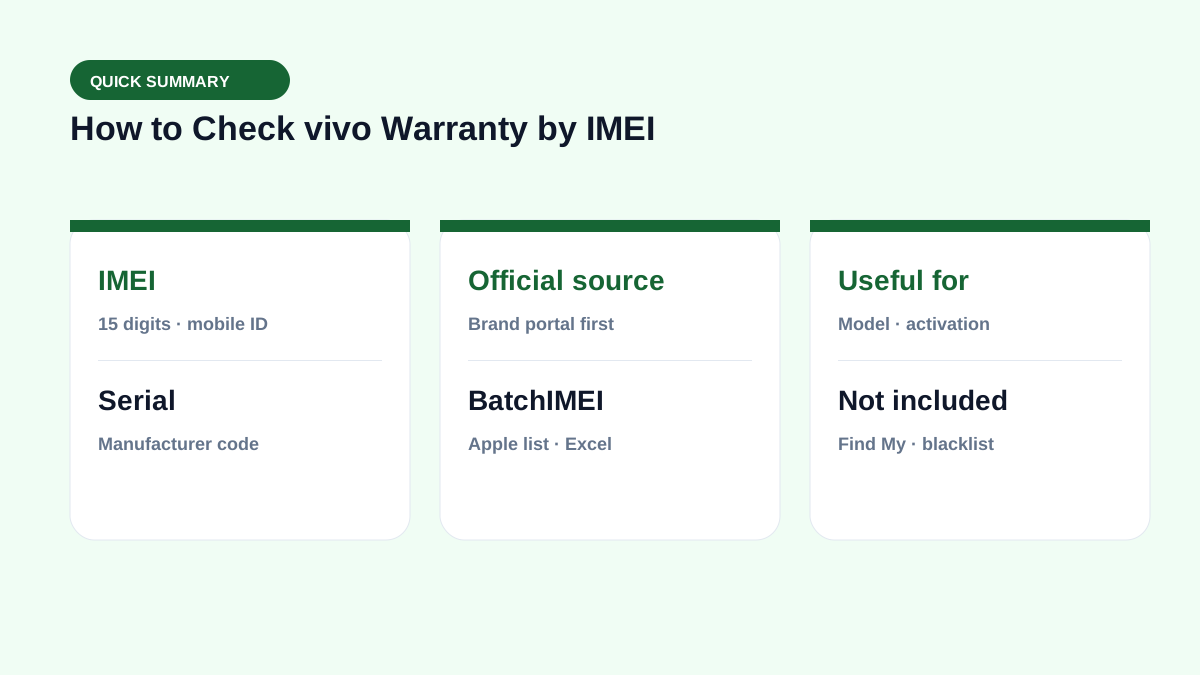
Step 1: Capture and match the vivo IMEI
Open the phone dialer and enter *#06#, or check Settings → System management / About phone. Record both IMEIs on dual-SIM models and compare them with the box.
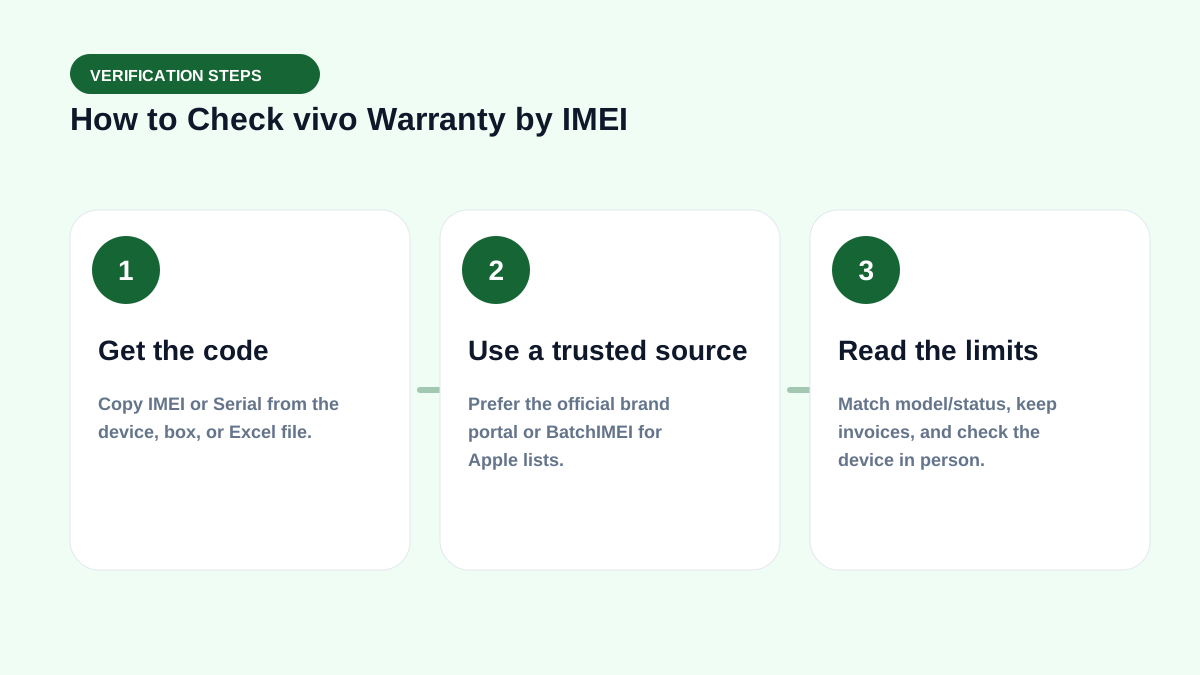
Step 2: Look up on vivo Support
Open https://www.vivo.com/vn/support/IMEI, enter IMEI 1, accept the data-use terms, and select Submit.
Step 3: Interpret the result
Review the model, status, or coverage period if shown. Missing data can mean a wrong IMEI, a different market, or an unsynced system; have the invoice ready for vivo to verify.
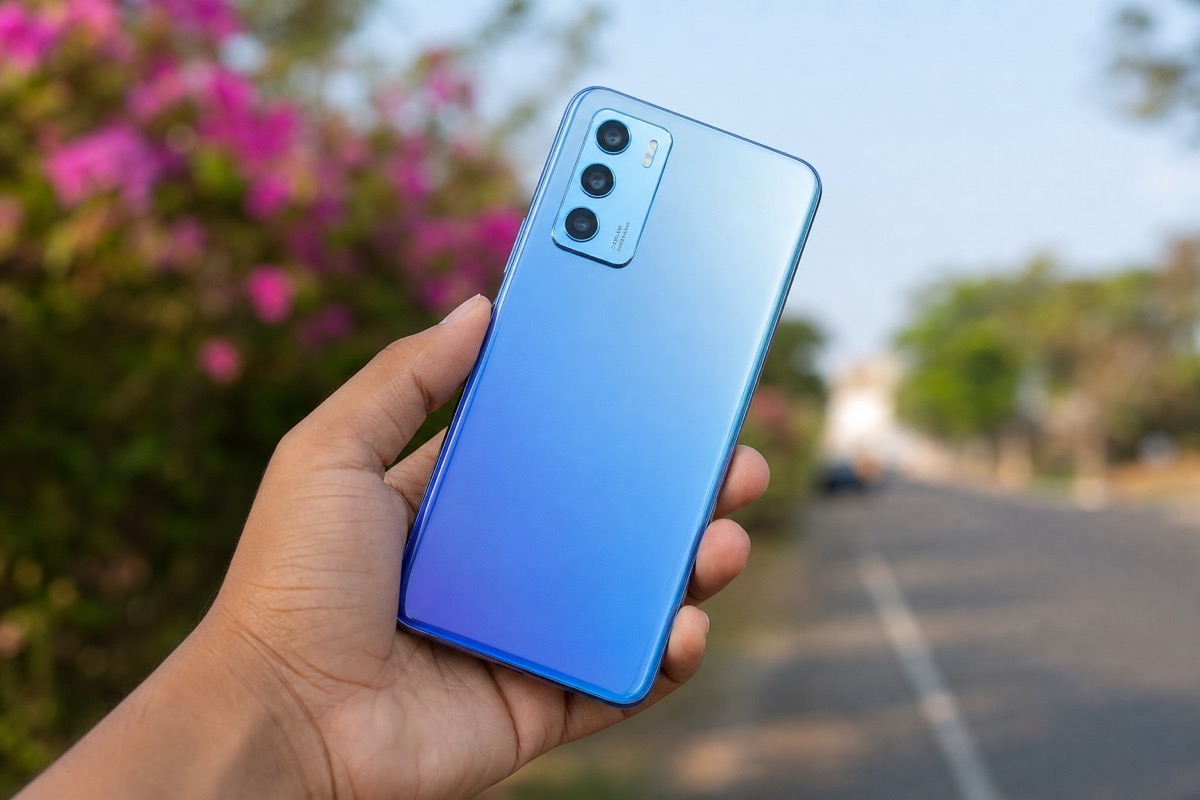
Checking a used vivo phone
Verify the Google account, reset capability, battery, display, camera, sensors, and charging port. A valid IMEI does not prove parts have never been replaced.
Real-world check example
When buying used or receiving a lot, put this term on your checklist: get the right code → read Coverage → match the model → then pay. See also IMEI vs serial and by-model checks.
If you live in spreadsheets, pair this with the Batch IMEI Checker for Excel.
A common mistake is calling a device “clean” just because Coverage returns OK. Coverage does not replace an on-device Activation Lock check, and it does not report carrier blacklists. Separate layers reduce the risk of taking unsellable units.
Summary & next steps
Knowing the term prevents wrong conclusions from a single Coverage line. Return to the full glossary, browse comparisons, or open BatchIMEI for bulk checks.
Suggested reading order: glossary basics → concept comparisons → by-model guides → Excel workflows for stores. Each step answers a different buyer or intake question.
Frequently asked questions
Which IMEI should dual-SIM vivo phones use?
Look up IMEI 1 first and keep IMEI 2 for device cross-checking.
What if the page rejects the IMEI?
Re-check all 15 digits, confirm the device region, and contact vivo Support.
What information does vivo’s page verify?
It matches the IMEI with vivo device records. The actual warranty period may still require confirmation from a service center.
Does BatchIMEI display this term?
BatchIMEI returns activation/warranty fields by serial. This glossary entry helps you read those fields and know what Coverage does not cover (e.g. iCloud Lock).
References
Explore more source-checked guides to IMEI, serial numbers, Apple warranty, and other manufacturers.
View all articles →