What Is Activation on an Apple Device?
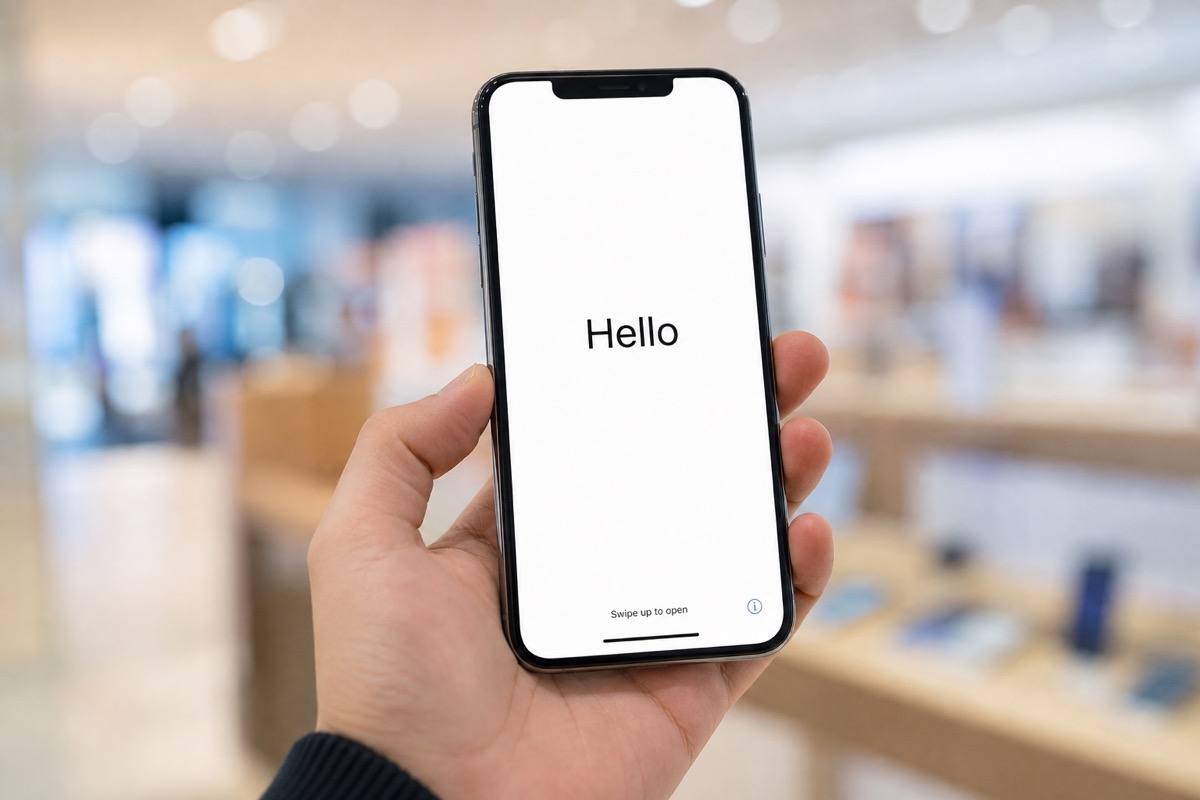
A short explanation of Apple device activation, the activation date, and how to read the result on Check Coverage.
Read article →Glossary
Short explanations of every concept you meet when checking activation and warranty — from IMEI and serial to AppleCare, Lost Mode and Blacklist.
A short explanation of Apple device activation, the activation date, and how to read the result on Check Coverage.
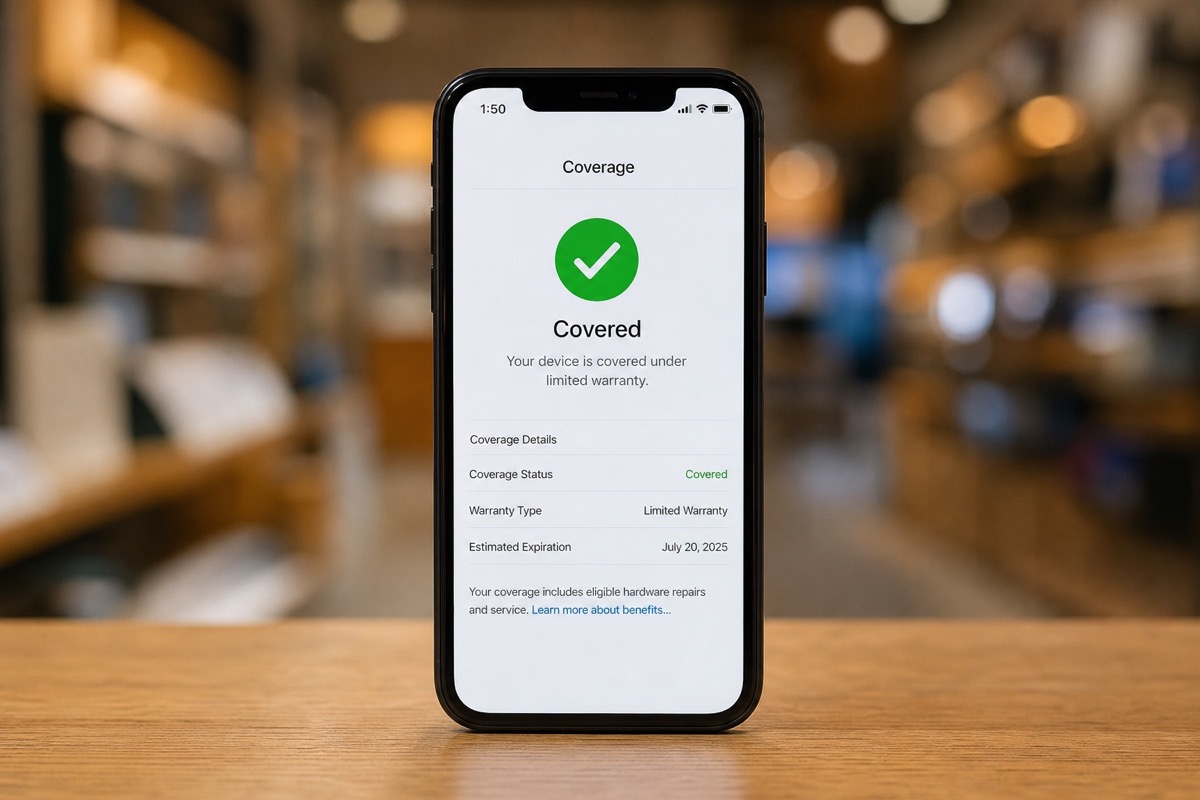
Read article →What Coverage means on Apple Check Coverage: hardware warranty, technical support, and AppleCare+.
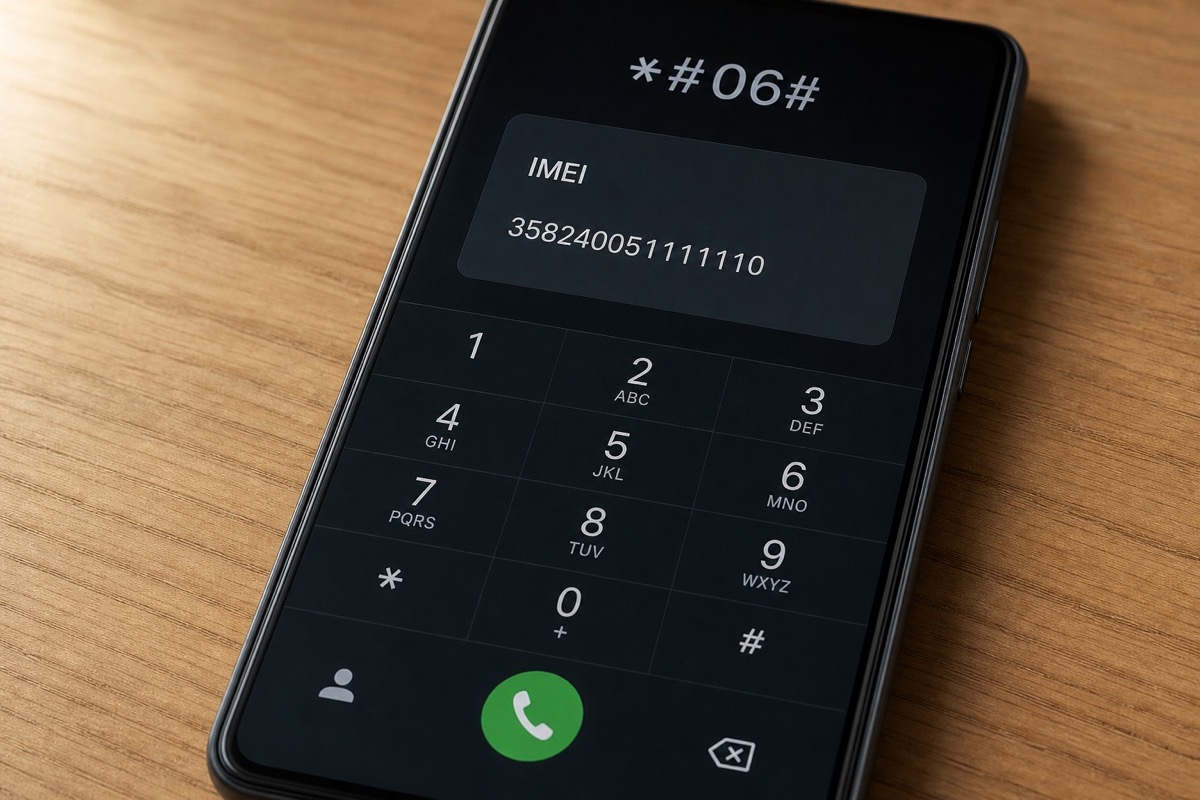
Read article →A short IMEI glossary: 15-digit structure, dual IMEI, and the limits when using it for Apple warranty lookups.
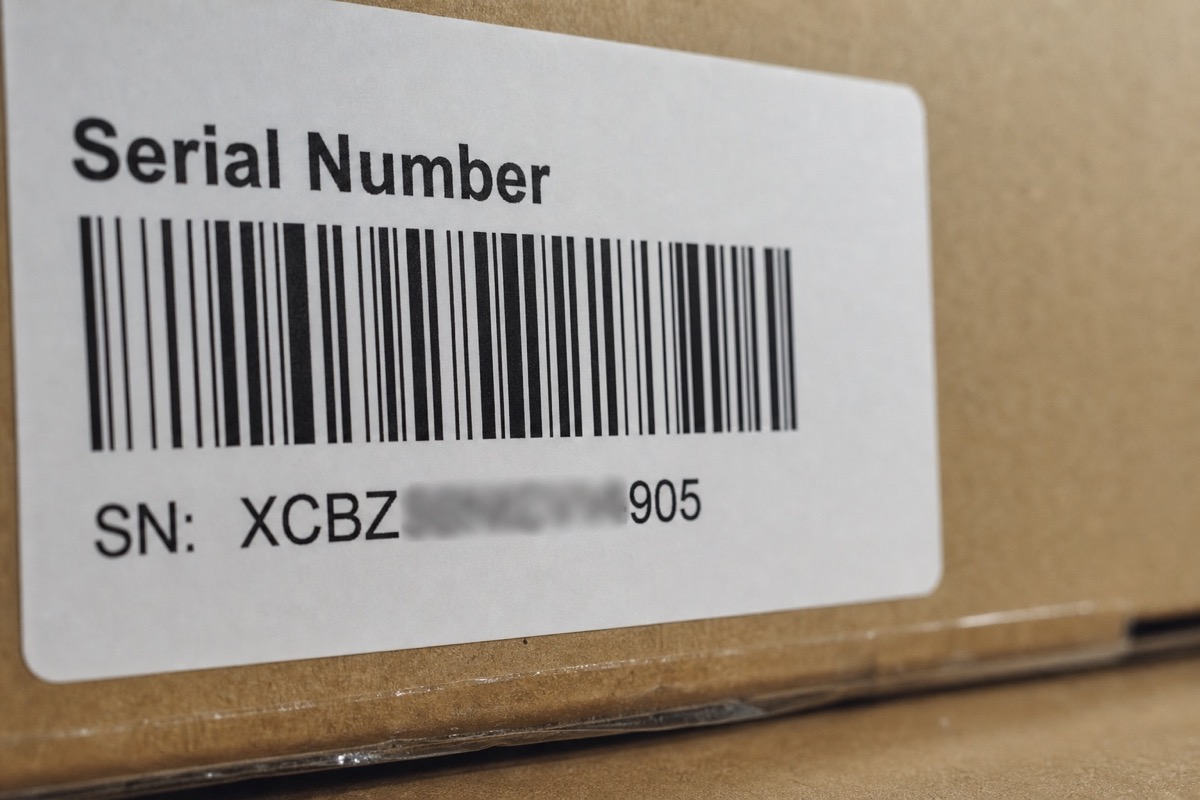
Read article →Serial number glossary: the manufacturer's service code, present even on MacBooks and AirPods with no IMEI.
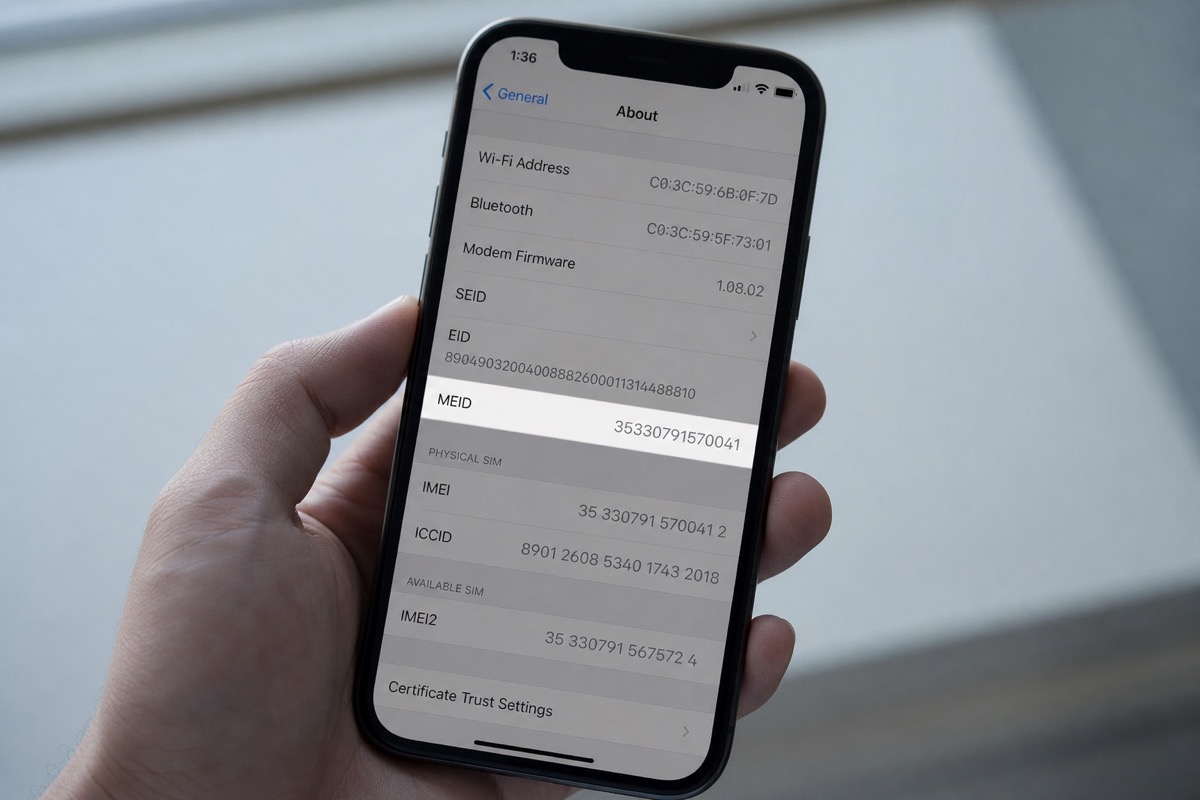
Read article →MEID (Mobile Equipment Identifier) was used on CDMA networks; today most checks use the IMEI or serial.
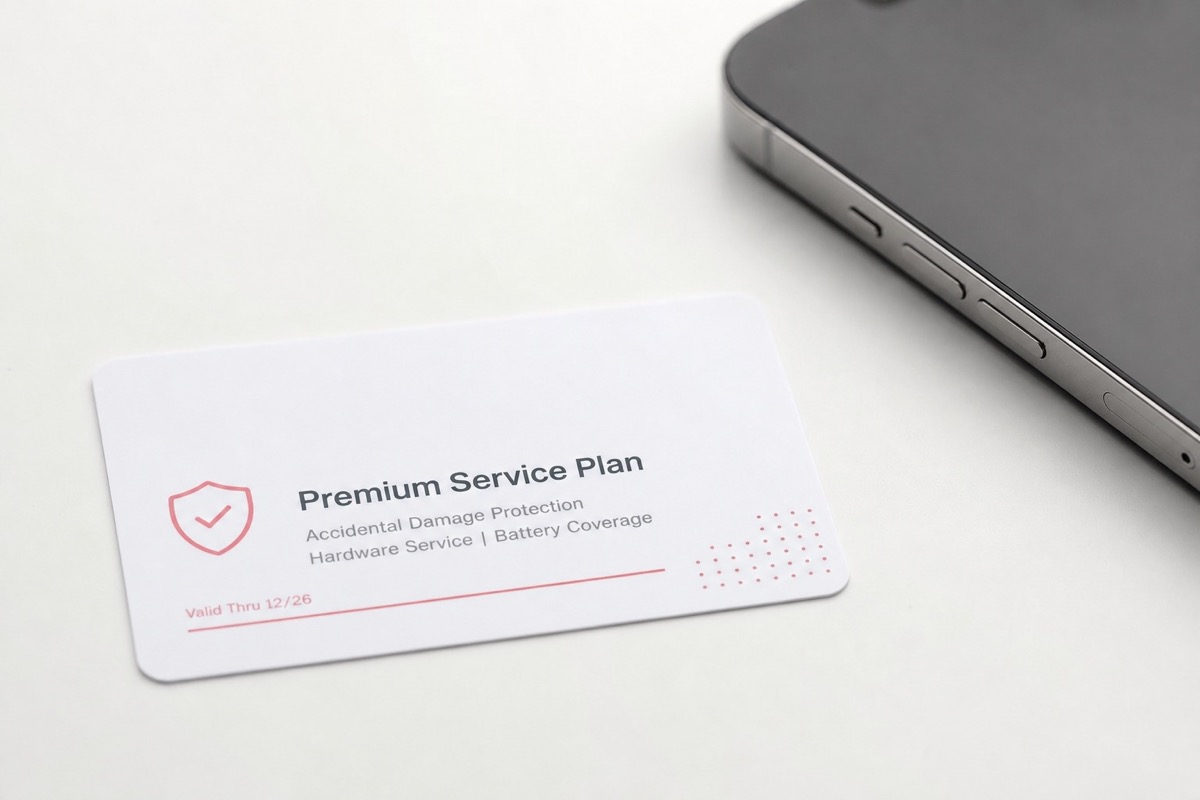
Read article →AppleCare+ explained: extended coverage, accidental-damage benefits, and how to verify it by serial.
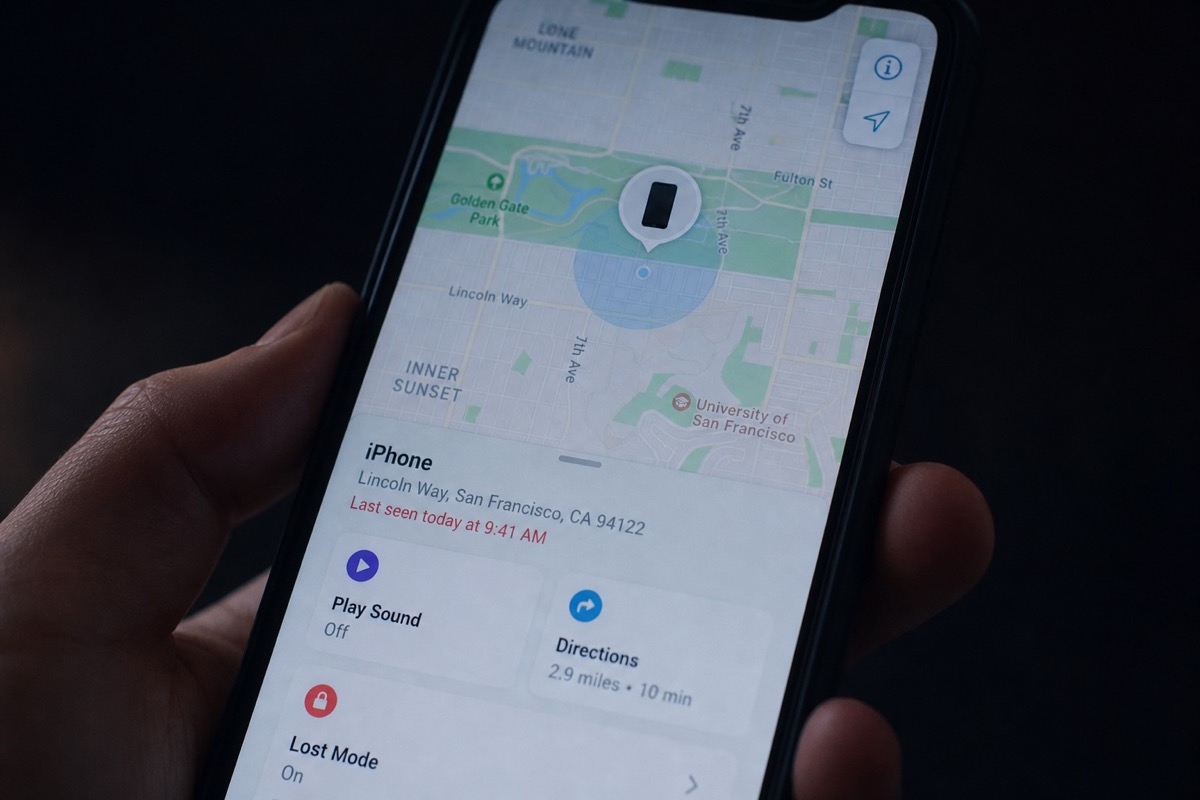
Read article →Lost Mode remotely locks a device, shows a message and can track location — unlike activation status on Check Coverage.
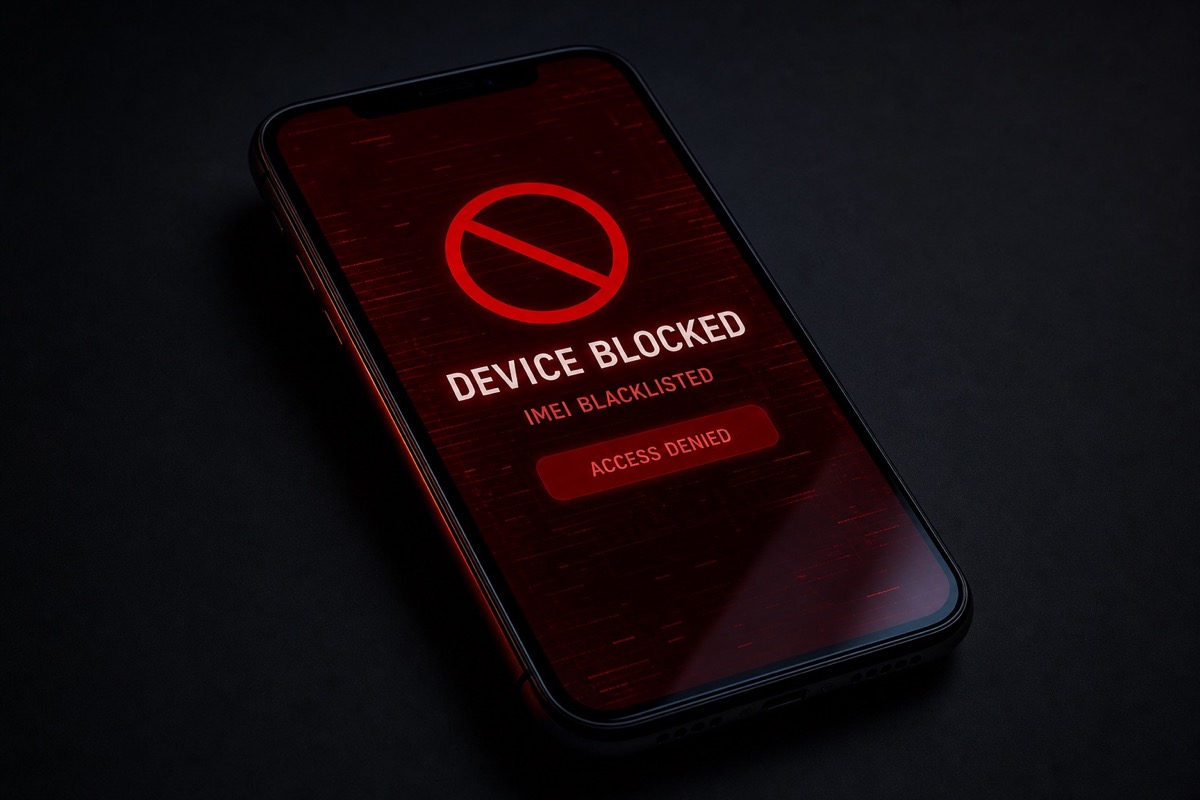
Read article →A blacklist is a carrier-flagged IMEI list (often after a lost/stolen report) — different from Apple's iCloud lock.
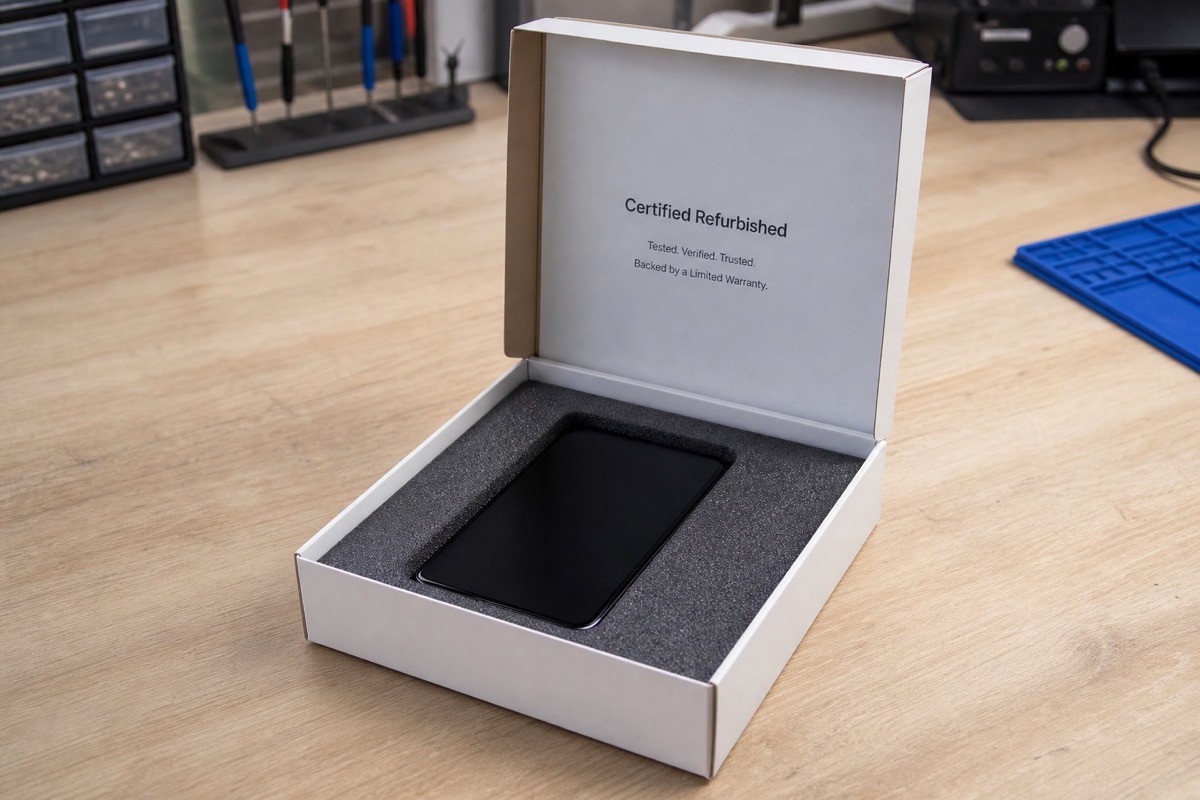
Read article →Refurbished units are tested, repaired and repacked — you still need to check the serial for remaining warranty.
Read article →When Apple replaces a device under warranty, you get a different unit with a new serial — re-check coverage on that serial.
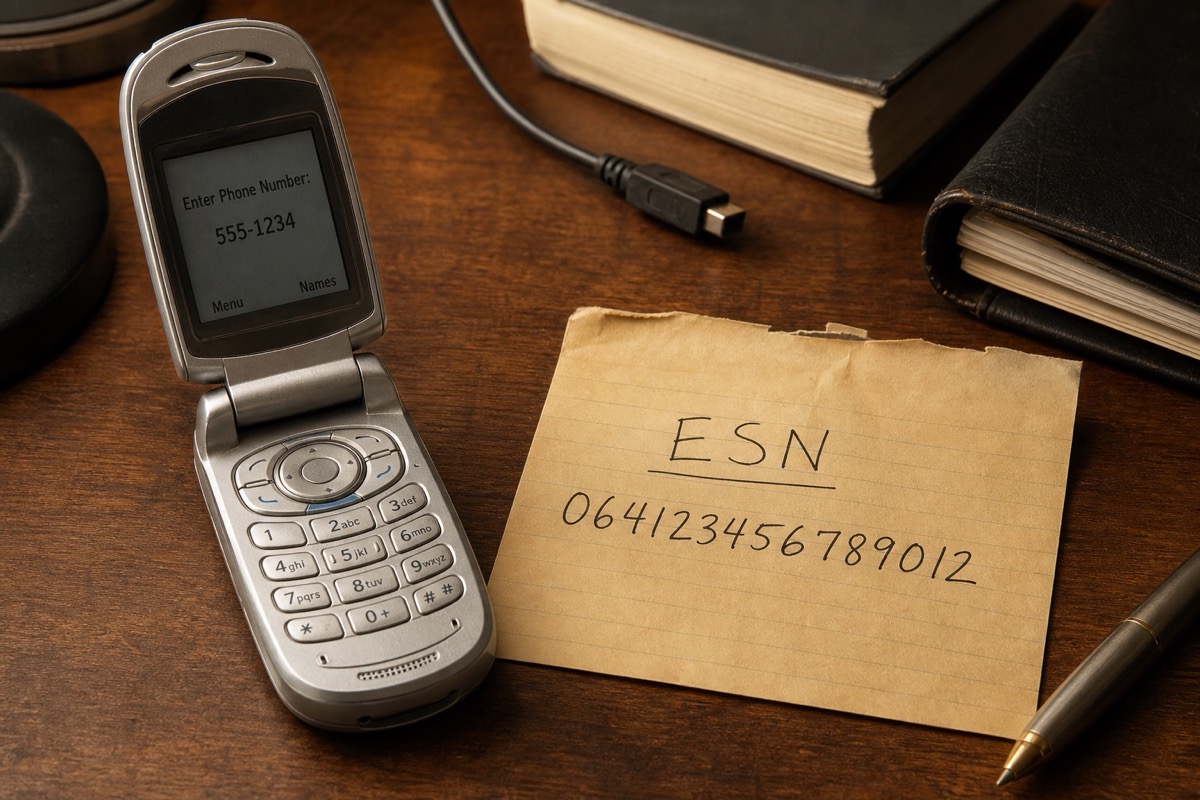
Read article →An ESN is a legacy CDMA identity; today most devices use IMEI/MEID plus a serial number.
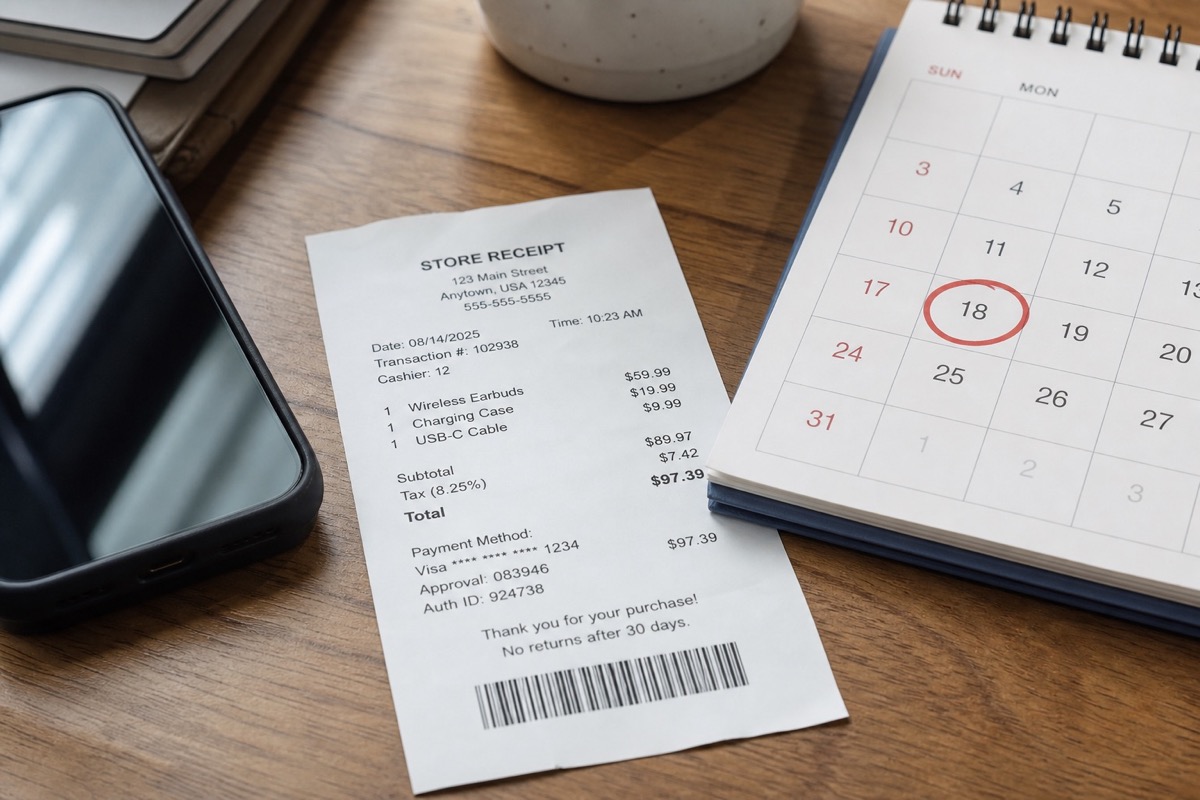
Read article →The purchase date is the date on a sales receipt; the activation date is when the device was activated in Apple's systems.
Read article →See more IMEI, serial and bulk-check guides on the BatchIMEI blog.
View the full blog →