
Bulk Checks for Businesses
Comparing Popular IMEI and Serial Check Websites
Compare by data type and workflow—not price alone—because each service solves a different need.
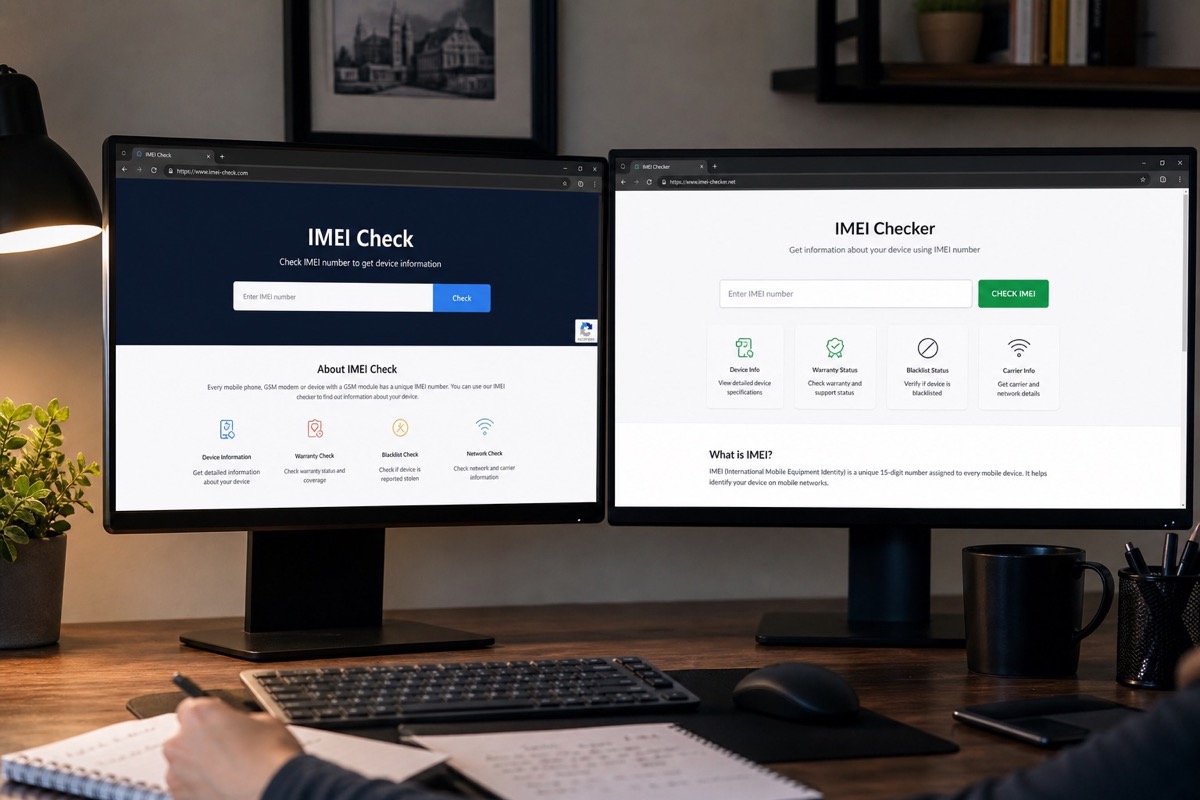
Fair comparison criteria
Only compare price when reports cover a similar scope. A basic model report is not comparable to blacklist, carrier, or GSX data. Criteria include data source, supported brands, bulk upload, export format, language, API, batch limits, and pricing on the review date.
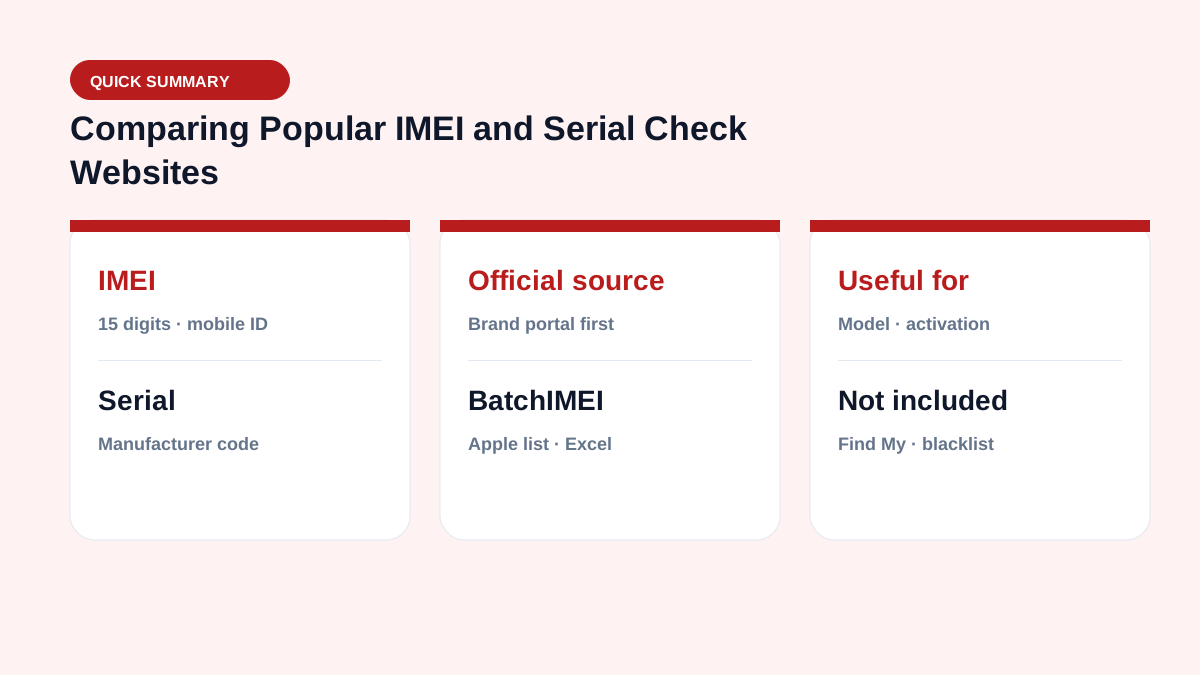
Official portals and international services
- https://checkcoverage.apple.com/: free, official Apple coverage lookup, one Serial at a time with verification.
- IMEI.org: many reports and package pricing; pick the right service.
- IMEIcheck.net: business packages and bulk up to 1,000 IMEI/SN per their published page.
- PhoneProof: CSV bulk, multiple verification services, and wholesale rates published by report.
Features and prices can change; always check the official site before buying.
When does BatchIMEI fit?
BatchIMEI fits Vietnamese users who need to upload Excel/CSV with Apple IMEI or Serial numbers (iPhone, iPad, MacBook…), track progress, and download one activation/warranty result file. Current limits: 1,000 identifiers per batch and 500 VND per successful check. It is designed for Apple activation and warranty workflows; other report types require a service that provides those specific fields.
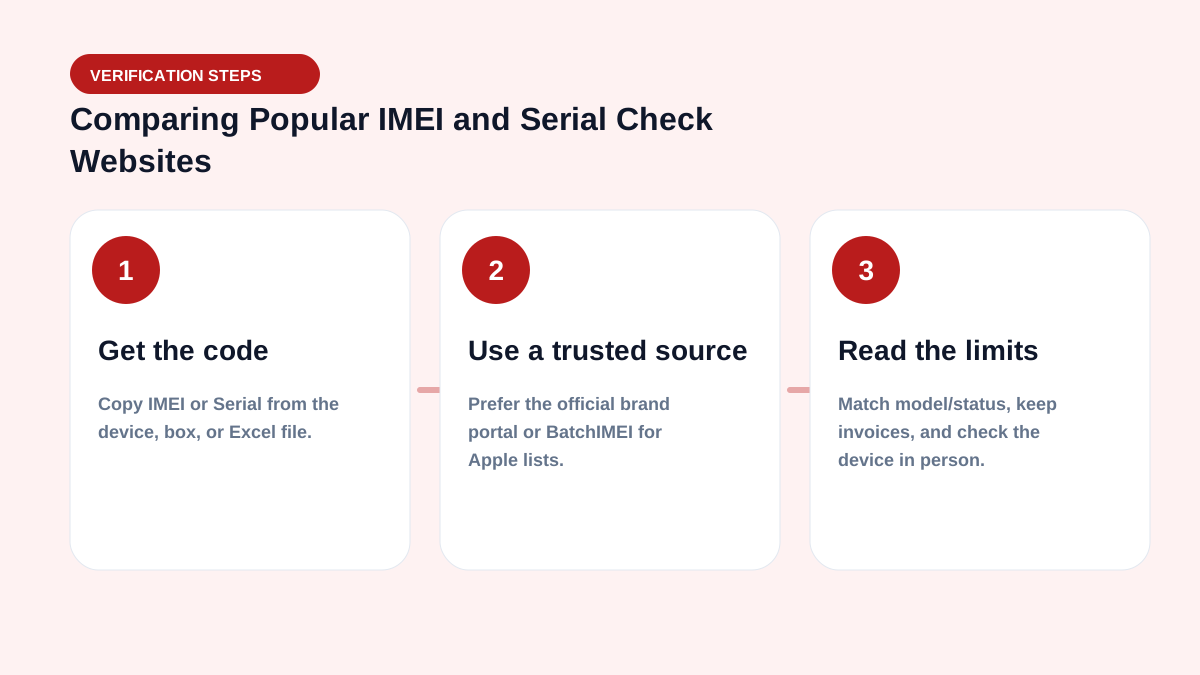
Conclusion by use case
- One iPhone/iPad/Mac: start with Apple’s free Check Coverage.
- Apple batches needing a Vietnamese Excel file: consider BatchIMEI.
- Blacklist/carrier/multi-brand needs: choose a specialized report and verify the source.
- System integration: evaluate API, SLA, and sample data before contracting.
Daily operations checklist
- Normalize serial/IMEI columns before upload (uppercase, dedupe, drop blanks).
- Split batches to ≤1,000 codes; watch the 5,000/day user limit.
- Store OUTPUT files with intake/delivery records for later disputes.
- Check Activation Lock on-device — Coverage is not a substitute.
- Quick filters: Not Actived, Day warranty left < 30, mismatched model.
See the business hub and glossary.
For large volume, also read checking 10,000 serials in Excel.
Summary & CTA
An Excel workflow lets stores and warehouses verify Apple activation/warranty faster than one-by-one checks. Start with 5 free checks after email verification, then scale with your real inbound volume.
Operational goal: every inbound lot has an OUTPUT file attached — which units are activated, how many warranty days remain, whether models match — before you pay or put stock on the shelf.
Frequently asked questions
Which website is best?
There is no single best choice for every need; pick by brand, data type, volume, and workflow.
What should I check before uploading a batch?
Confirm the supported identifiers, maximum batch size, output fields, export format, and charging rule with a small sample first.
Are prices in this article fixed?
No. The article records a review date and links to sources; confirm again before paying.
Do I need IT to get started?
No. Warehouse staff can export Excel/CSV and upload on the BatchIMEI web app. An API only matters when embedding into an ERP/WMS.
References
- Apple — Check Your Service and Support Coverage — Apple's official serial-number coverage checker
- IMEI.org — Pricing
- IMEIcheck.net — Bulk IMEI Checker
- PhoneProof — Wholesale
Stop checking Apple identifiers one at a time
BatchIMEI accepts an Excel/CSV file of Apple IMEIs or serial numbers, processes up to 1,000 identifiers per batch, and exports activation and warranty results. The current price is 500 VND per successful check.