
Other Manufacturers
How to Look Up Huawei, Google Pixel, Nokia/HMD, and ASUS Warranty
Each brand uses different portals and regional support levels; this guide helps you pick the right contact point instead of one generic website.
Huawei: check coverage by SN/IMEI
Open https://consumer.huawei.com/vn/support/warranty-query/, enter the SN or IMEI requested by the form, then compare the returned model and coverage period with the device and invoice.
Google Pixel: check by purchase location
Pixel coverage depends on the country where the phone was sold. Follow https://support.google.com/pixelphone/answer/6160400 and prepare the IMEI or Serial plus the invoice. Check the repair options for the purchase country because service availability varies by market.
Nokia/HMD and ASUS
For Nokia/HMD, open https://www.hmd.com/en_int/support/topics/imei-checker and enter the phone’s IMEI. For ASUS, open https://www.asus.com/vn/support/warranty-status-inquiry/ and enter the Product S/N requested by the form.
Shared checklist for less common brands
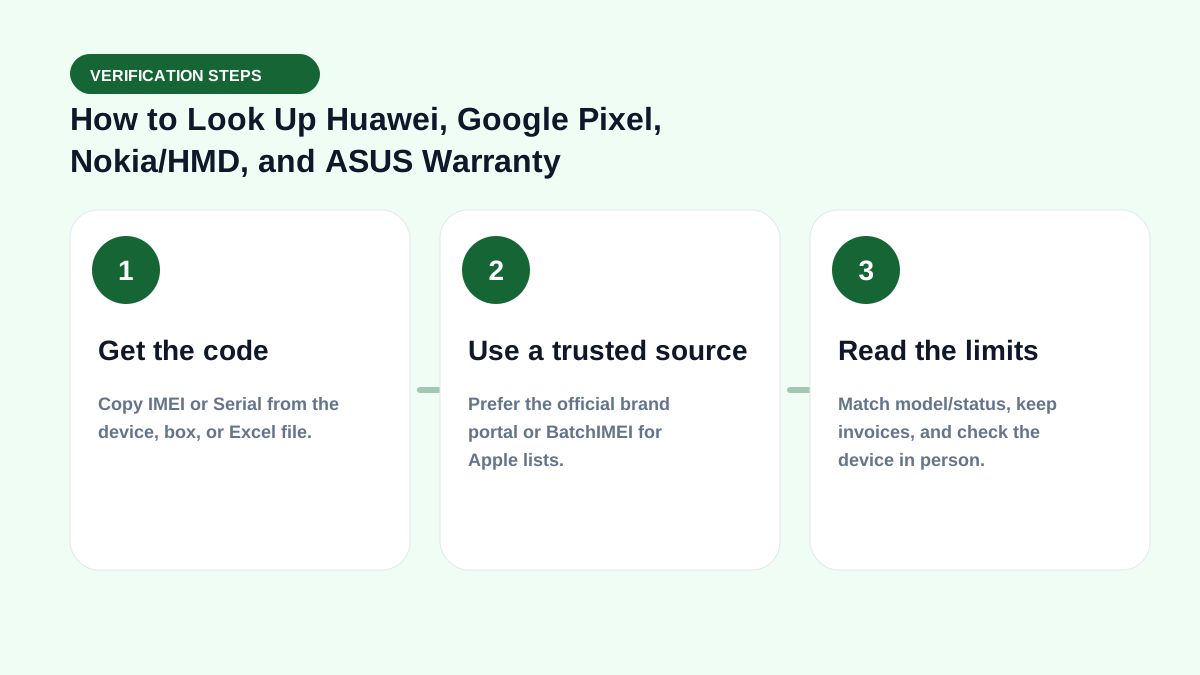
- Identify the device’s country/distribution.
- Prepare IMEI, serial, model, and invoice.
- Use the correct official domain.
- Save support replies or ticket IDs.
- Do not treat “no data” as the only proof of a counterfeit.
Real-world check example
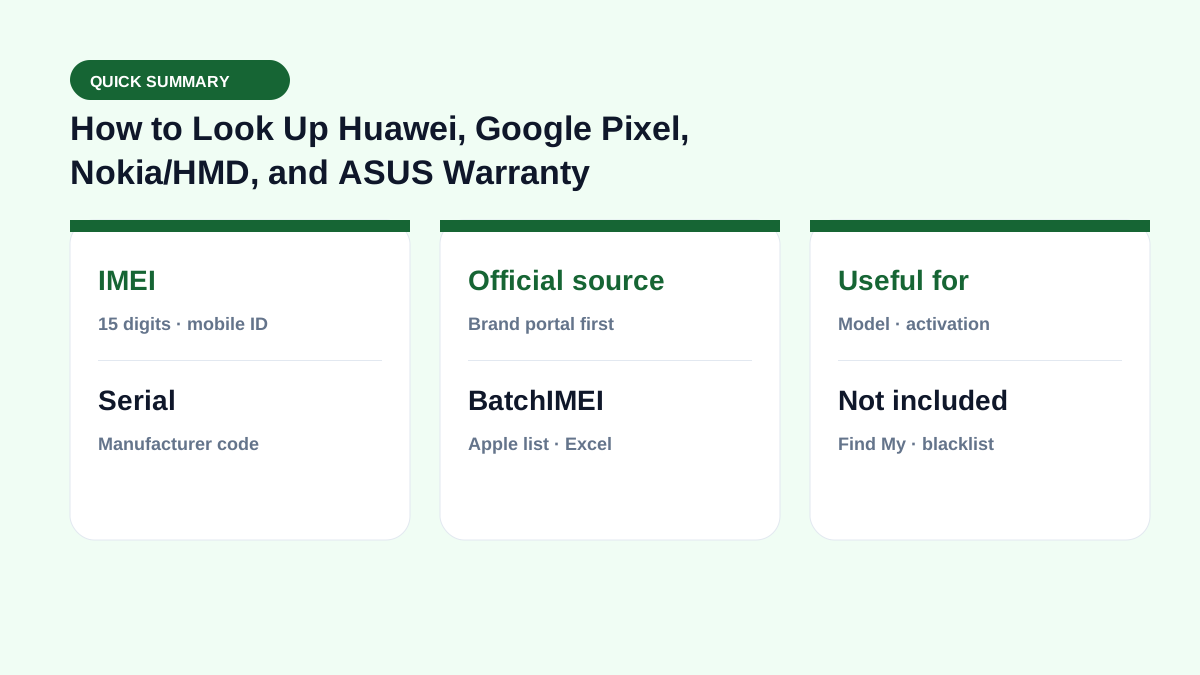
When buying used or receiving a lot, put this term on your checklist: get the right code → read Coverage → match the model → then pay. See also IMEI vs serial and by-model checks.
If you live in spreadsheets, pair this with the Batch IMEI Checker for Excel.
A common mistake is calling a device “clean” just because Coverage returns OK. Coverage does not replace an on-device Activation Lock check, and it does not report carrier blacklists. Separate layers reduce the risk of taking unsellable units.
Summary & next steps
Knowing the term prevents wrong conclusions from a single Coverage line. Return to the full glossary, browse comparisons, or open BatchIMEI for bulk checks.
Suggested reading order: glossary basics → concept comparisons → by-model guides → Excel workflows for stores. Each step answers a different buyer or intake question.
Frequently asked questions
Does Pixel have global warranty?
Do not assume that; coverage depends on country and purchase channel.
Does ASUS use IMEI or Serial?
Warranty forms usually prioritize Product S/N; phones still have an IMEI for network identification.
What should I do when there is no public lookup for my market?
Contact the brand’s support team for the country where the device was purchased and provide the IMEI or Serial, model, and invoice.
Does BatchIMEI display this term?
BatchIMEI returns activation/warranty fields by serial. This glossary entry helps you read those fields and know what Coverage does not cover (e.g. iCloud Lock).
References
Explore more source-checked guides to IMEI, serial numbers, Apple warranty, and other manufacturers.
View all articles →