
IMEI & Serial Number Basics
What Is an IMEI? Its Origins, Uses, and Whether It Can Be Faked
Understand what an IMEI can—and cannot—tell you before using it to check a phone's identity, warranty, or history.
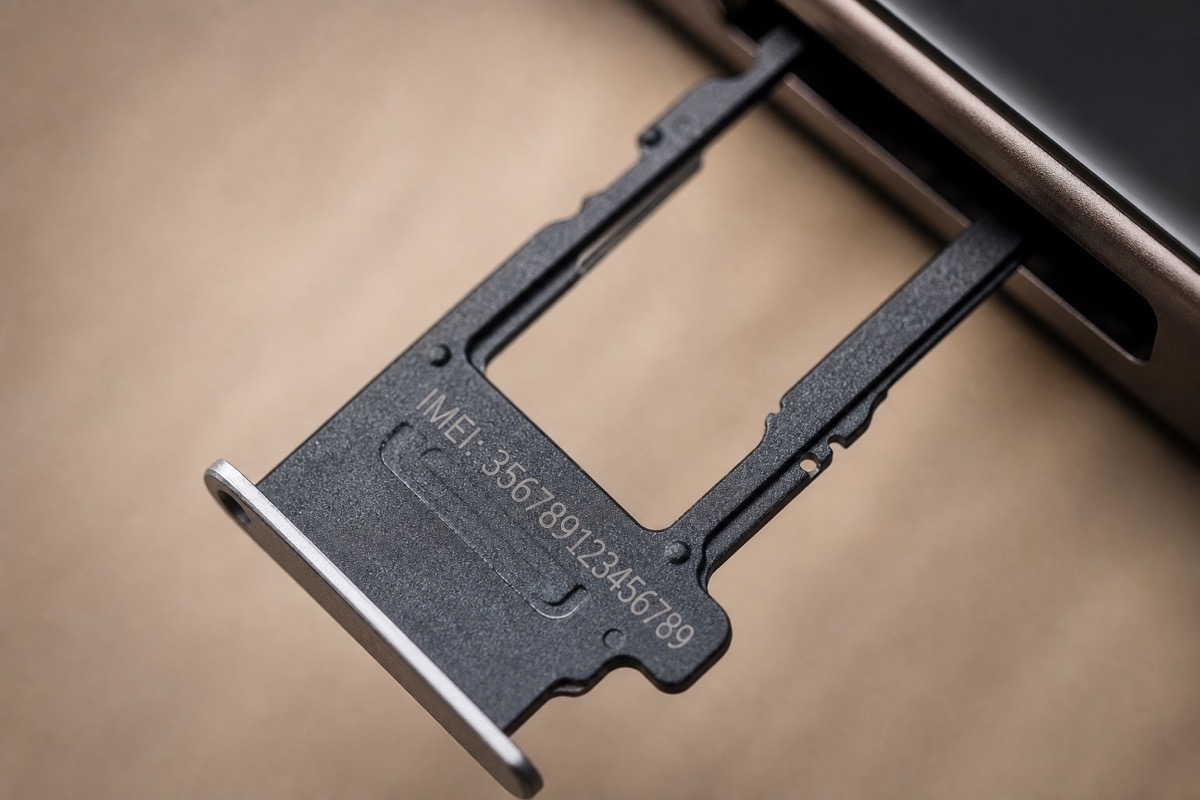
What is an IMEI, and where does it come from?
IMEI stands for International Mobile Equipment Identity. It is normally a 15-digit number assigned to equipment that connects to a cellular network. The opening digits include the Type Allocation Code (TAC), which identifies an approved device type. The following digits distinguish the individual unit, while the final check digit helps detect typing errors using the Luhn algorithm.
A dual-SIM phone commonly has IMEI 1 and IMEI 2 because each cellular radio identity needs its own number. A Wi-Fi-only iPad or a MacBook without a cellular modem may have no IMEI at all; for those products, the serial number is the appropriate identifier for a coverage lookup.
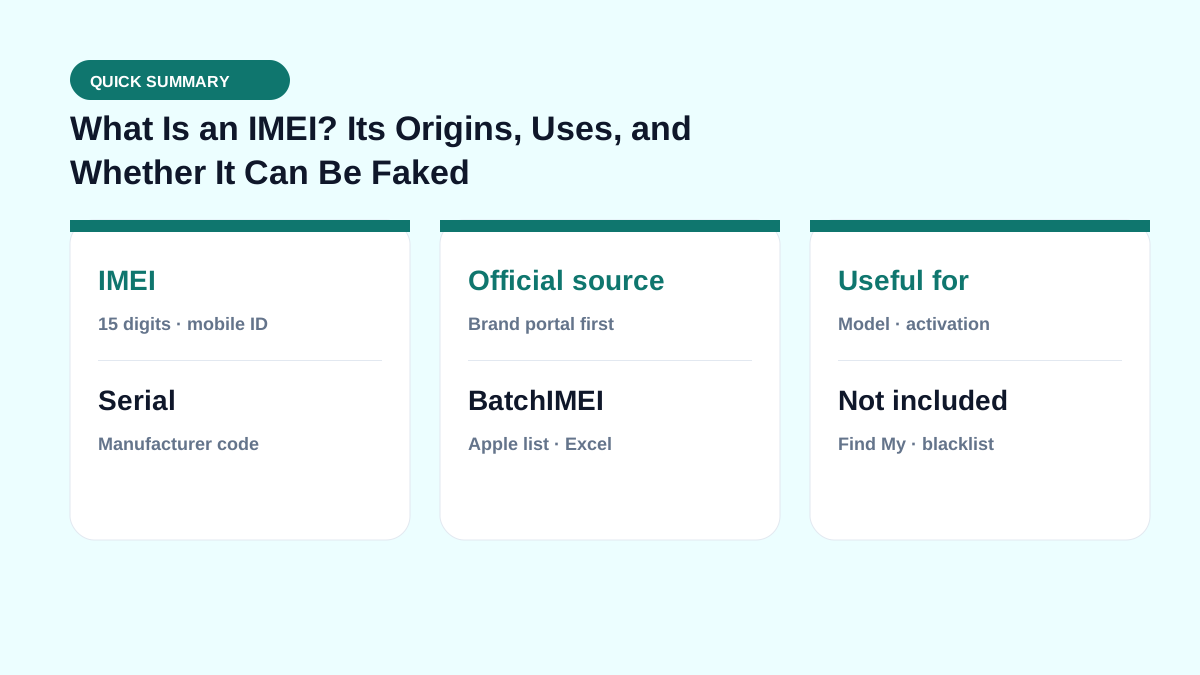
What is an IMEI used for?
- Identifying equipment when it connects to a cellular network.
- Helping participating carriers block devices reported lost or stolen through supported blacklist systems.
- Looking up a model, sales region, or warranty when a manufacturer offers a suitable service.
- Cross-checking the number in Settings against the box and purchase documents during a sale.
These are separate data sets. A warranty result does not automatically include carrier-lock, blacklist, account-lock, or ownership information, and different lookup services may return very different reports.
Can an IMEI be faked or cloned?
Yes. Someone can generate a 15-digit number that passes a format check, and an IMEI copied from a real phone can be displayed on another device. Depending on the hardware, software, and local law, unauthorized changes may also alter the identifier shown by a phone.
Use several independent checks: compare the IMEI in Settings, the result from *#06#, the box label, the returned model, the invoice, and the physical device. A website accepting a number is not, by itself, proof that the phone is genuine or untouched.
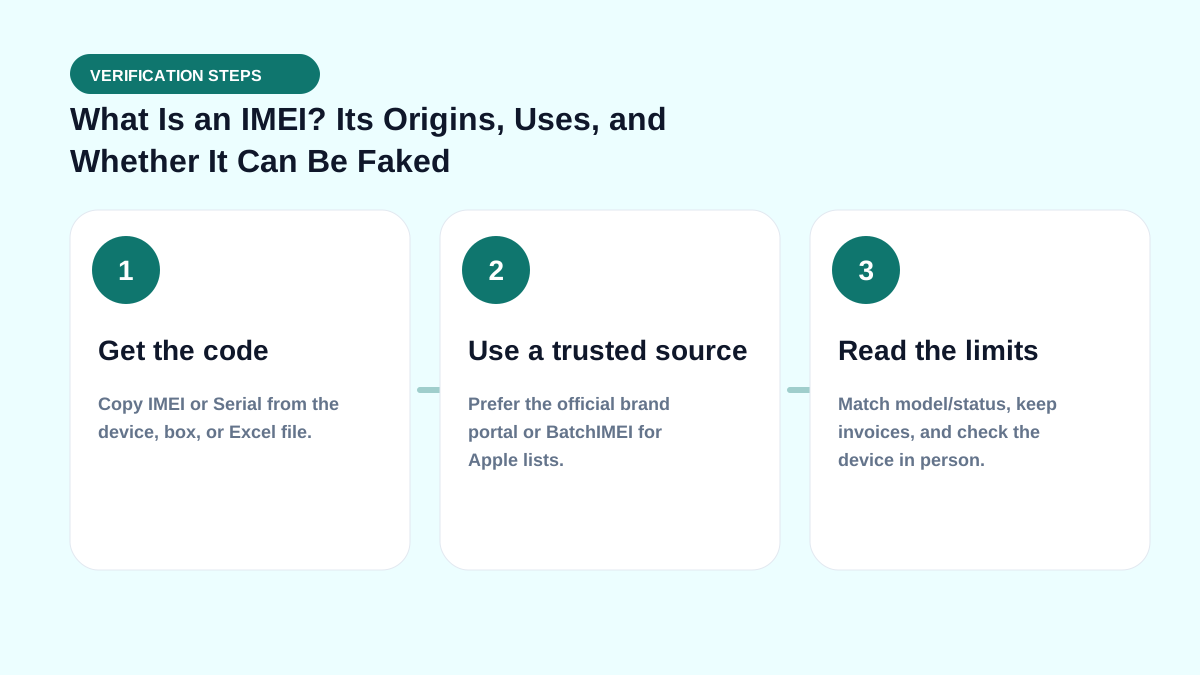
How to find and verify an IMEI safely
- Open the Phone app and enter
*#06#. - Alternatively, open the device information page. On iPhone, go to Settings → General → About.
- Record both IMEI 1 and IMEI 2 when the phone supports two cellular lines.
- Compare the number with the box and sales record before relying on a lookup result.
- Do not post a complete IMEI in a public listing, forum, or social-media photo.
Real-world check example
When buying used or receiving a lot, put this term on your checklist: get the right code → read Coverage → match the model → then pay. See also IMEI vs serial and by-model checks.
If you live in spreadsheets, pair this with the Batch IMEI Checker for Excel.
A common mistake is calling a device “clean” just because Coverage returns OK. Coverage does not replace an on-device Activation Lock check, and it does not report carrier blacklists. Separate layers reduce the risk of taking unsellable units.
Summary & next steps
Knowing the term prevents wrong conclusions from a single Coverage line. Return to the full glossary, browse comparisons, or open BatchIMEI for bulk checks.
Suggested reading order: glossary basics → concept comparisons → by-model guides → Excel workflows for stores. Each step answers a different buyer or intake question.
Frequently asked questions
Is an IMEI the same as a serial number?
No. An IMEI identifies cellular equipment, while a serial number is assigned by the manufacturer and is used across more product types, including MacBook, Wi-Fi-only iPad, and AirPods.
Does a valid IMEI prove that a phone is genuine?
No. It only shows that the number has a valid structure or exists in a particular data source. You must still compare the model, box, invoice, and physical phone, including when checking an iPhone IMEI.
Should I share my IMEI publicly?
No. Share it only when necessary with the manufacturer, a carrier, an authorized repair provider, or another party you trust.
Does BatchIMEI display this term?
BatchIMEI returns activation/warranty fields by serial. This glossary entry helps you read those fields and know what Coverage does not cover (e.g. iCloud Lock).
References
- GSMA — Device identity and IMEI — Industry information about mobile device identity services
- Apple Support — Find the serial number, EID, or IMEI — Official instructions for iPhone and iPad
Explore more source-checked guides to IMEI, serial numbers, Apple warranty, and other manufacturers.
View all articles →