
Bulk Checks for Businesses
Free vs Paid IMEI Checks: Which Should You Choose?
Free checks suit a single device; paid services make sense only when they save work or return the exact data you need.

When is a free IMEI check enough?
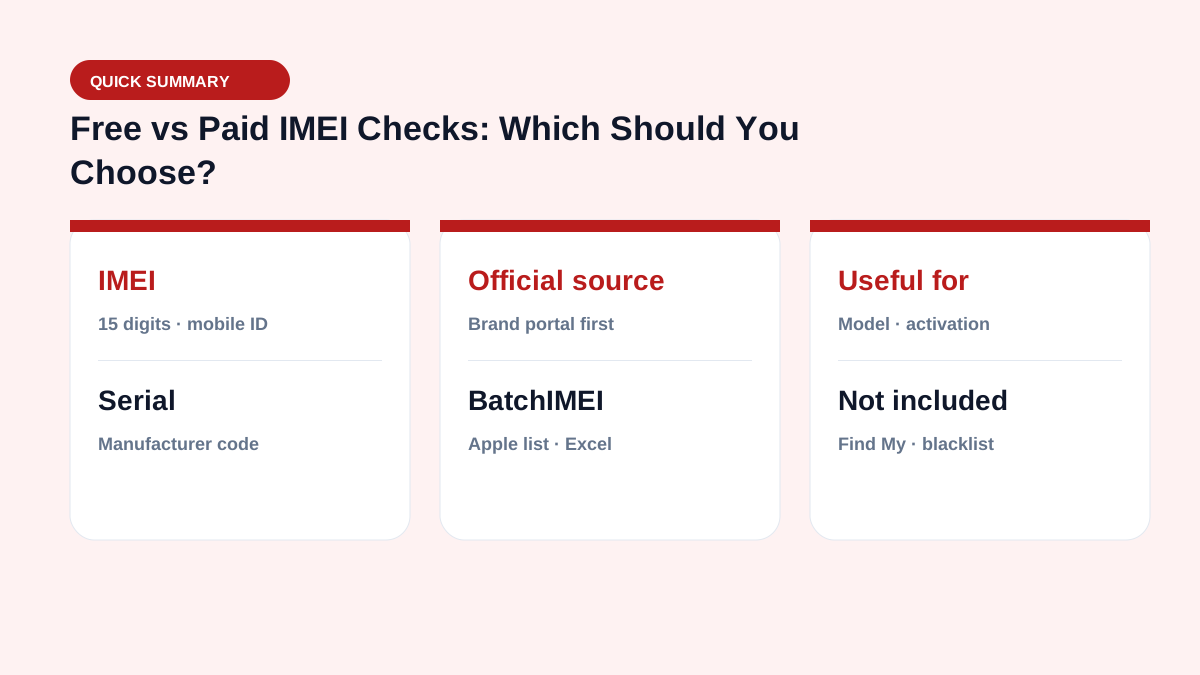
If you are checking one Apple device, start with https://checkcoverage.apple.com/. The upside is a direct source at no cost; downsides are often one-by-one entry, captchas, and results that are hard to consolidate. Apple warranty (Check Coverage) also does not include every data type such as blacklist, carrier lock, or Activation Lock/Find My.
What are paid services actually selling?
Each provider sells a different data set: basic model, warranty, carrier, SIM lock, blacklist, or business reports. Some also support bulk CSV uploads or APIs. Read the report name, included fields, supported markets, and a sample result before paying.
The real cost of manual checking
Cost is more than price per lookup: it includes typing time, captchas, copy/paste, mismatched rows, and the lack of an audit file. For batches of 100–1,000 Apple IMEI/Serial numbers (iPhone, iPad, MacBook…), BatchIMEI currently charges 500 VND per successful check and exports Excel. That workflow covers Apple activation/warranty—not blacklist or carrier reports.
How to pick the right service
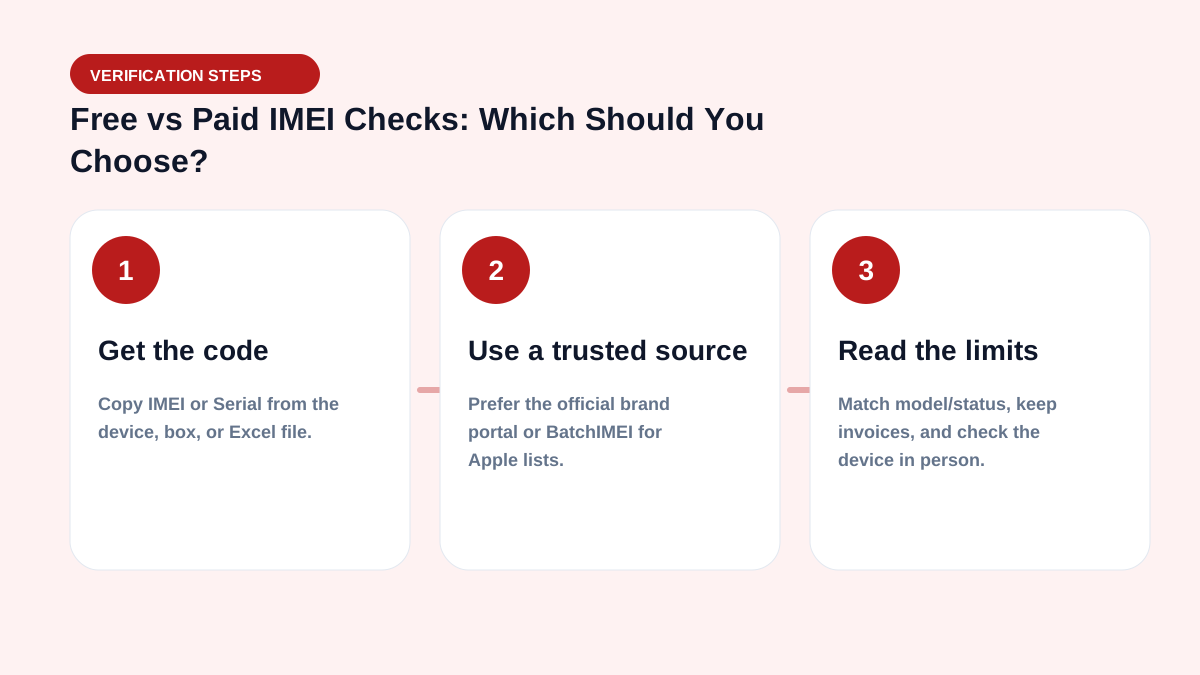
- Write down the data you need: Apple warranty, blacklist, or carrier.
- Confirm supported brands/markets.
- Compare sample reports and data freshness.
- Estimate total identifiers, fees, and time.
- Run a small test before the full batch.
Daily operations checklist
- Normalize serial/IMEI columns before upload (uppercase, dedupe, drop blanks).
- Split batches to ≤1,000 codes; watch the 5,000/day user limit.
- Store OUTPUT files with intake/delivery records for later disputes.
- Check Activation Lock on-device — Coverage is not a substitute.
- Quick filters: Not Actived, Day warranty left < 30, mismatched model.
See the business hub and glossary.
For large volume, also read checking 10,000 serials in Excel.
Summary & CTA
An Excel workflow lets stores and warehouses verify Apple activation/warranty faster than one-by-one checks. Start with 5 free checks after email verification, then scale with your real inbound volume.
Operational goal: every inbound lot has an OUTPUT file attached — which units are activated, how many warranty days remain, whether models match — before you pay or put stock on the shelf.
Frequently asked questions
When should I use a free check?
Use a brand portal when checking a few devices and you only need basic warranty information from the manufacturer.
When is a paid service useful?
It can help with large batches, exports, API access, or data types that the brand portal does not provide.
How should I compare prices?
Compare reports with the same fields, usage limits, success-fee rules, and update date rather than looking only at the price per lookup.
Do I need IT to get started?
No. Warehouse staff can export Excel/CSV and upload on the BatchIMEI web app. An API only matters when embedding into an ERP/WMS.
References
- Apple — Check Your Service and Support Coverage — Apple's official serial-number coverage checker
- IMEIcheck.net — Bulk IMEI Checker
- PhoneProof — Wholesale
Stop checking Apple identifiers one at a time
BatchIMEI accepts an Excel/CSV file of Apple IMEIs or serial numbers, processes up to 1,000 identifiers per batch, and exports activation and warranty results. The current price is 500 VND per successful check.