
Concept Comparisons
Why Doesn't Check Coverage Check iCloud Lock?
Coverage and account locks are separate data layers; a good warranty result does not prove that Find My is off.
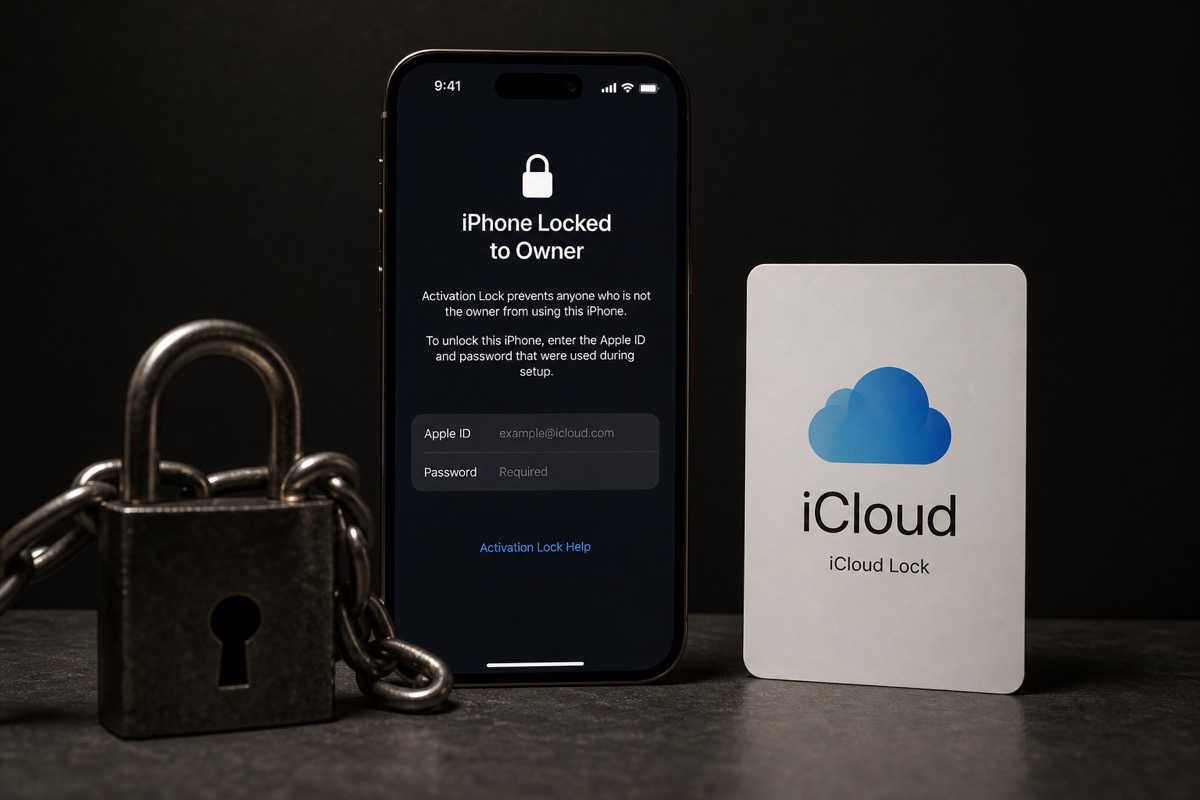
What Check Coverage does and does not show
| Data | On Coverage? | How to verify |
|---|---|---|
| Product identity | May be shown | Match the device family |
| Service/warranty coverage | Yes | Read each item |
| iCloud / Activation Lock | No | Verify during setup |
| Find My / Lost Mode | No | Have the owner turn off Find My |
| Blacklist | No | Market/carrier-specific source |
| Carrier lock | No | Verify with the carrier or device |
Also compare GSX vs Check Coverage.
Step 1: Understand what Coverage answers
Coverage describes service eligibility. Activation Lock protects a device with its owner's Apple Account when Find My is enabled.
A device may have warranty left and still ask for the previous owner's account after erase. An out-of-warranty device may be fully signed out and ready for a new owner.
Step 2: Check a used iPhone or iPad before you pay
- Have the seller back up data and sign out of the Apple Account.
- Turn off Find My using the on-device flow.
- Erase the device and begin setup.
- Stop the transaction if the previous account is requested.
- Also match the IMEI across the device, box and records — bulk-check with Excel for buyback desks.
Why are these states separate?
Apple exposes enough coverage data for service checks. Account and location states are anti-theft controls tied to privacy and ownership.
Never infer that Find My is off from a Coverage result or a serial-number report.
Checks to run beyond Coverage
- Activation Lock/Find My removed in person.
- No Lost Mode message.
- SIM/eSIM and carrier state match the listing.
- Use a legitimate blacklist source for the relevant market.
- Inspect parts, battery, display, biometrics and proof of purchase.
B2B flow: see the business hub and unactivated iPhone guide.
Quick decision checklist
- Decide whether you need an IMEI or a serial.
- Pick the right lookup (Apple Coverage vs carrier vs Find My).
- Match model/box before concluding.
- For lots: export Excel and bulk-check.
When pricing used devices: Coverage shows remaining warranty days; Activation Lock decides whether the unit is usable after erase; blacklist (if your market uses one) decides cellular attach. These layers do not replace each other.
Summary
These two concepts are often mixed up in deals. Keep the definitions straight and you will pick the right code and read results correctly.
Bookmark this page with Apple warranty check and what activation means for a three-layer flow: code → Coverage → account lock.
Frequently asked questions
Can Coverage detect hidden iCloud Lock?
No. Coverage does not display Activation Lock or Find My.
Can an in-warranty device be Activation Locked?
Yes. Warranty and account lock are independent states.
Does Coverage check blacklists?
No. Blacklists require a carrier or market-specific source.
What is the safest pre-purchase check?
Have the owner sign out, turn off Find My, erase the device and begin setup.
References
- Apple — Check Your Service and Support Coverage — Apple's official serial-number coverage checker
- Apple Support — Find the serial number, EID, or IMEI — Official instructions for iPhone and iPad
Explore more source-checked guides to IMEI, serial numbers, Apple warranty, and other manufacturers.
View all articles →